





Search

Educational Episodes: Hyperconverged Infrastructure (HCI)

Featured blog posts

Trending topics you shouldn't miss

All blog posts

Every post, every insight, all in one place
View:
Serge Yankov
  • Serge Yankov
  • February 10, 2025

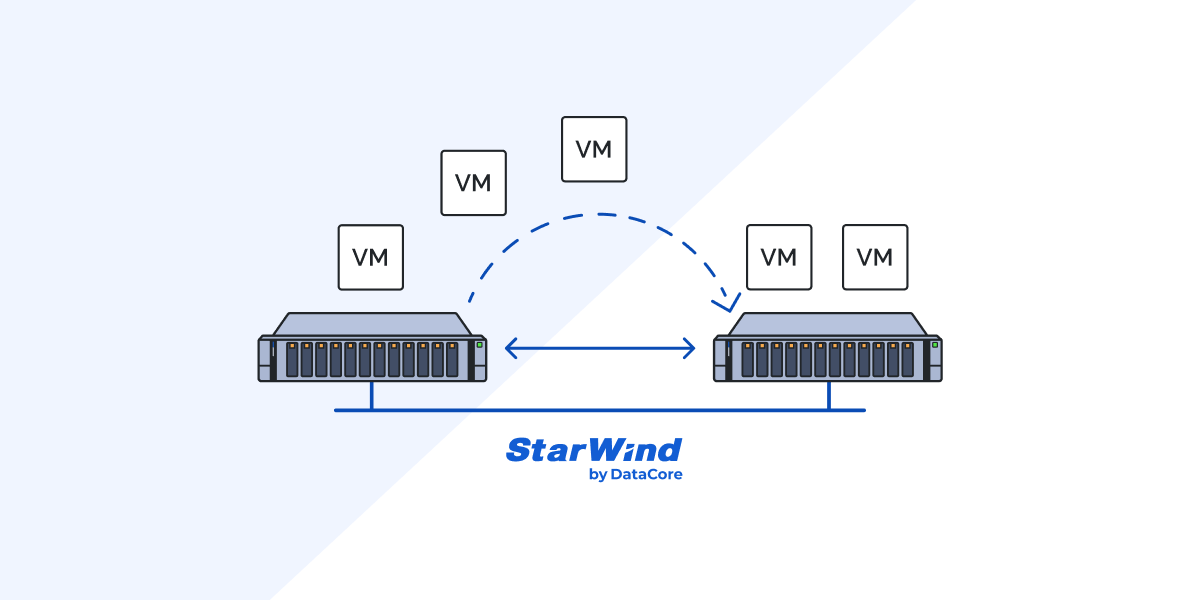
How to Clone VMs if VMware vCenter Is Unavailable

There are various tricks and hints we all use to make our daily system administration routines easier. One of them is virtual machine cloning provided by VMware vCenter Server. Great and simple thing allowing you to deploy many identical virtual machines to a group – no need to repeat the same process all over again. This is usually done in vCenter but there are several other ways you can go if it becomes unavailable.
Read more
Vitalii Feshchenko
  • Vitalii Feshchenko
  • February 7, 2025

How to Build a Home Lab Using Your PC – Part 1: Proxmox VE

Turn your regular desktop into a powerful home lab using Proxmox VE — perfect for testing clustering, storage configs, and more.
Read more
Vladyslav Savchenko
  • Vladyslav Savchenko
  • February 6, 2025

StarWind Virtual SAN (VSAN) vs Mysterious Software-Defined Storage (SDS), Part 3: VMware vSphere HCI Performance Benchmarking, TCP & RDMA

How does StarWind Virtual SAN (VSAN) stack up against a “Mysterious” software-defined storage (SDS) contender? We put them to the test in a 2-node cluster environment using NVMe over TCP & RDMA configurations. The results? Some surprises, some confirmations, and a whole lot of insight for IT pros.
Read more
Vitalii Feshchenko
  • Vitalii Feshchenko
  • February 5, 2025

Using a USB Drive as an ESXi VMFS Datastore

As an admin, I often have to deal with the necessity to transfer large OVF and ISO files or even move virtual machines (VMs) between ESXi hosts that have poor network performance or disposed in different locations with no network connection whatsoever. If a case like this occurs, a USB flash drive or USB external drive is a way to go. More specifically, you can use a drive in two different ways (by the way, both authors have my most sincere regards and appreciation for presenting these methods in a most coherent and simultaneously simple way). The first one is to copy files from a USB device to a host directly through SSH session without changing drive format as the following article suggests. However, such an approach has some issues, the most tedious one being maximum file size limitations, which certainly limits its use for larger files. You cannot work with the Graphical user interface (GUI) as well. Instead, you gotta use SSH and dive deep into the host data storage system, so you can figure I am a much bigger fan of a second way: creating a VMFS datastore on a USB drive. You can connect it to ESXi hosts and transfer files from one to another (or just store a temporary copy on an external storage device).
Read more
Vladan Seget
  • Vladan Seget
  • February 5, 2025

What changes in Routing and Remote Access Services and how to setup – Windows Server 2025

Thinking about using Routing and Remote Access Services (RRAS) for VPNs in Windows Server 2025? Microsoft has changed the default protocols, making older ones obsolete.
Read more
Vitalii Feshchenko
  • Vitalii Feshchenko
  • February 5, 2025

How to backup & restore VMware vCSA 8.0 Update 3

Follow this guide to reliably back up and restore your vCenter Server Appliance so you’re never stuck if something goes sideways.
Read more
Brandon Lee
  • Brandon Lee
  • February 4, 2025

Active Directory Replication Status Tool Replacement

If you’ve been using the Active Directory Replication Status Tool, you might have noticed it’s no longer available. But don’t worry – there’s an alternative option!
Read more
Vitalii Feshchenko
  • Vitalii Feshchenko
  • February 3, 2025

VMware ESXi Disk Provisioning Formats

As the name of this article is hinting, I’m going to discuss the answers to the said questions. My beginner colleagues are often wondering what virtual disk is preferable to choose. Therefore, although I was talking about this topic a while ago here and there, it’s time to get to the point.
Read more
Volodymyr Perishko
  • Volodymyr Perishko
  • February 3, 2025

Booting Hyper-V VMs in a Required Order: Put Yourself at Ease!

Set up your Hyper-V environment to boot VMs in the correct order every time, keeping dependent services happy and downtime minimal.
Read more