


Planned Maintenance
Microsoft is innovating and release this time a new feature, planned maintenance. The full documentation is here:
What it will do? It will give a window for upgrade or maintenance of AKS clusters. To enable this, for example at 14h CET every Monday, use the following command:
az aks maintenanceconfiguration add -g Starwind --cluster-name Starwind --name Starwind --weekday Monday --start-hour 14 |
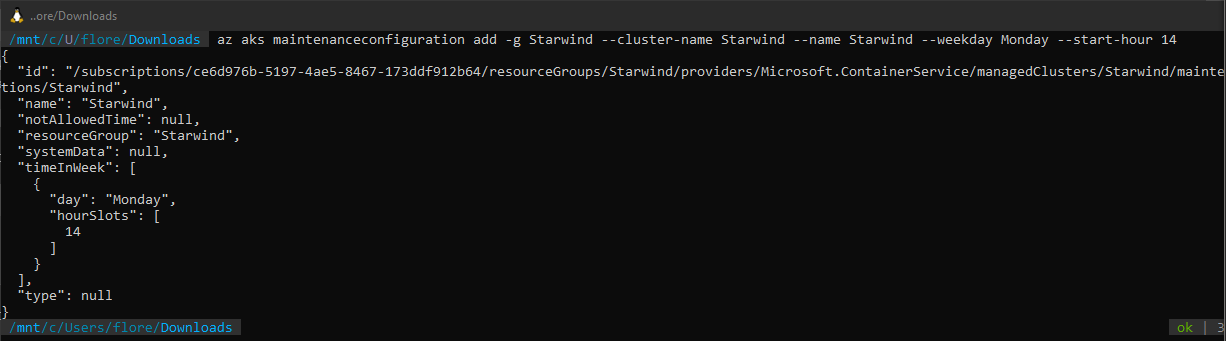
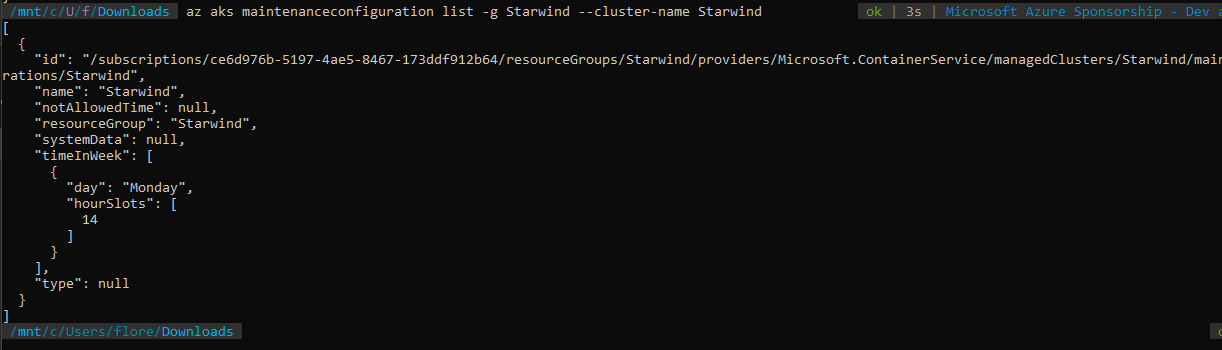
The following command will show you all maintenance window, for a specific cluster:
az aks maintenanceconfiguration list -g Starwind --cluster-name Starwind |
Auto-Upgrade
A new nice feature is the auto upgrade of AKS clusters. Of course, you should be careful with this feature, because of breaking changes between AKS version, for major version. The full documentation is available here:
Upgrade an Azure Kubernetes Service (AKS) cluster – Azure Kubernetes Service | Microsoft Docs
We have 5 options for the auto-upgrade:
- none: auto-upgrade is disabled, by default
- patch: upgrade to the more recent minor version, after the second point (1.18.22)
- stable: upgrade to the more recent major version, after the first point (1.19.11)
- rapid:
- node-image:Before starting, we will check if updates are available.
az aks get-upgrades -g Starwind -n Starwind --output table |

Here, I’m in version 1.18.19. I see that I can do upgrade to version 1.19.9 or 11. Let’s start by activating the feature. The first thing is to activate the feature:
az feature register --namespace Microsoft.ContainerService -n AutoUpgradePreview |

To check the status of the registration, use this command:
az feature list -o table --query "[?contains(name, 'Microsoft.ContainerService/AutoUpgradePreview')].{Name:name,State:properties.state}"
|


When the status is Registered, you need to register the provider again:
az provider register --namespace Microsoft.ContainerService |
Now, we will set the auto update to the stable channel:
az aks update -g Starwind -n Starwind --auto-upgrade-channel stable |
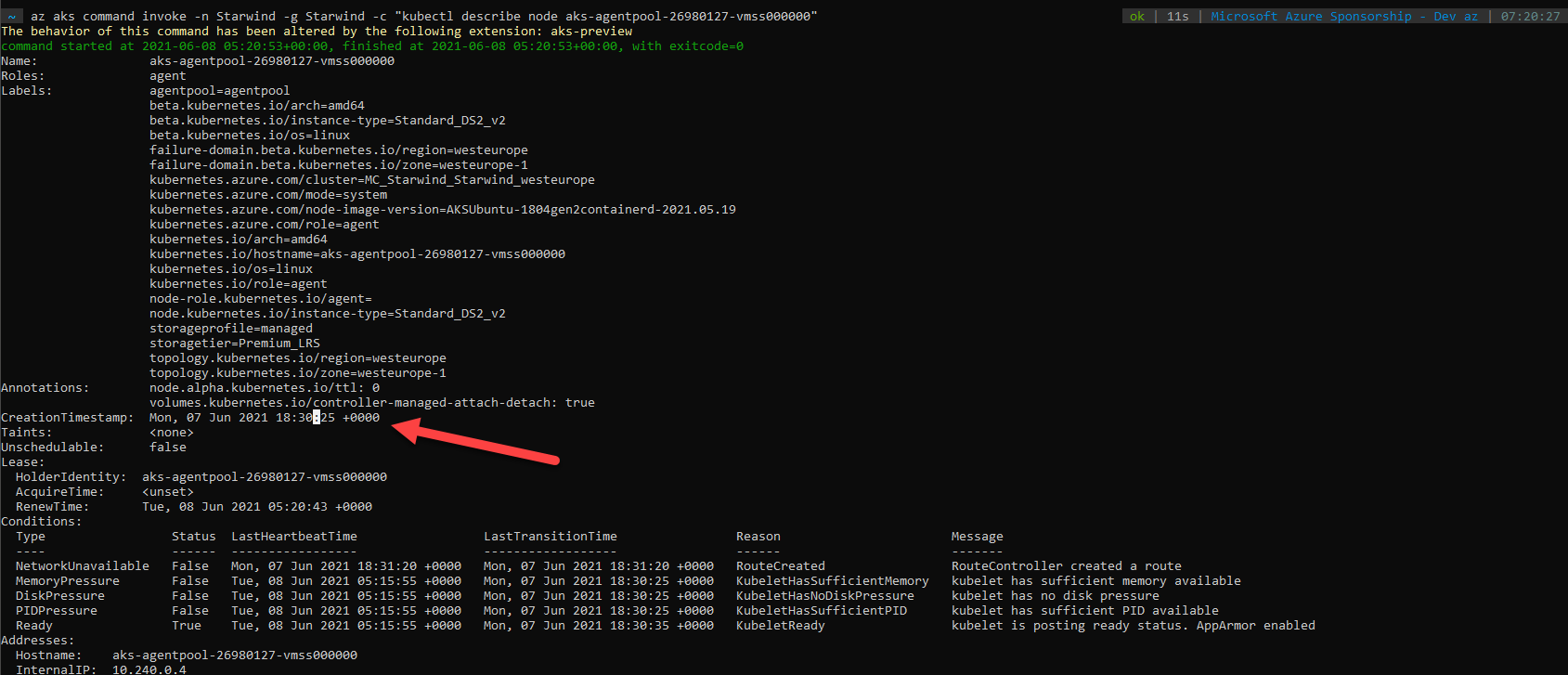
Because I set a planned maintenance window in the previous chapter, the upgrade will be done at this time. After the time, if you check available version, you will see you current version (it has been updated) and next updates, that will be done during the next maintenance window, next Monday:
az aks get-upgrades -g Starwind -n Starwind --output table |

It is a very nice feature, but be careful about the channel that you will use and breaking changes that can break your deployment scripts.
