


Microsoft released few months ago the possibility to have your Kubernetes cluster in Azure Arc. Now that we have the GitOps integration in Azure Arc (will be the topic of another blog post), we will integrate our AKS cluster in Azure Arc.
Quickstart: Connect an existing Kubernetes cluster to Azure Arc – Azure Arc | Microsoft Docs
Before starting, be sure to have access to the following tools:
– Azure CLI
– Connectedk8s extension
– Helm
– An AKS cluster
– Admin access to the AKS cluster
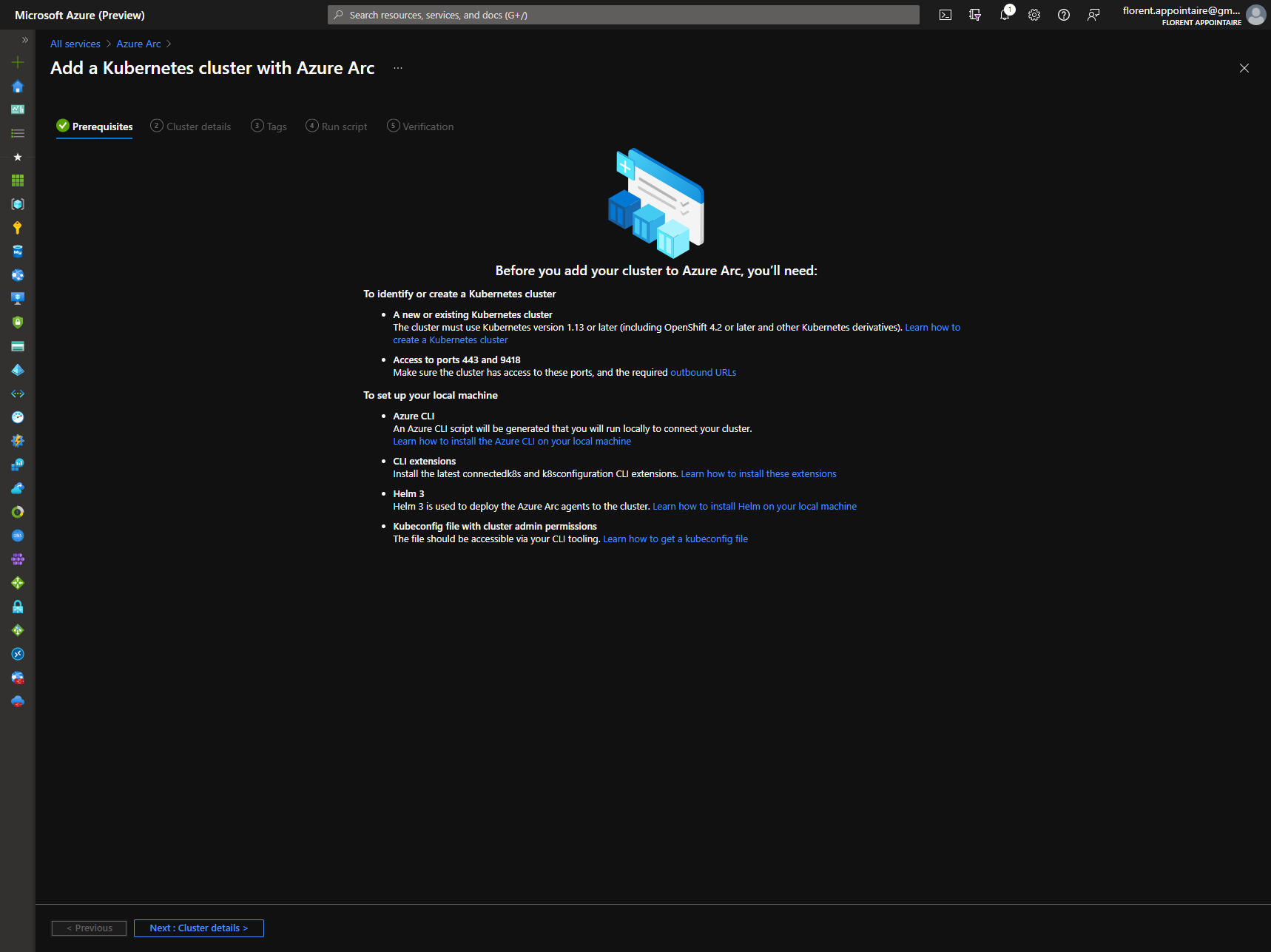
Search Azure Arc in the Azure Portal and choose to add a Kubernetes cluster:
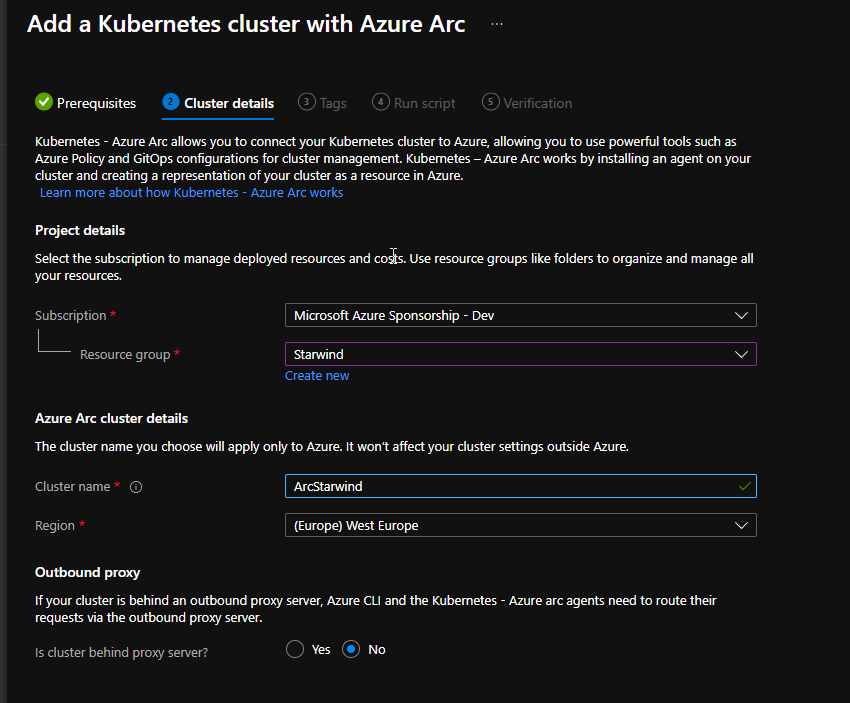
Give a name, where your AKS cluster will be linked (name of the AKS cluster could be an option) and choose where to create the Azure Arc resource:
In the step 4, you have a script to execute, generated by Microsoft. This script is a bit too light. Let me explain steps that I used to have it working:
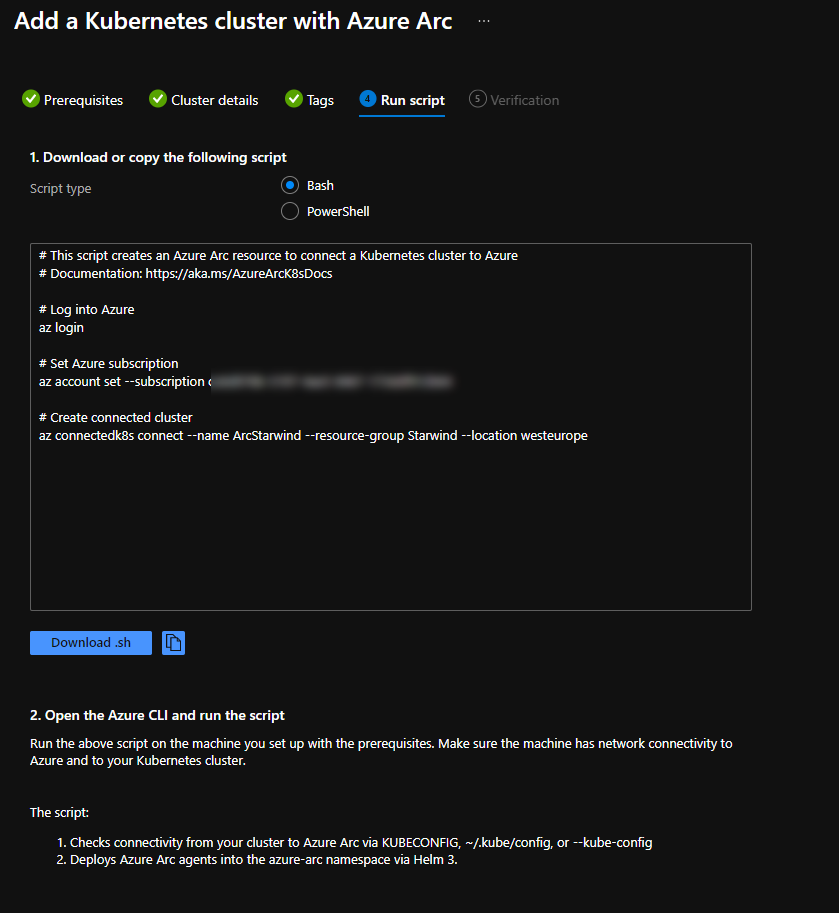
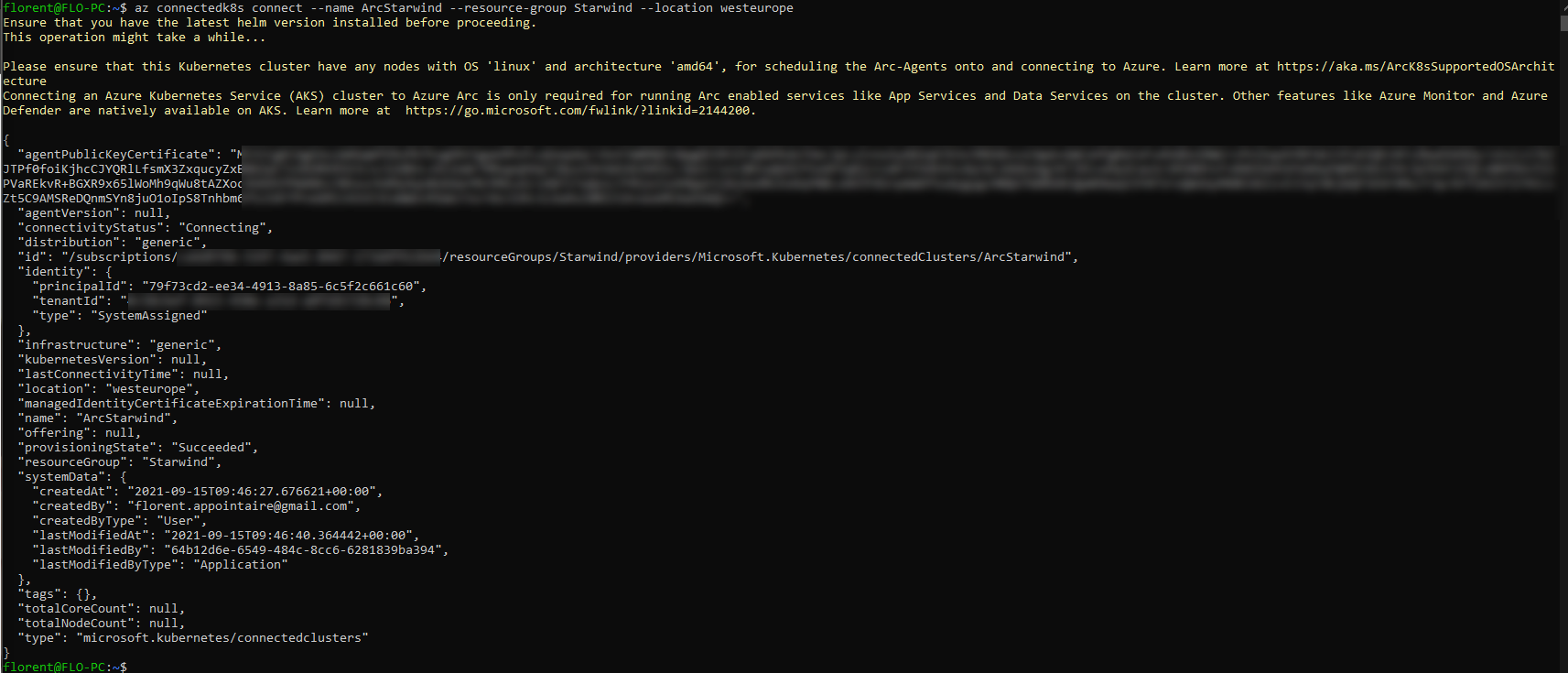
# Connect to your Azure Account az login # Select the subscription where the AKS cluster is located az account set --subscription your subscription # Install the extension az extension add --name connectedk8s # Register the 3 providers that will give you the opportunity to do the integration az provider register -n 'Microsoft.Kubernetes' az provider register --namespace Microsoft.KubernetesConfiguration az provider register --namespace Microsoft.ExtendedLocation # Check that providers are registered az provider show -n Microsoft.Kubernetes -o table az provider show -n Microsoft.KubernetesConfiguration -o table az provider show -n Microsoft.ExtendedLocation -o table # Get credentials to connect to the AKS cluster az aks get-credentials -n Starwind -g Starwind # Enable the integration between Azure Arc and AKS az connectedk8s connect --name Starwind --resource-group Starwind --location westeurope |
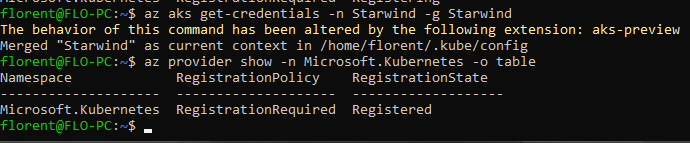
Integration works well:
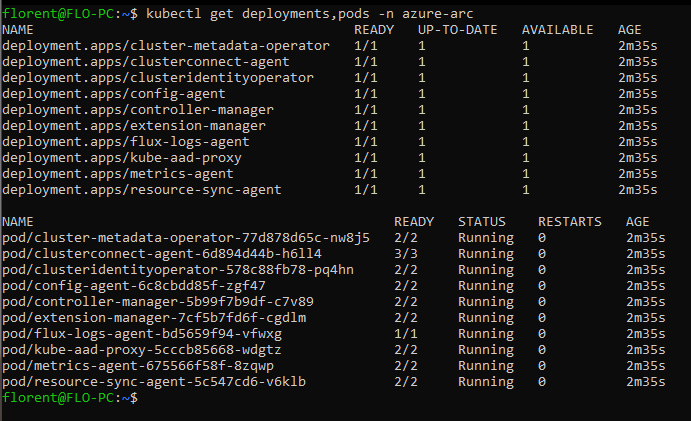
You can check if pods have been deployed correctly:
kubectl get deployments,pods -n azure-arc |
You can validate the step 5 in the Azure Portal. You have now access to your AKS cluster, in Azure Arc:
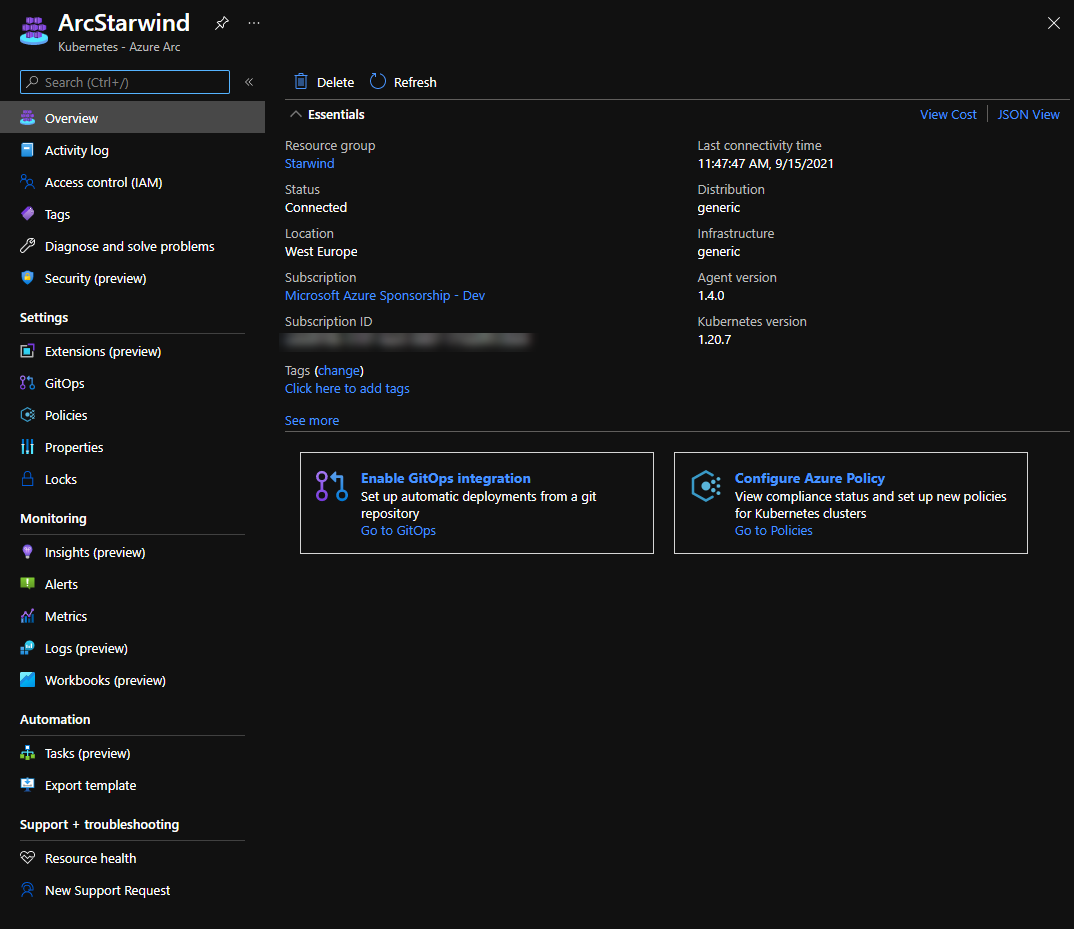
From here, you will be able to:
– Deploy apps from GitOps (another article)
– Install extensions
– Deploy policies
– View and monitor your cluster
This feature is under development, like extension deployment, but it will evolve for sure in few months. Don’t forget to read the article about the integration with GitOps, to automate deployment of your apps, in your AKS cluster.
