Search
Join the Technical Preview Program
See how NVMe-oF removes iSCSI
bottlenecks in your HCI
The Best Hyperconverged
Infrastructure
(HCI) for Enterprise
ROBO, SMB & Edge
The Best Virtual SAN
for Enterprise ROBO, SMB & Edge

WAF Policy for App Gateway and AKS

  • August 31, 2021
  • 3 min read
Cloud and Virtualization Architect and Microsoft MVP. Florent specializes in public, private, and hybrid cloud ecosystems. An MCSE in Private Cloud, he provides technical leadership in Cloud and Datacenter Management. Florent delivers high-authority insights on Azure deployments, virtualization strategy, and optimizing enterprise-scale cloud infrastructure.


If you are using Application Gateway, with WAF enabled, this article is for you. We will see how to deploy and use a WAF Policy.

This feature will help you to manage rules, policy and custom rules for an Application Gateway or a specific listener or a route path.

To start, deploy a new WAF Policy, choose the Regional WAF as policy:
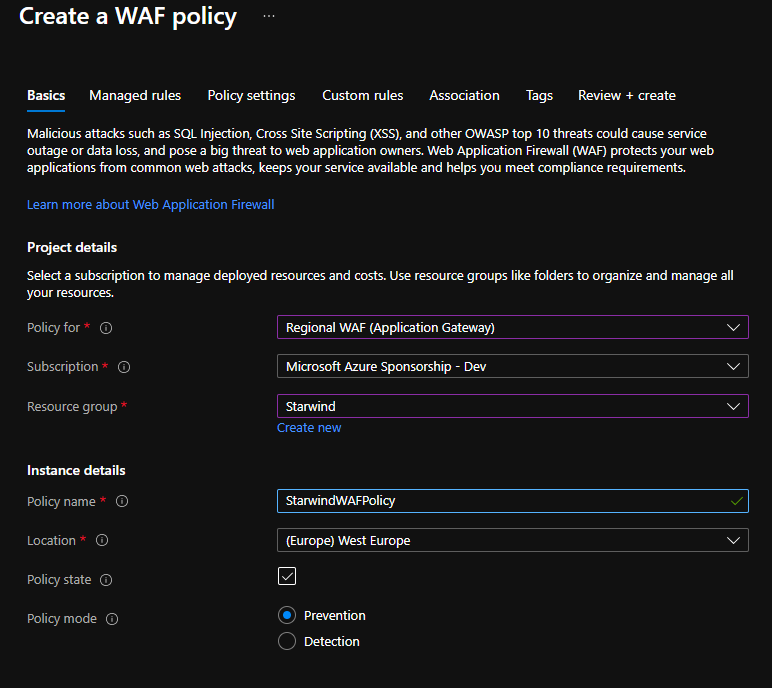
WAF Policy

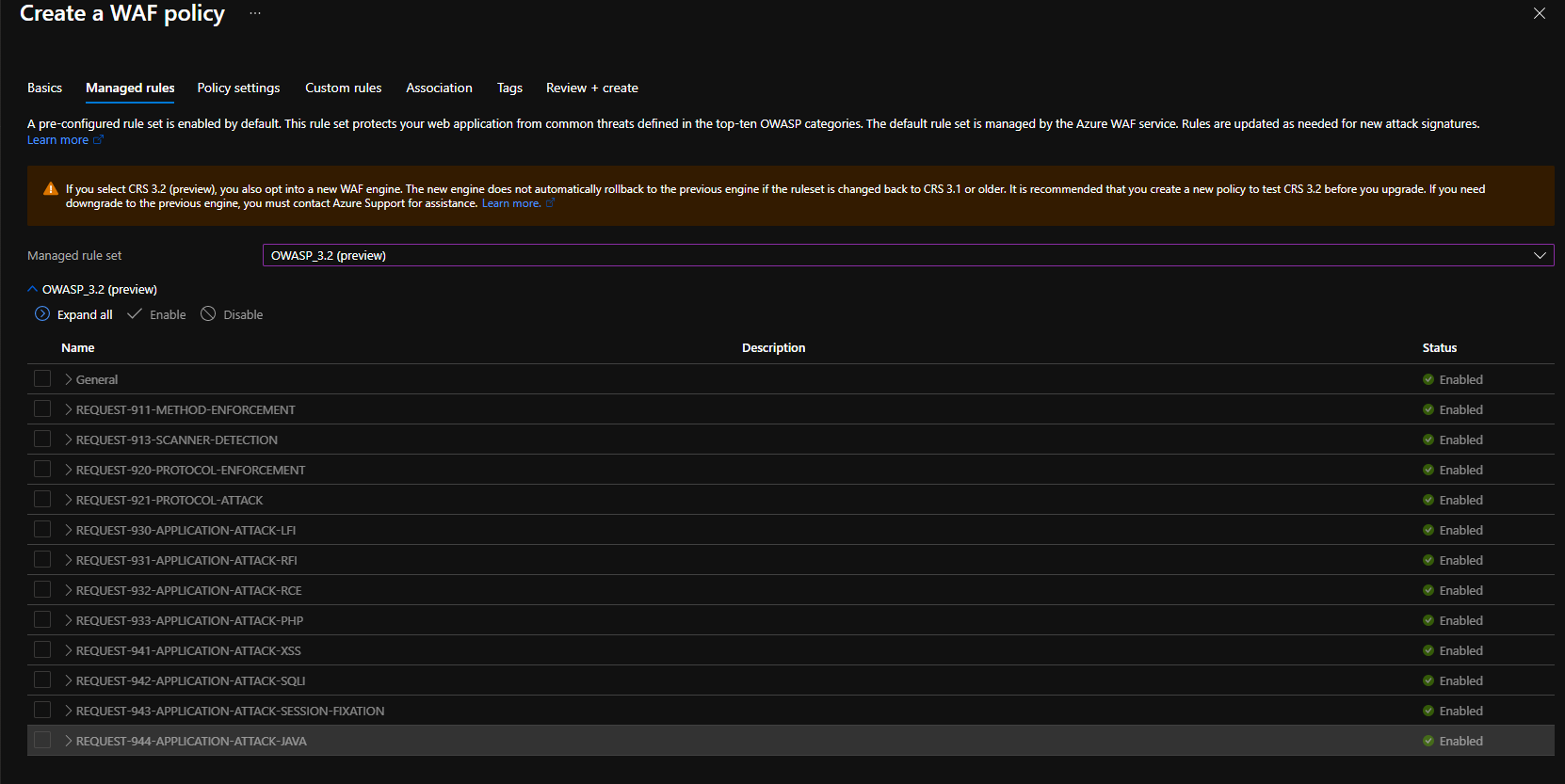
Select the OWASP rule set:

Select the OWASP rule set

Customize Policy settings if you need it:
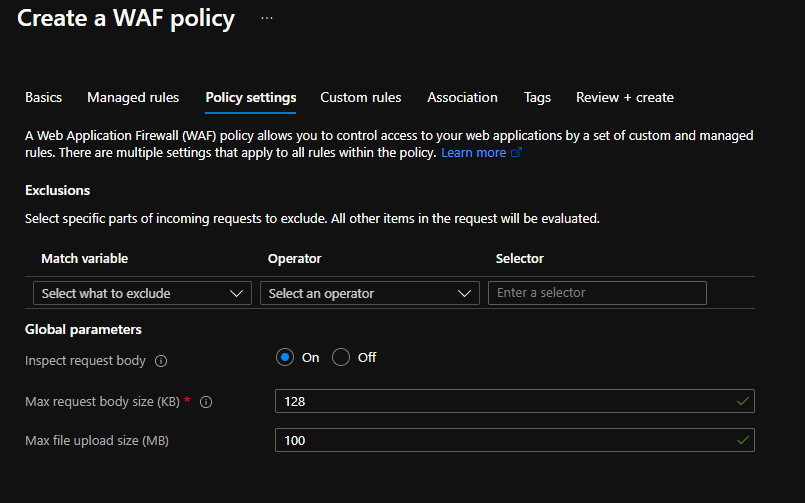
Customize Policy settings

If you need custom rule, select it here:
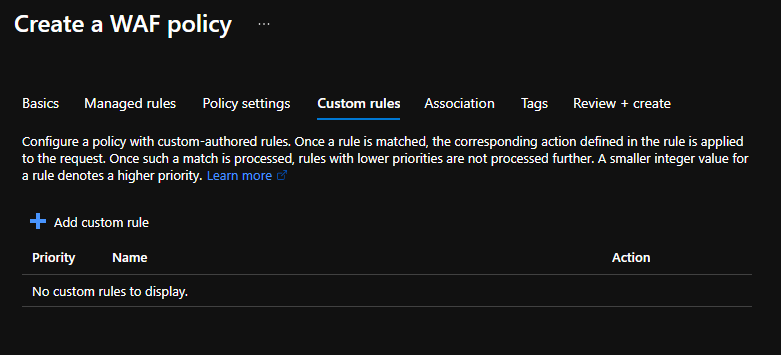
Сustom rule

Finally, associate the WAF policy with you App Gateway:
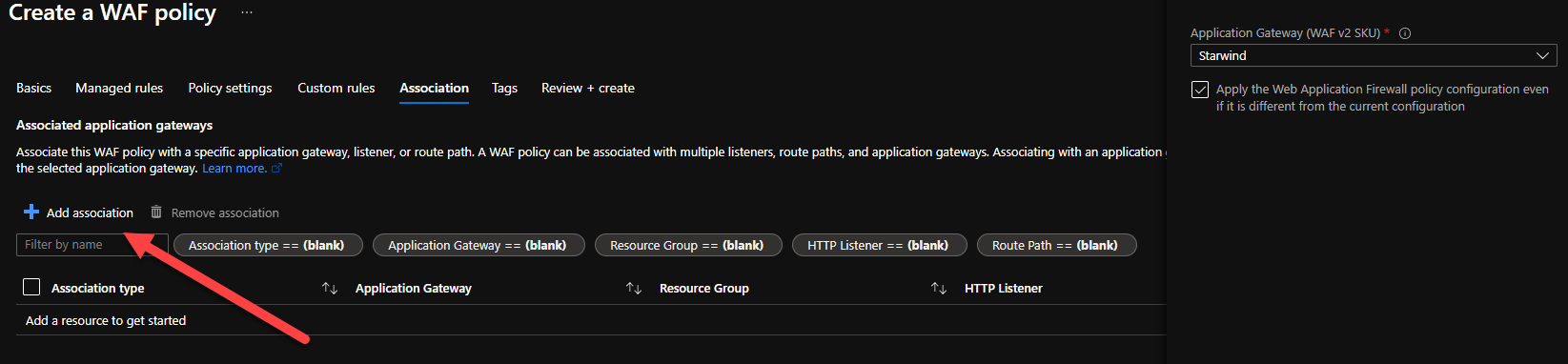
Associate the WAF policy with you App Gateway

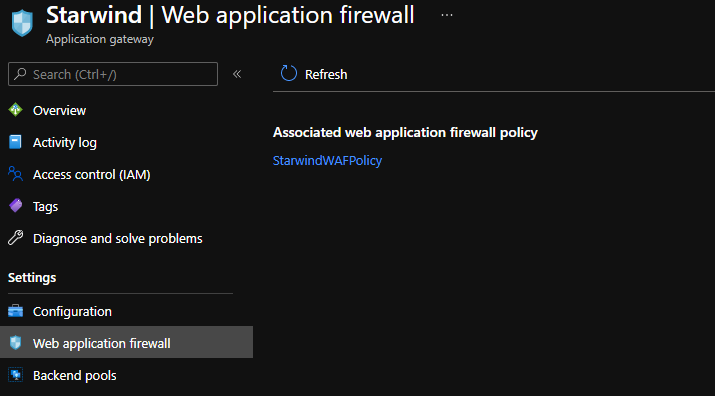
It is now associated:

Associated

Here, if we modify something is this rule, it will be applied to all listeners on this App Gateway. If you need to do some exceptions, for an OWASP rule, or to allow a specific public IP to access a webpage for example, you can create an additional WAF Policy, and associate it to a specific listener. Let’s do that. I’ll create a new policy, to deny my public ip to access the website starwind.cloudyjourney.fr:
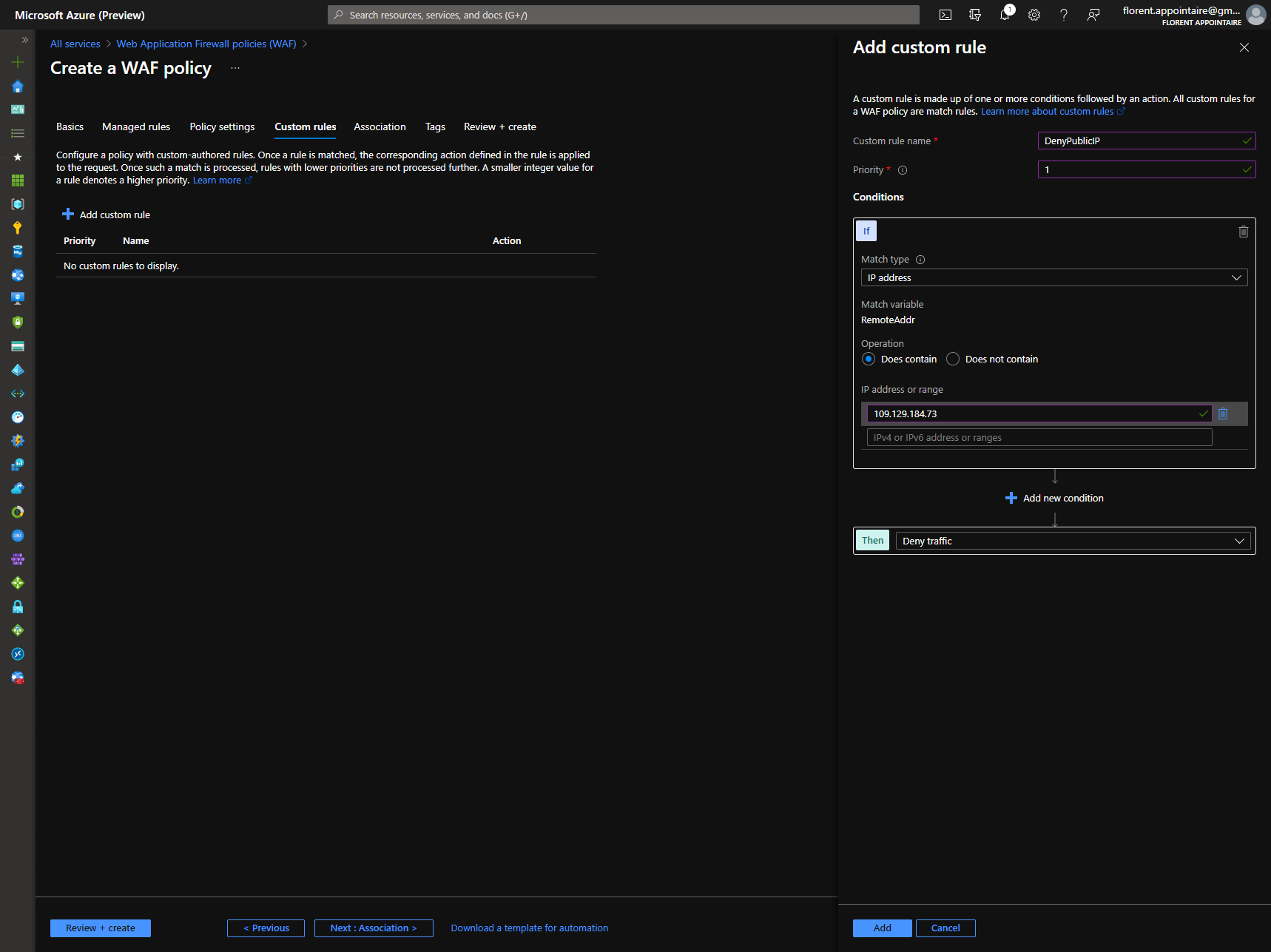
Create s WAF Policy

Let’s associate it with my listener that hosts my website:
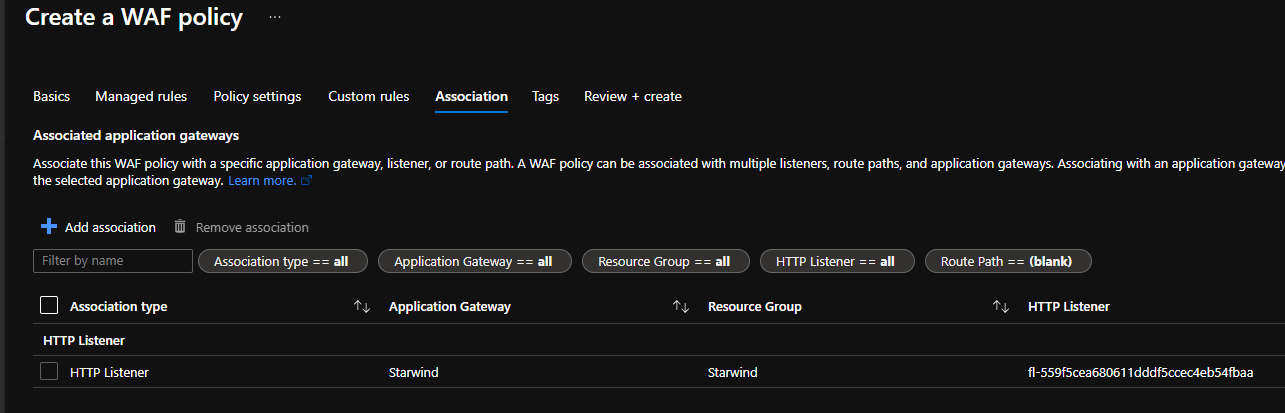
Associate it with listener that hosts the website

When the policy is applied and if I navigate to the website, I will have a forbidden message:
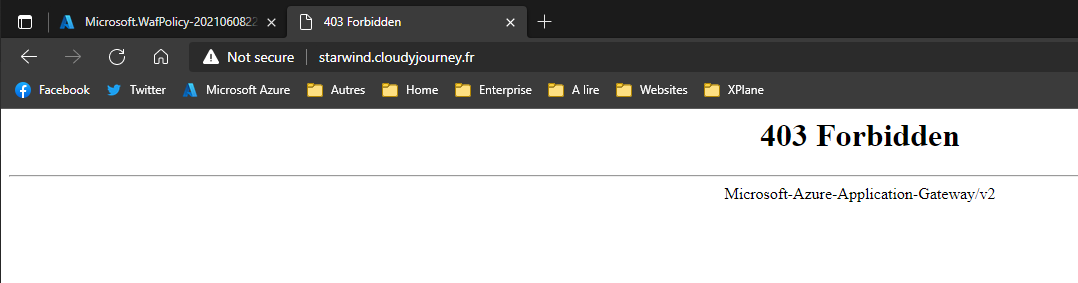
Forbidden message

If I change the rule to allow my public ip now, I can browse the URL:
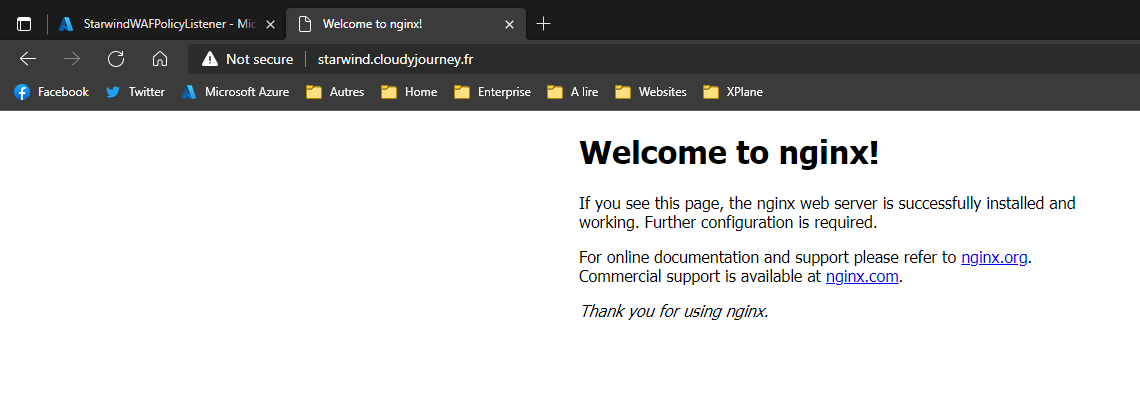
Browse the URL

As you can see, with WAF Policy, you can customize rules for a specific listener (website) without impacting others.

Hey! Found Florent’s insights useful? Looking for a cost-effective, high-performance, and easy-to-use hyperconverged platform?
Taras Shved
Taras Shved StarWind HCI Appliance Product Manager
Look no further! StarWind HCI Appliance (HCA) is a plug-and-play solution that combines compute, storage, networking, and virtualization software into a single easy-to-use hyperconverged platform. It's designed to significantly trim your IT costs and save valuable time. Interested in learning more? Book your StarWind HCA demo now to see it in action!