As requirements for some company, when an employee leaves the company, it is to remove data and accesses.
The problem with Kubernetes, is that you have credentials, in your kube file. So, if you leave the company, get the file with you, and copy it to your personal computer, you will be able to connect to the AKS cluster, except if you implemented network restriction for example, by authorizing only the public IP of you company.
So, one way to remove these accesses, is to renew the CA of your AKS cluster. But, all other employees must renew their credentials, after this CA rotation certificate. And to renew these credentials, you need… an Azure CLI access, with your company credentials 🙂 So this method is perfect.
You need to be careful when you do this CA rotation, because your cluster will be down for some minutes (maximum 30 minutes). Why? Because all of your pods will be redeployed with this new CA 🙂
So, to start, execute the following command:
az aks rotate-certs -g Starwind -n Starwind |

When it’s done, if you try to get pods for example, you will have the following error:
Unable to connect to the server: x509: certificate signed by unknown authority (possibly because of "crypto/rsa: verification error" while trying to verify candidate authority certificate "ca") |

So, you need to login, with az login, and get credentials again:
az aks get-credentials -g Starwind -n Starwind |

Now, you will be able to get your pods again:
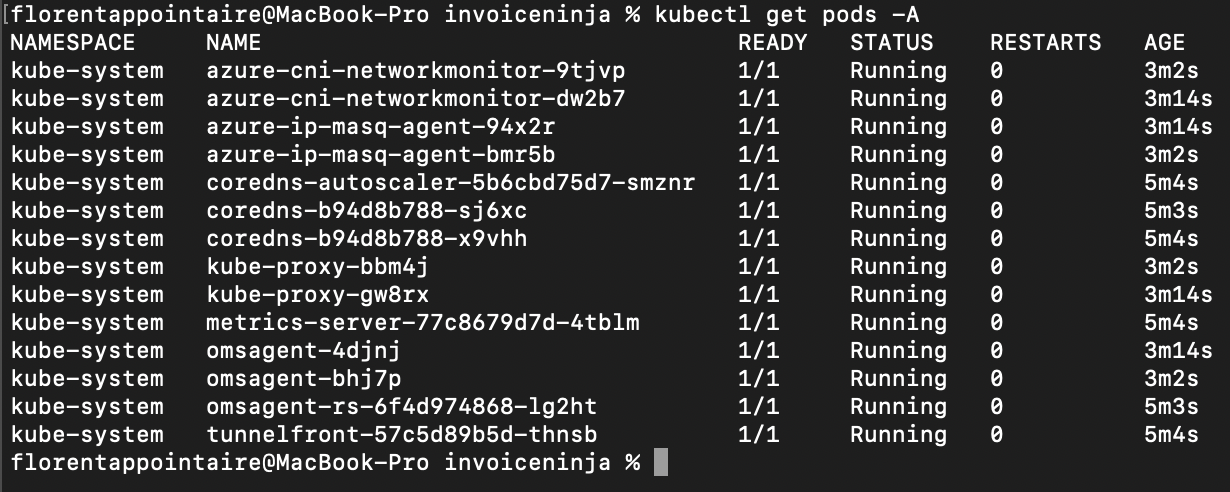
And, as you can see, the age of pods are pretty new, because they have been redeployed with the new CA.
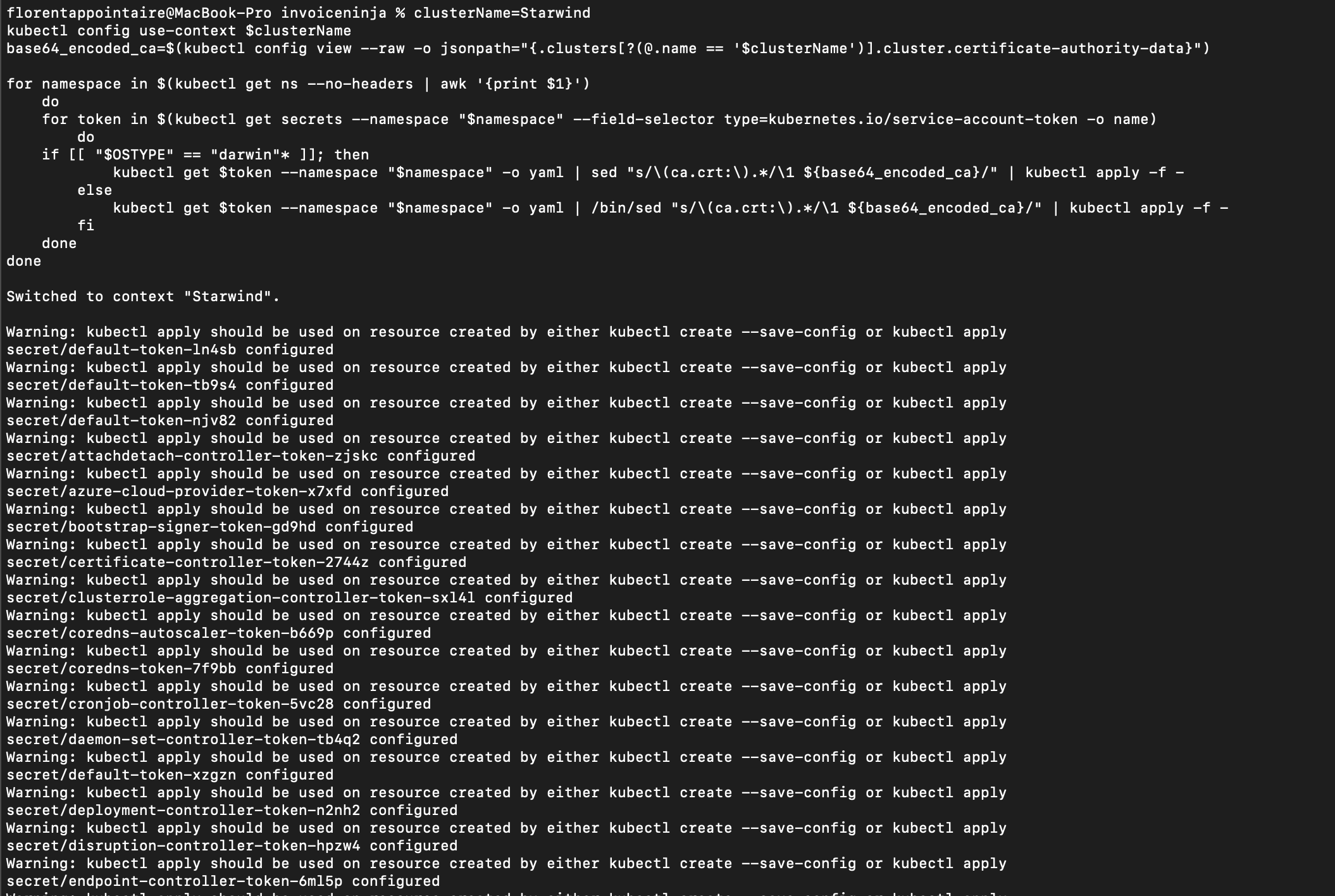
If you use the ca.crt in your secret, for example, you will need to update them, with the following script:
clusterName=Starwind

kubectl config use-context $clusterName

base64_encoded_ca=$(kubectl config view --raw -o jsonpath="{.clusters[?(@.name == '$clusterName')].cluster.certificate-authority-data}")


for namespace in $(kubectl get ns --no-headers | awk '{print $1}')

do

for token in $(kubectl get secrets --namespace "$namespace" --field-selector type=kubernetes.io/service-account-token -o name)

do

if [[ "$OSTYPE" == "darwin"* ]]; then

kubectl get $token --namespace "$namespace" -o yaml | sed "s/\(ca.crt:\).*/\1 ${base64_encoded_ca}/" | kubectl apply -f -

else

kubectl get $token --namespace "$namespace" -o yaml | /bin/sed "s/\(ca.crt:\).*/\1 ${base64_encoded_ca}/" | kubectl apply -f -

fi

done

done
|
What it will do here? It will get you ca.crt that you just get, and update each secret with this new one: