


XCP-ng has a built-in backup solution through Xen Orchestra, plus a small but growing list of third-party tools. Here’s what each option actually does, where it works well, and where it falls short.
Xen Orchestra: the built-in option
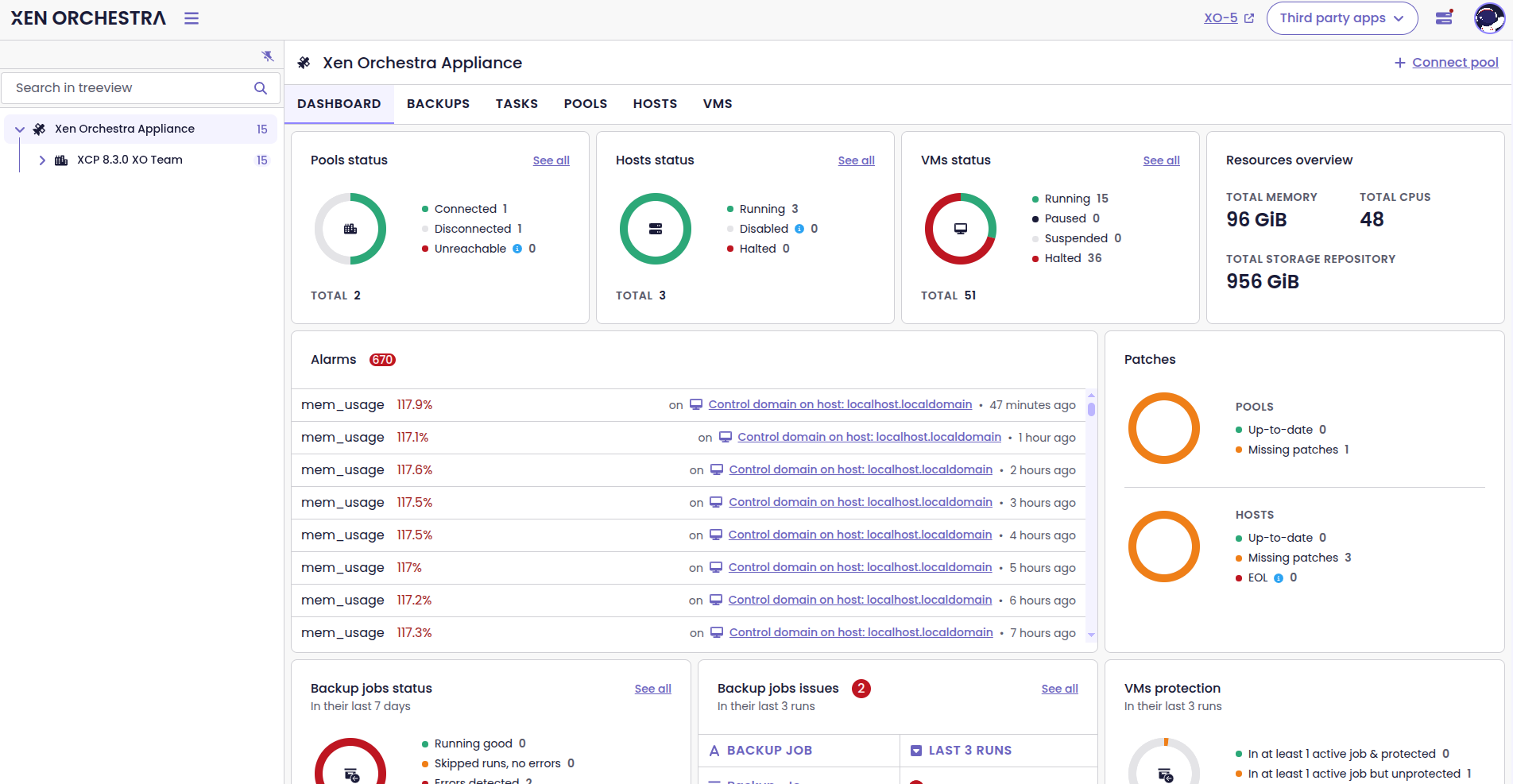
Xen Orchestra (XO) is the management and orchestration layer for XCP-ng. It handles pool management, VM lifecycle, and, relevant here, backups. Very much like with Proxmox – if you’re running XCP-ng, you already have access to XO’s backup capabilities, either through the free-from-source build or the paid Xen Orchestra Appliance (XOA) with support.
Quick note: Here’s a very informative video explaining the process of building XO from source.
Backup types
Full backups export complete VM disk images as XVA bundles. Straightforward to restore, but they eat storage and take time. For environments with dozens of VMs, running full backups every night isn’t practical.
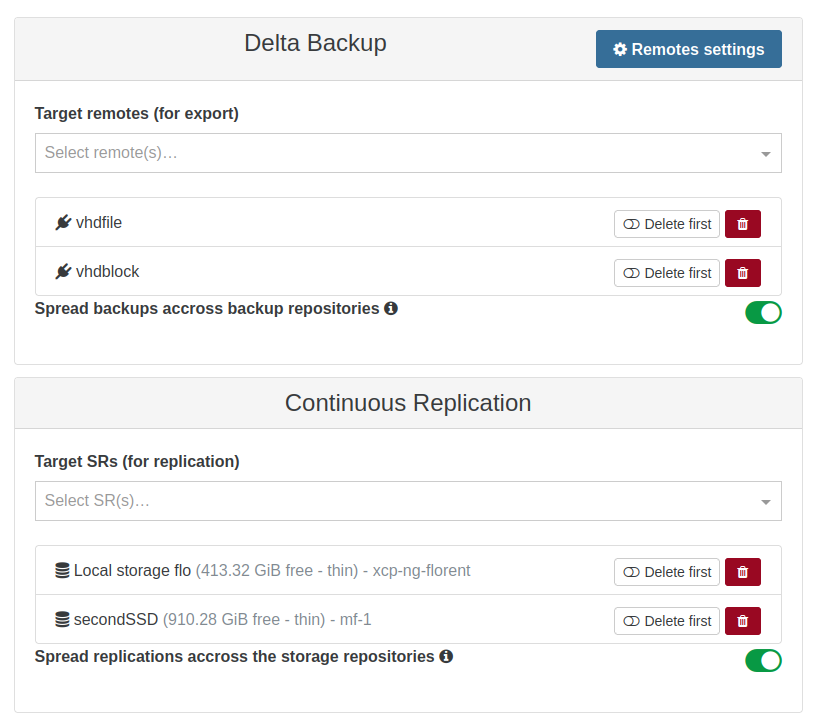
Incremental backups (formerly called “continuous delta backups” in XO terminology) are the more practical option. After an initial full, XO exports only changed blocks between snapshots. It works similarly to Veeam’s forever-forward incremental approach – the oldest delta merges into the full backup as retention limits are reached. Under the hood, this uses XCP-ng’s changed block tracking (CBT) to identify what’s changed.
One thing to be aware of: XO maintains a reference snapshot for each VM in the backup job. If someone manually deletes that snapshot, the incremental chain breaks and XO forces a new full backup. \
Replication and DR
- Continuous Replication creates near-real-time VM copies on different storage repositories within your XCP-ng environment. Instead of exporting to external storage, it keeps replicas that can be powered on immediately during a failure.
- Disaster Recovery replicates VMs to remote XCP-ng pools or hosts as powered-off copies. If the primary site fails, you can start them at the DR site. This gives you geographic redundancy without the storage overhead of maintaining full backup copies at both locations.
Scheduling and retention
- XO supports GFS (Grandfather-Father-Son) scheduling. You can run nightly backups retained for a week, weekly backups for a month, and monthly backups for a year – all on the same job. This covers most retention policies without needing external scheduling.
Backup storage targets
- XO supports local storage attached to the XOA appliance (fine for testing, not for production), NFS and SMB file shares, Amazon S3 and S3-compatible storage, and Azure Blob Storage. For most production setups, NFS to a NAS or S3-compatible object storage is the common path.
Immutability
- XO provides two immutability options. For S3/Azure Blob targets, you can use Object Lock – though unlike Veeam, XO doesn’t set the retention period itself; you configure it via bucket policies. For on-prem, XO has a separate immutability service that manages file-level immutability locally.
Restore options
- VM-level restore brings back a full VM from backup. File-level restore lets you pull individual files from incremental backups without restoring the entire VM. Health checks can automatically restore a VM to a test environment, boot it, and verify guest tools respond – useful for validating backup integrity without manual testing.
What XO doesn’t do well
- Application-aware backups are the main gap. XO supports quiesced snapshots for Windows VMs through Xen guest tools, but true application consistency for SQL Server, Exchange, or Oracle requires in-guest agents or scripts. Item-level recovery for Active Directory or databases isn’t built in. Cross-hypervisor restore requires manual conversion.
- Backup speed is another concern. Community members on the XCP-ng forums and Veeam community report that XO backups can be slower than dedicated backup tools on the same hardware.
backup tools on the same hardware.
Third-party backup solutions
If you’re migrating from VMware or Hyper-V, you probably already have backup software and an existing backup chain. Switching to XO’s native backup means losing that chain and retraining your team. For organizations that want to keep their existing backup tool, here are the options that support XCP-ng today.
If your backup vendor isn’t listed here, check with them directly – XCP-ng support is expanding as the platform gains traction.
Veeam Backup & Replication
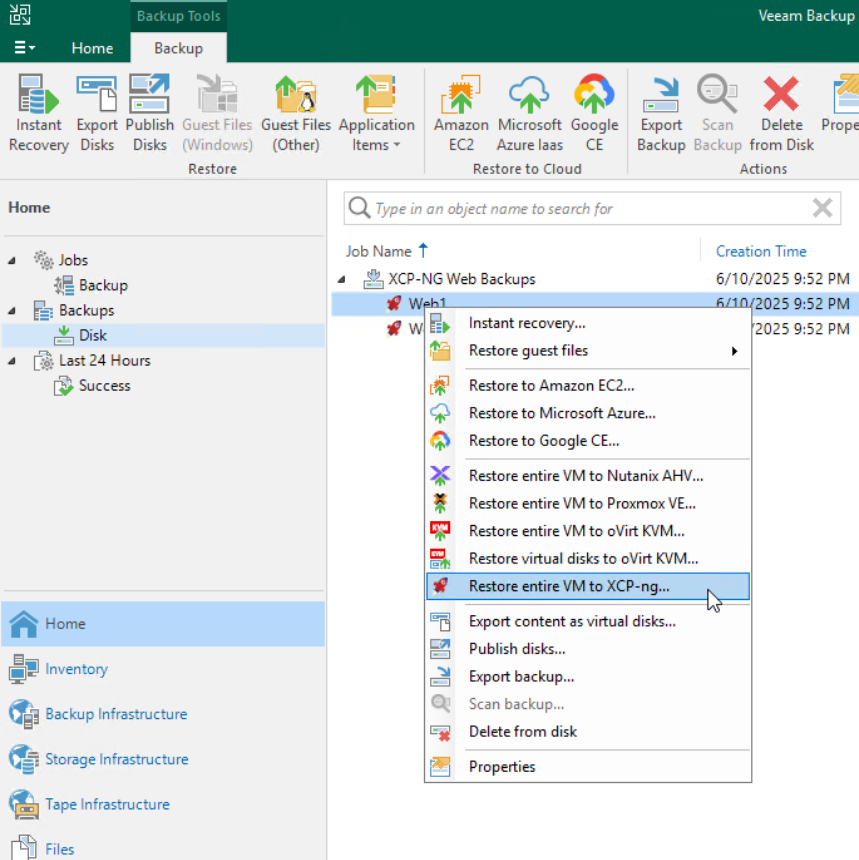
Veeam released an XCP-ng plugin in public beta in late 2025, following their pattern of adding support for alternative hypervisors (KVM and Proxmox, Scale Computing HC3, HPE VM Essentials). For organizations already running Veeam, this is the natural path – your existing infrastructure, licensing, repositories, and operational procedures extend to XCP-ng workloads.
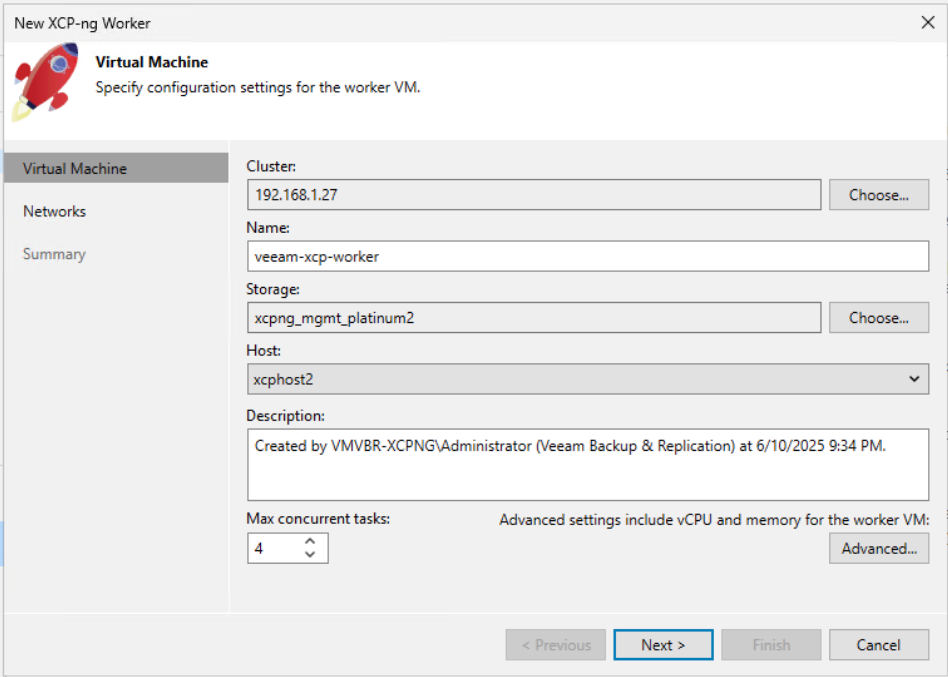
The architecture uses worker VMs deployed inside the XCP-ng environment, similar to how Veeam uses proxy servers for VMware. Workers handle data processing via hotadd, and you can tune their vCPU and memory allocations. Backup jobs support incremental and full modes with CBT, plus configurable compression and block sizes.
Application-aware processing for SQL Server and Active Directory works as expected, which is a real differentiator over XO.
Current limitations: the plugin is still in beta. You have to add individual XCP-ng pool master hosts rather than connecting through Xen Orchestra, which adds management overhead for multi-pool environments. Organizations running production workloads may want to wait for GA before committing.
Storware Backup and Recovery
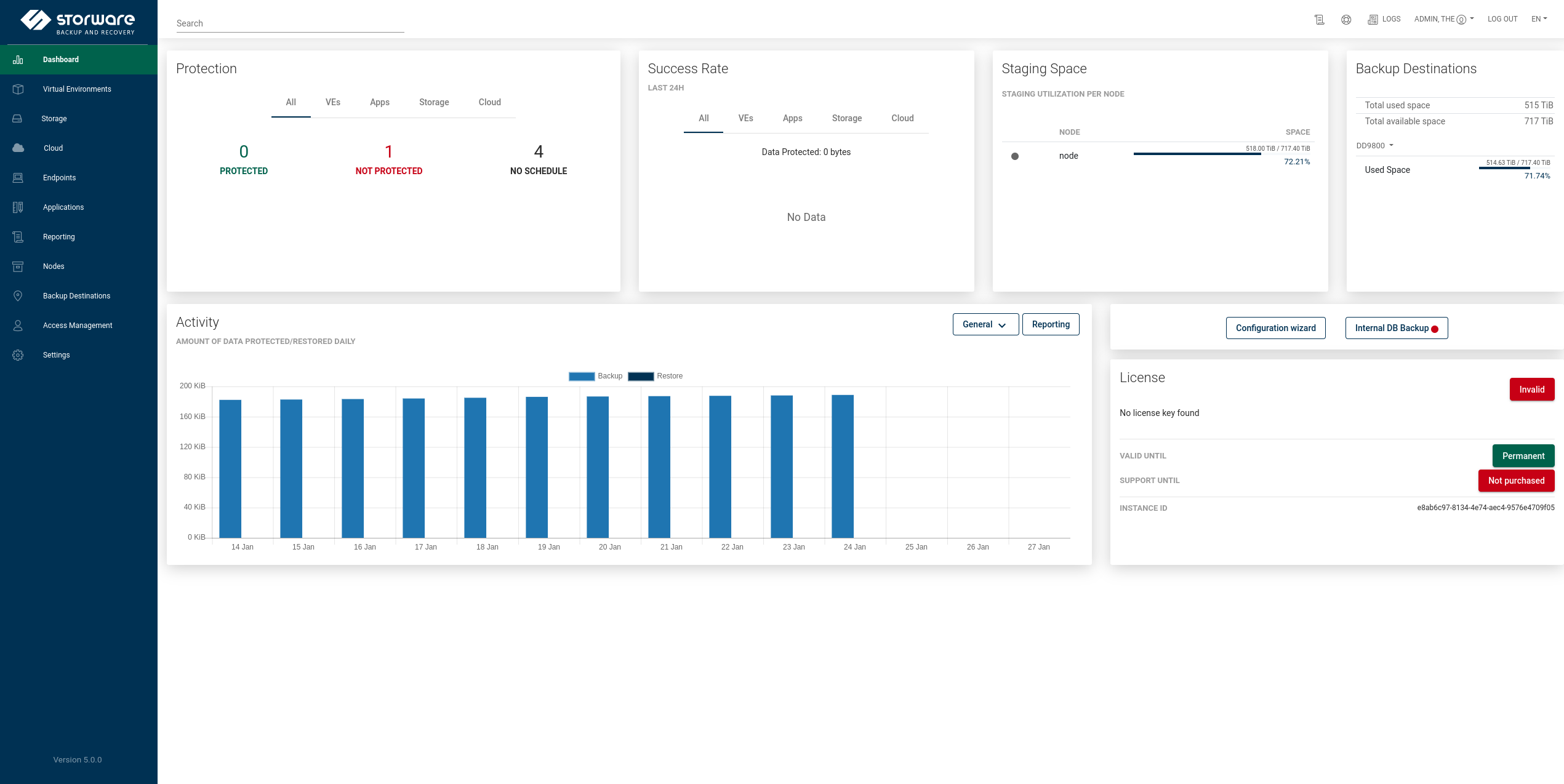
Storware is a European-based backup platform that was one of the first third-party tools to support XCP-ng. It has a technology partnership with the XCP-ng project, which means compatibility testing happens alongside platform releases.
The XCP-ng integration provides crash-consistent backups through the XCP-ng API, with both XVA-based full backups and CBT-enabled incremental backups. The architecture scales through distributed backup nodes for parallel operations across large environments.
Storware covers virtual, physical, cloud, and container workloads from a single interface. For organizations running XCP-ng alongside VMware, Hyper-V, or cloud workloads, this consolidation avoids managing multiple backup tools. European data residency and GDPR compliance alignment are selling points for EU-based organizations.
One current limitation: Storware connects directly to XCP-ng hosts rather than through Xen Orchestra, though XO integration is on their roadmap.
Bacula Enterprise
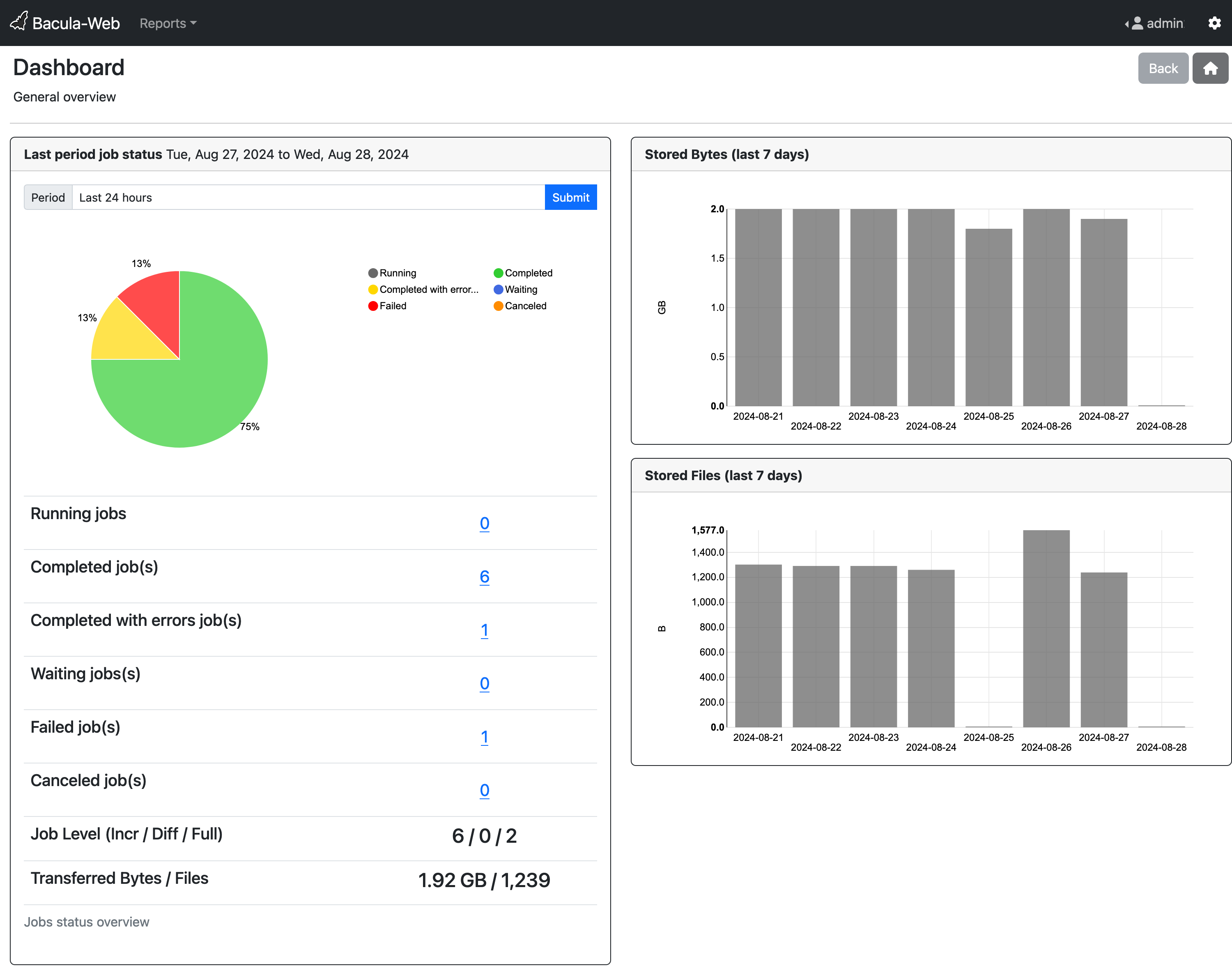
Bacula Enterprise supports XCP-ng through its advanced modules. It uses the XCP-ng API for agentless snapshots with full and incremental backup support. Bacula’s focus is on security and compliance – granular access controls, audit logging, encryption, and compliance reporting for healthcare, finance, and government environments.
Bacula is the option you’d look at if regulatory compliance drives your backup architecture decisions. Its feature set for access control and audit trails goes deeper than what typical backup-focused vendors offer. The trade-off is a steeper learning curve and more complex initial setup.
Bacula Enterprise
Bacula Enterprise supports XCP-ng through its advanced modules. It uses the XCP-ng API for agentless snapshots with full and incremental backup support. Bacula’s focus is on security and compliance – granular access controls, audit logging, encryption, and compliance reporting for healthcare, finance, and government environments.
Bacula is the option you’d look at if regulatory compliance drives your backup architecture decisions. Its feature set for access control and audit trails goes deeper than what typical backup-focused vendors offer. The trade-off is a steeper learning curve and more complex initial setup.
Comparison at a glance
| Xen Orchestra | Veeam | Storware | Bacula | |
|---|---|---|---|---|
| Integration | Native | Plugin (beta) | API-based | Module-based |
| Incremental (CBT) | Yes | Yes | Yes | Yes |
| App-aware backups | Limited | Yes | Crash-consistent | Yes |
| Immutability | S3 Object Lock + on-prem | Yes (multiple) | S3 Object Lock | Yes |
| Cross-hypervisor | Manual conversion | Yes (built-in) | Yes | Yes |
| File-level restore | Yes | Yes | Yes | Yes |
| Multi-hypervisor mgmt | XCP-ng only | Yes | Yes | Yes |
| Licensing | Free (source) / paid (XOA) | Commercial | Commercial | Commercial |
| Maturity for XCP-ng | Production-ready | Beta | Production-ready | Production-ready |
Conclusions: Which one to pick?
If you’re already on XCP-ng with experienced Linux admins and moderate backup needs, Xen Orchestra covers the basics without additional licensing costs. It handles VM and file-level backup, replication, DR, and GFS retention. The gaps – application-aware backups, cross-hypervisor restore, backup speed – may or may not matter for your environment.
If you’re migrating from VMware and already run Veeam, wait for the XCP-ng plugin to hit GA, then extend your existing infrastructure. You keep your backup chain, your processes, and your team’s expertise. The application-aware processing and speed advantage over XO are significant for Windows-heavy environments.
Storware makes sense for heterogeneous environments – XCP-ng alongside VMware, Hyper-V, cloud, or containers – where consolidated management matters. The XCP-ng technology partnership means you’re not relying on reverse-engineered API support.
Bacula Enterprise is the choice when compliance and security controls drive the architecture. If your auditors need granular access logs and your security team requires FIPS-validated encryption, Bacula’s depth in that area is hard to match.
Whatever you choose, keep immutability in scope from the start. Ransomware targeting backup repositories is a real and growing threat. Use S3 Object Lock, on-prem immutability, or both. Immutable backups aren’t optional anymore – they’re the last line of defense.
And test your restores. Regularly. A backup that hasn’t been verified through an actual restore is just a file that might work. XO’s health checks automate this to some extent, but periodic manual restore tests to an isolated environment should be part of any backup strategy.
