
Search
Join the Technical Preview Program
See how NVMe-oF removes iSCSI
bottlenecks in your HCI
The Best Hyperconverged
Infrastructure
(HCI) for Enterprise
ROBO, SMB & Edge
The Best Virtual SAN
for Enterprise ROBO, SMB & Edge

[Azure] Create a PowerApps application for a SharePoint list

  • January 29, 2019
  • 3 min read
Cloud and Virtualization Architect and Microsoft MVP. Florent specializes in public, private, and hybrid cloud ecosystems. An MCSE in Private Cloud, he provides technical leadership in Cloud and Datacenter Management. Florent delivers high-authority insights on Azure deployments, virtualization strategy, and optimizing enterprise-scale cloud infrastructure.


After seeing how to create a new user in our Azure AD, with Azure Function, then call this function from a SharePoint list, we will see how to make it more « user friendly ».

To start, go on your SharePoint list, and click on PowerApps > Create an App :
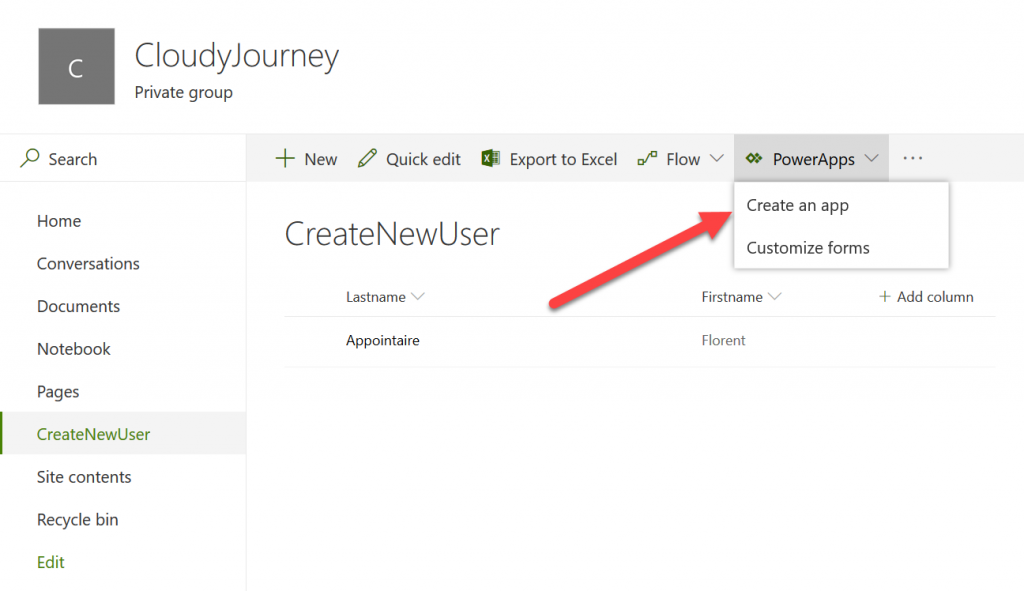
PowerApps > Create an App

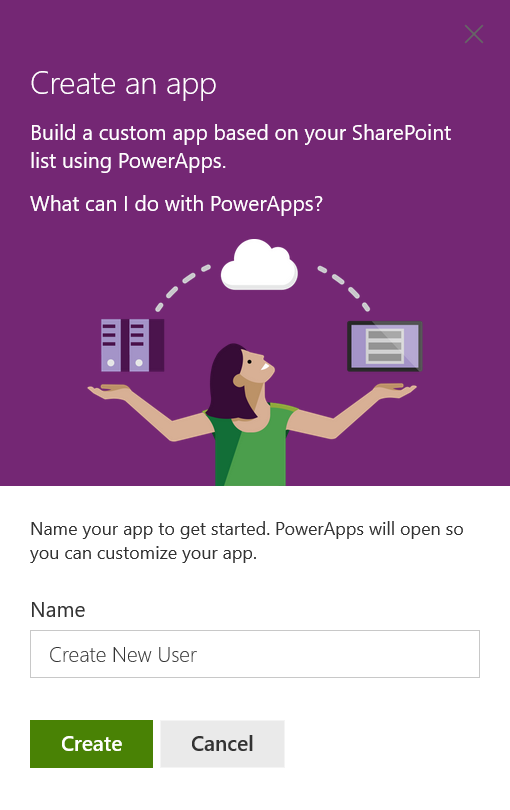
Give a name to your application :

Create an app

By clicking on Create, you will be redirected to a new site, and from here, you’ll be able to customize your application, as you want :
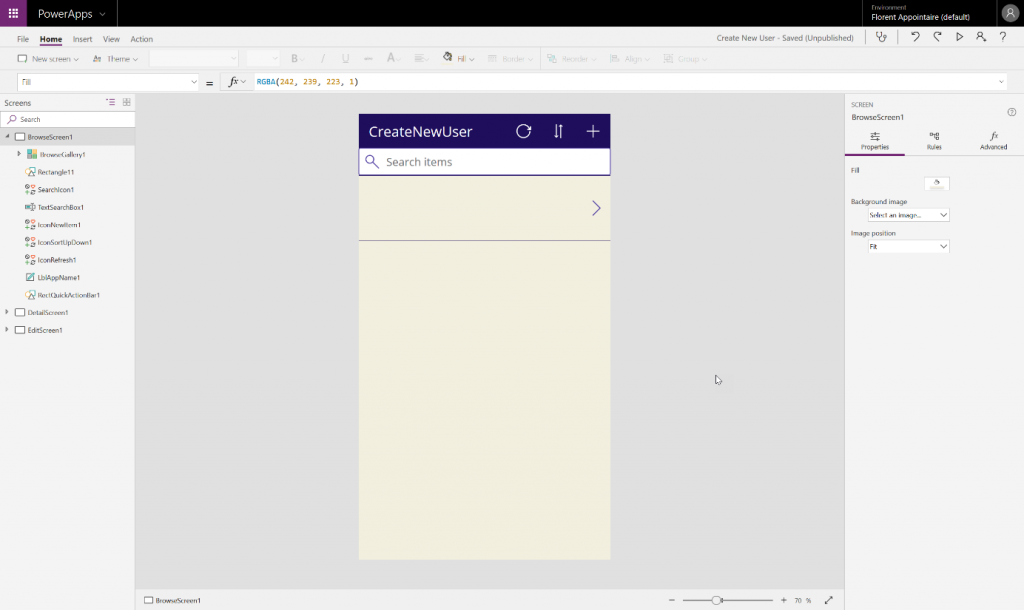
wp-image-10793

When it’s done, save you application and publish it :
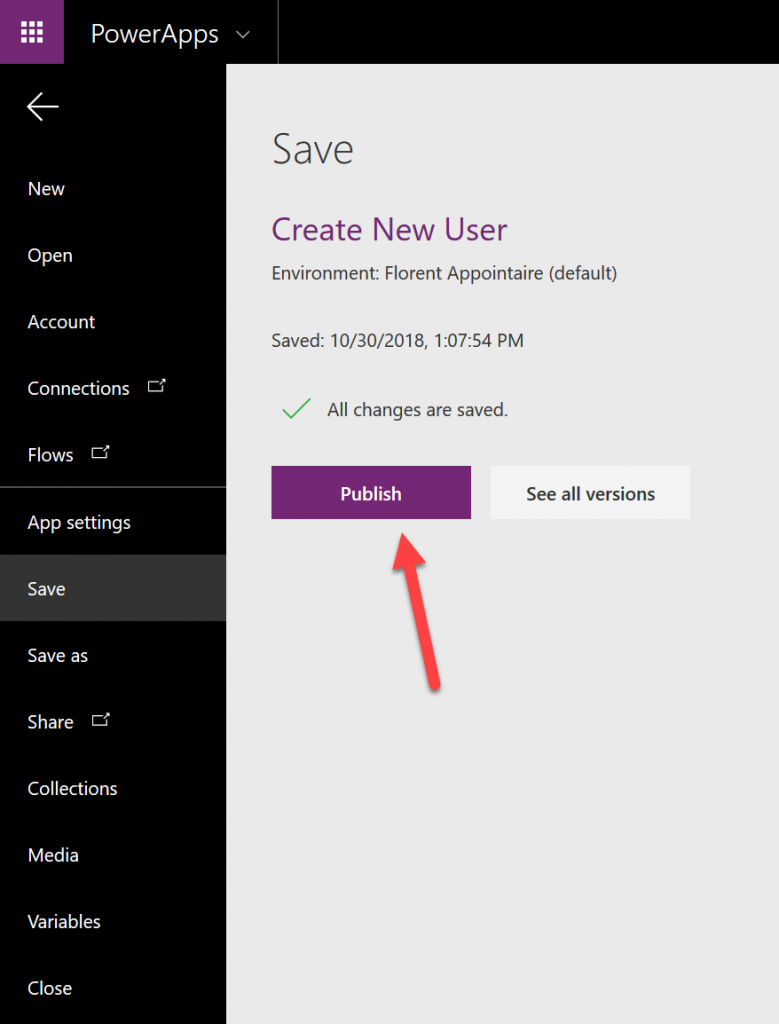
PowerApps save new user

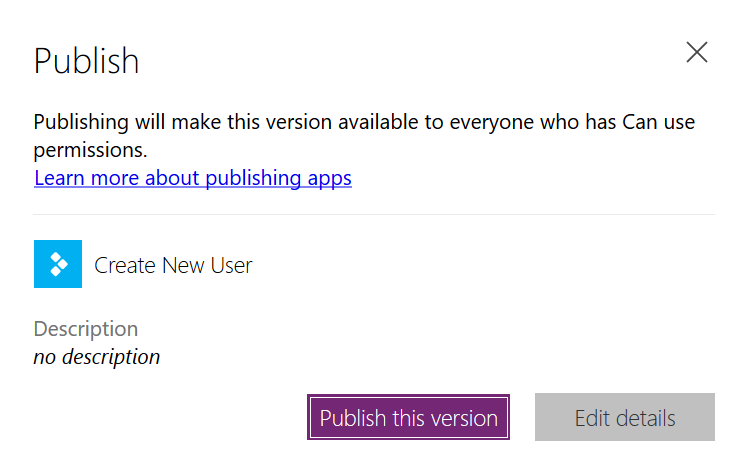
Validate the version to publish :

PowerApp publish

Open PowerApps on your phone. The application must be available :

wp-image-10796

Launch it and create a new user. It’s the same thing that created a list in SharePoint :

SharePoint

When you’ll validate it, it will create the item in the SharePoint list, that will call the flow created with Microsoft Flow, that will start the Azure Function to create the user :
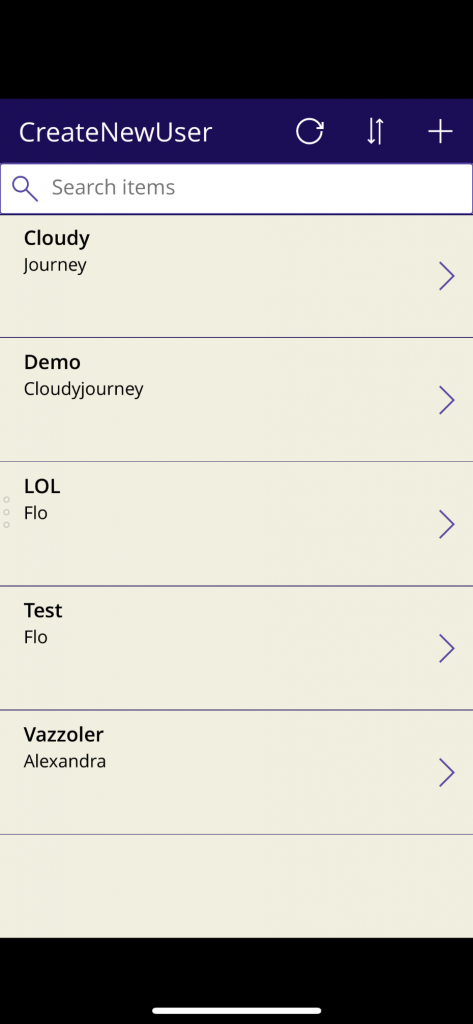
start the Azure Function to create the user

After few seconds, the user has been created in the Azure AD :
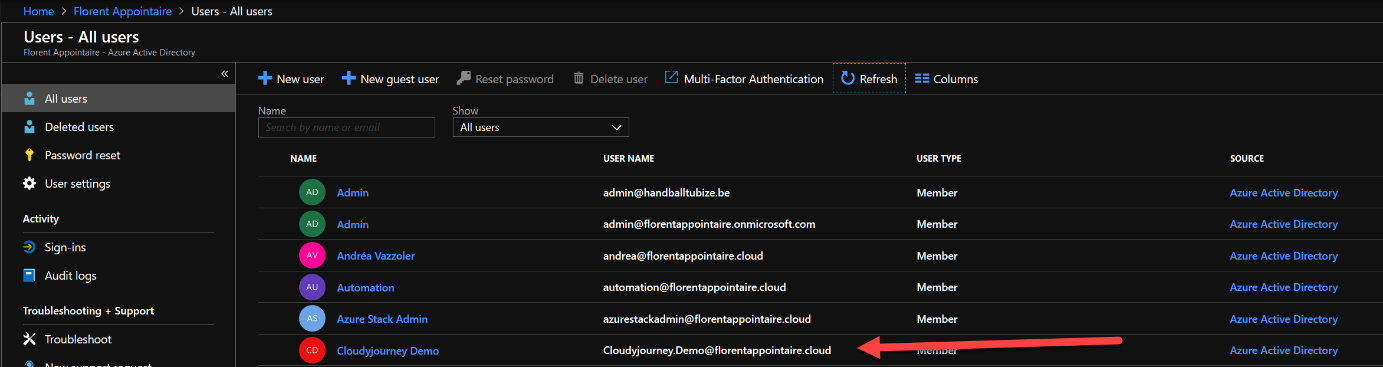
Azure AD

This is the end of the series for automate the user creation, with a user-friendly interface (Phone/Tablet/Computer). You can now release a lot of action, that can be automated, without any knowledge in development, to your employees. Feel free to leave comments / questions, if it’s not enough clear 😊

Found Florent’s article helpful? Looking for a reliable, high-performance, and cost-effective shared storage solution for your production cluster?
Dmytro Malynka
Dmytro Malynka StarWind Virtual SAN Product Manager
We’ve got you covered! StarWind Virtual SAN (VSAN) is specifically designed to provide highly-available shared storage for Hyper-V, vSphere, and KVM clusters. With StarWind VSAN, simplicity is key: utilize the local disks of your hypervisor hosts and create shared HA storage for your VMs. Interested in learning more? Book a short StarWind VSAN demo now and see it in action!