
Search
Join the Technical Preview Program
See how NVMe-oF removes iSCSI
bottlenecks in your HCI
The Best Hyperconverged
Infrastructure
(HCI) for Enterprise
ROBO, SMB & Edge
The Best Virtual SAN
for Enterprise ROBO, SMB & Edge

Setting Up a Free Azure Account

  • January 14, 2020
  • 4 min read
Cloud and Virtualization Architect and Microsoft MVP. Florent specializes in public, private, and hybrid cloud ecosystems. An MCSE in Private Cloud, he provides technical leadership in Cloud and Datacenter Management. Florent delivers high-authority insights on Azure deployments, virtualization strategy, and optimizing enterprise-scale cloud infrastructure.

I’m writing a lot of Azure blog posts with my Microsoft Azure MVP sponsorship subscription, but I never mind writing for people who want to learn/trypracticing how to actually start with Azure to begin with.

So, in this blog post, I’ll explain to you how to start with Azure by creating a free account.

To start, connect to https://portal.azure.com and navigate to the necessary category. You should see this:
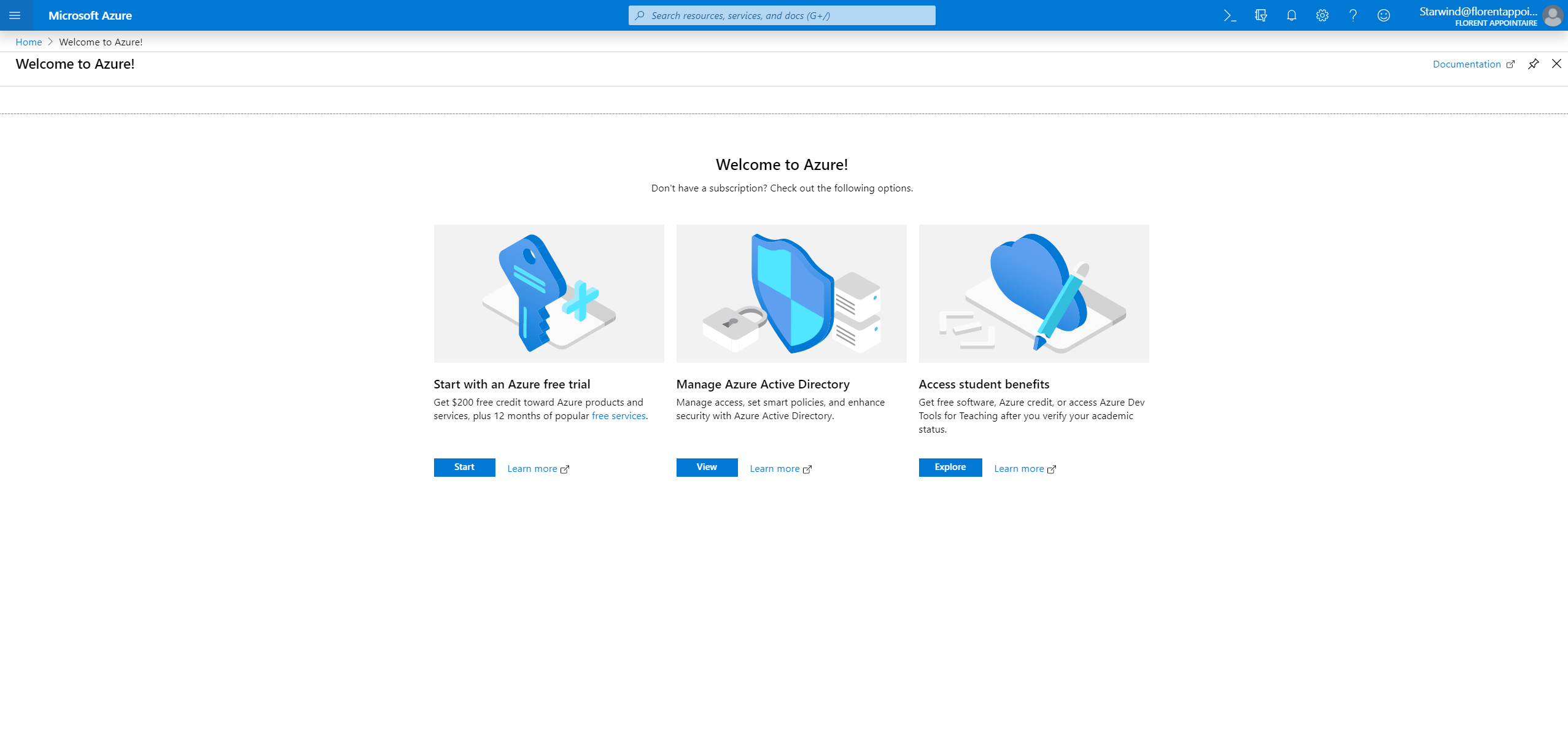
Microsoft Azure MVP

Prepare a credit card and click on Start to start an Azure free trial account. With this account, you’ll get 12 months:

  • $200 of credit
  • 25+ free services
  • access to most of Azure services

You can have a full overview of free services here: https://azure.microsoft.com/en-us/free/

Complete the information to create your subscription:
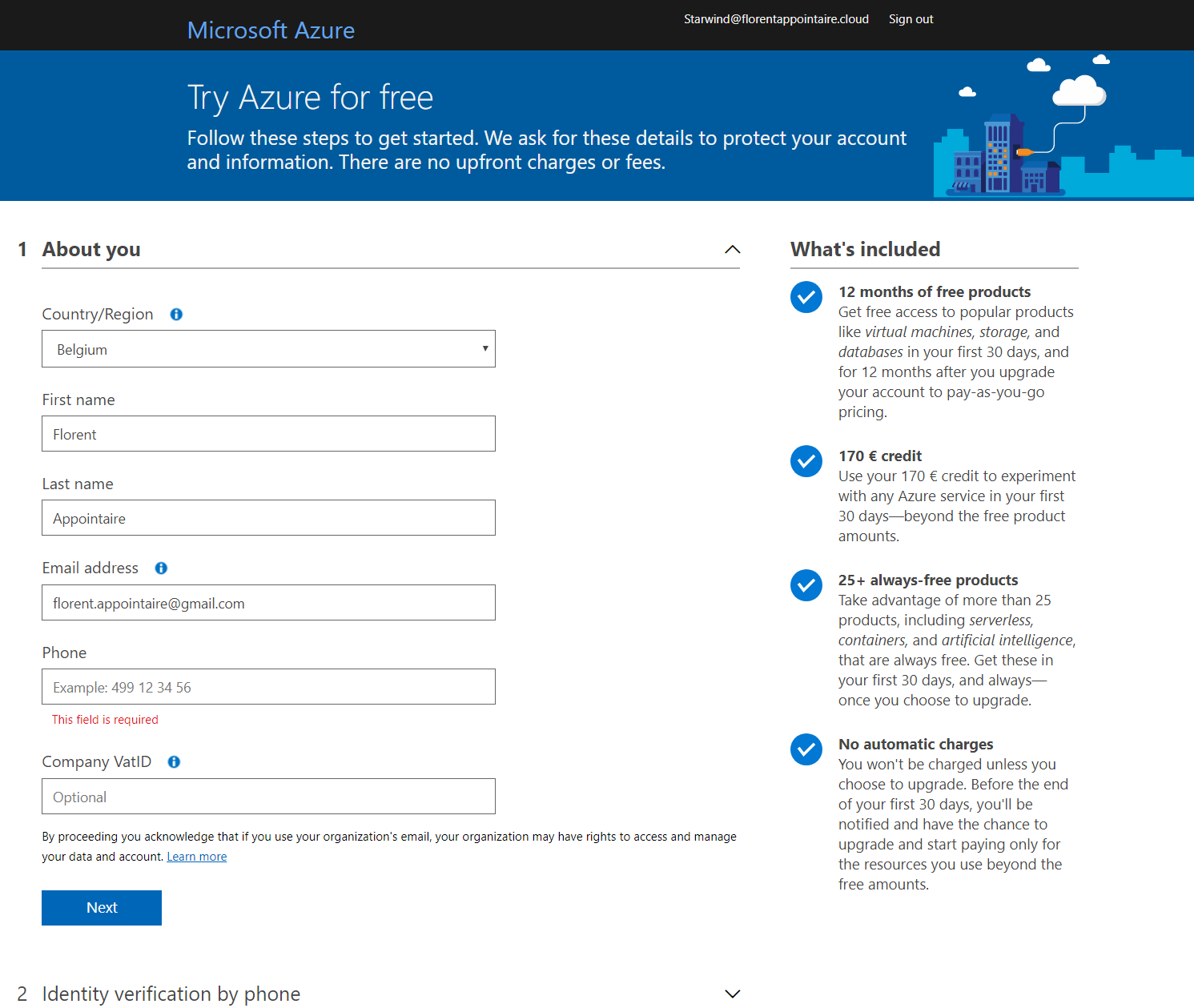
Create you subscription

The creation of my new subscription is in progress:
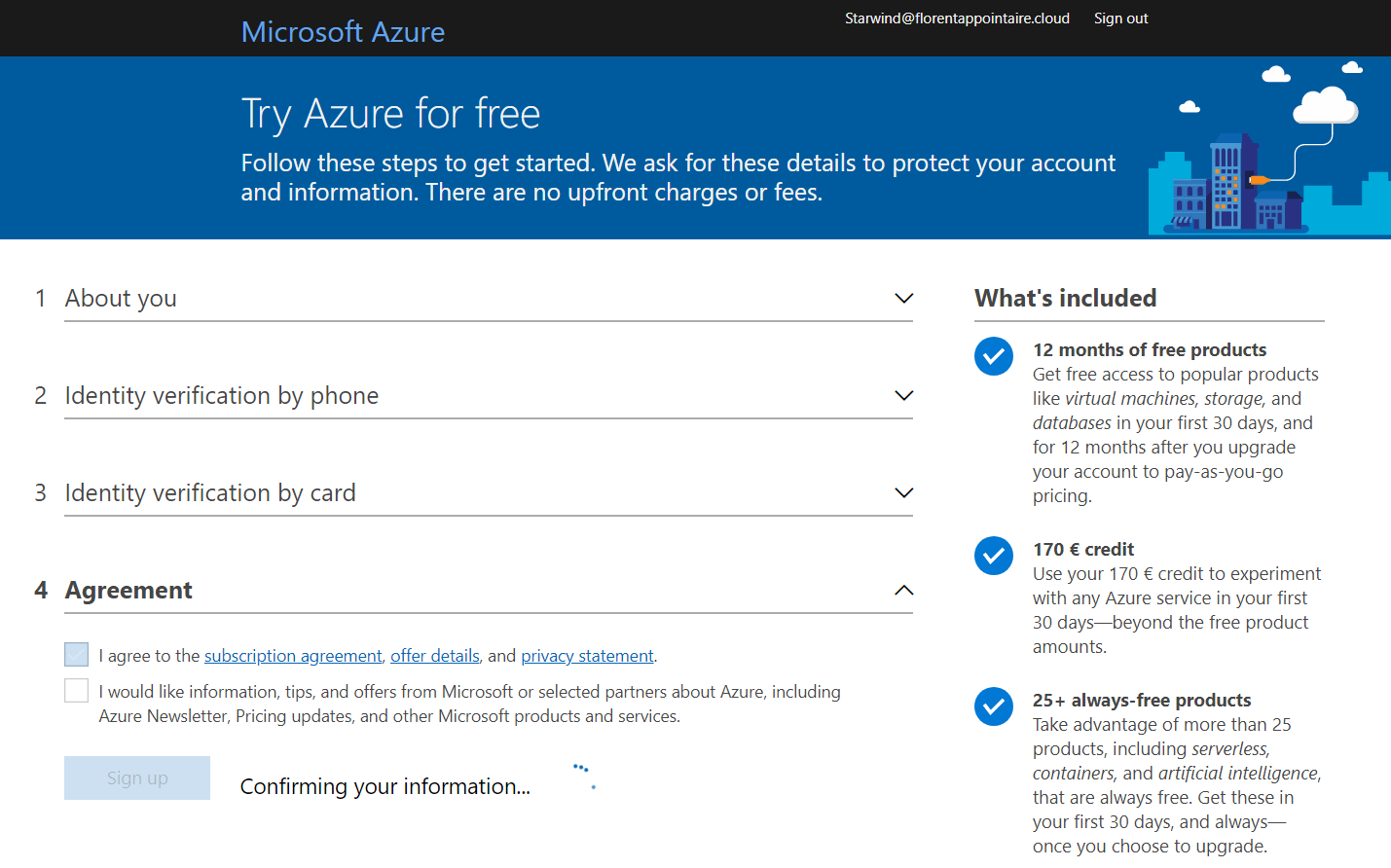
Subscription is in progress

You should receive an email when your subscription is ready:
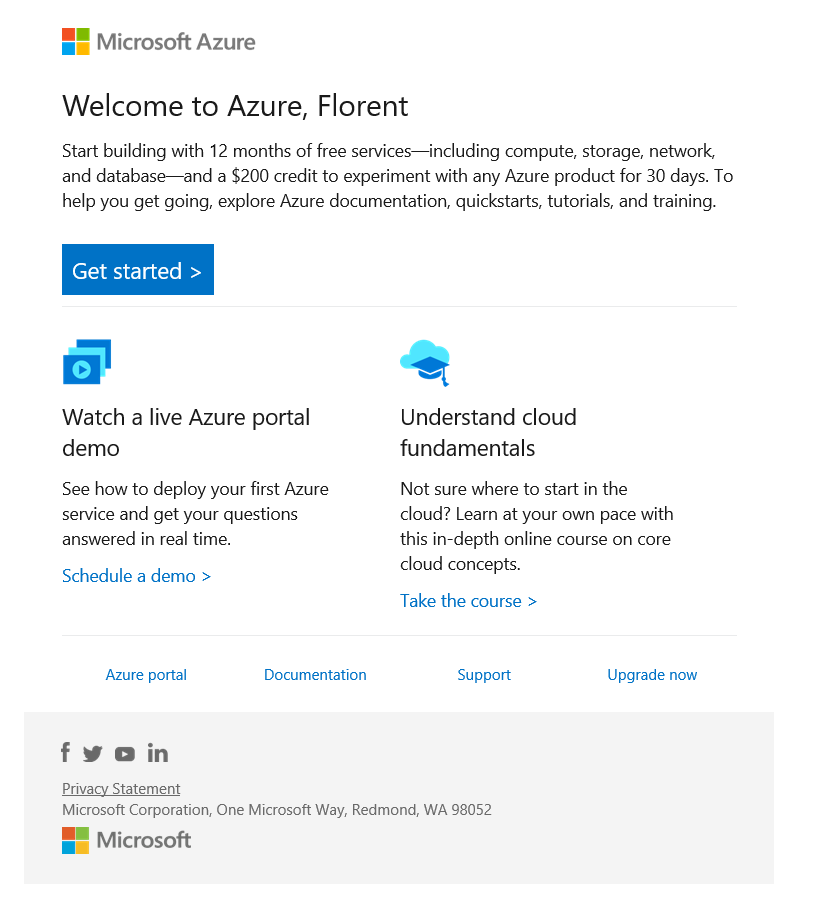
Subscription is ready

If you go back to the Azure Portal, in Subscriptions, you should be able to see your new Free subscription:
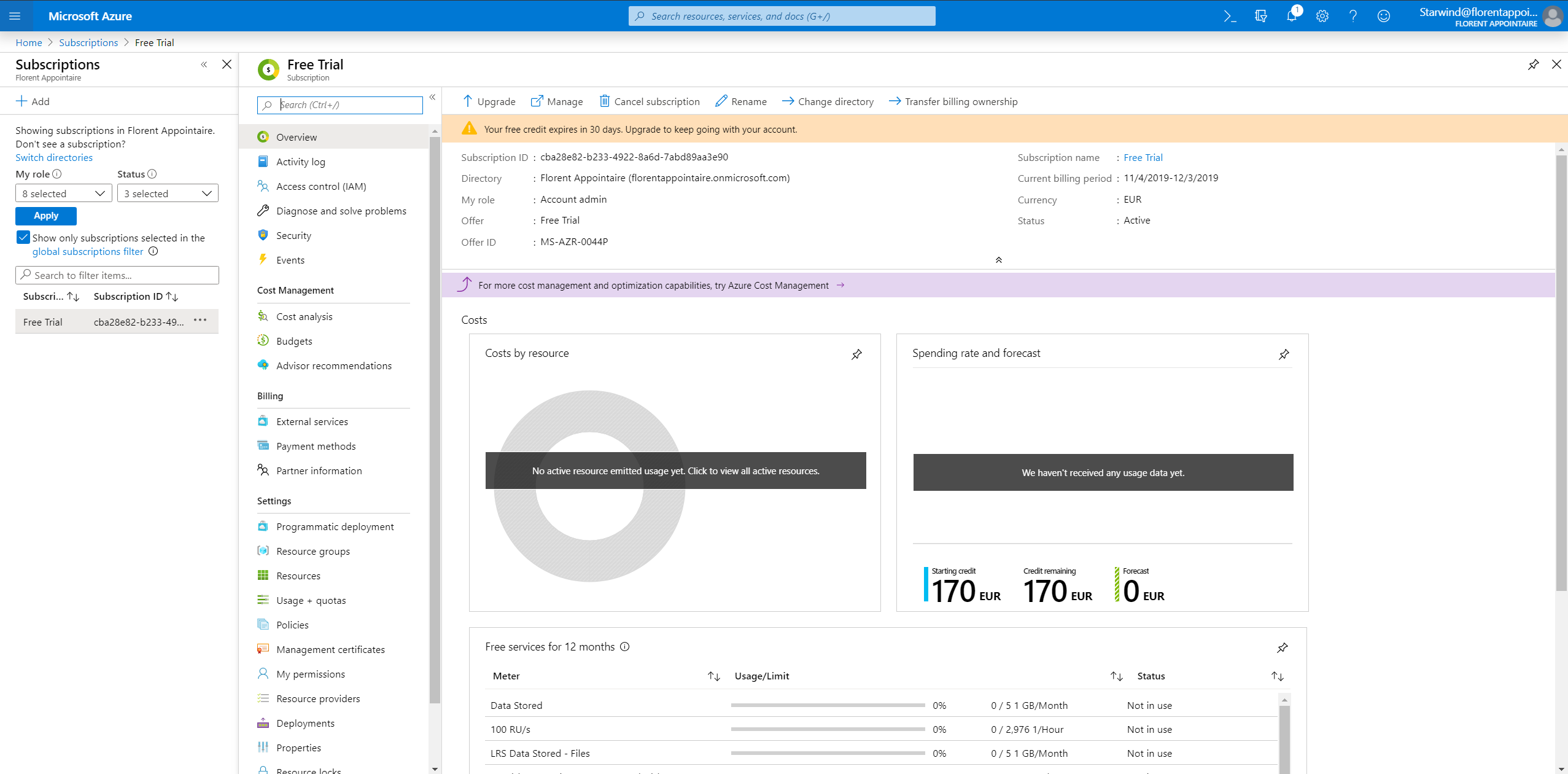
Azure Portal-Subscriptions

You also have a set of free services that you can use. If you deploy over limits, the credit will be taken from your 200$:
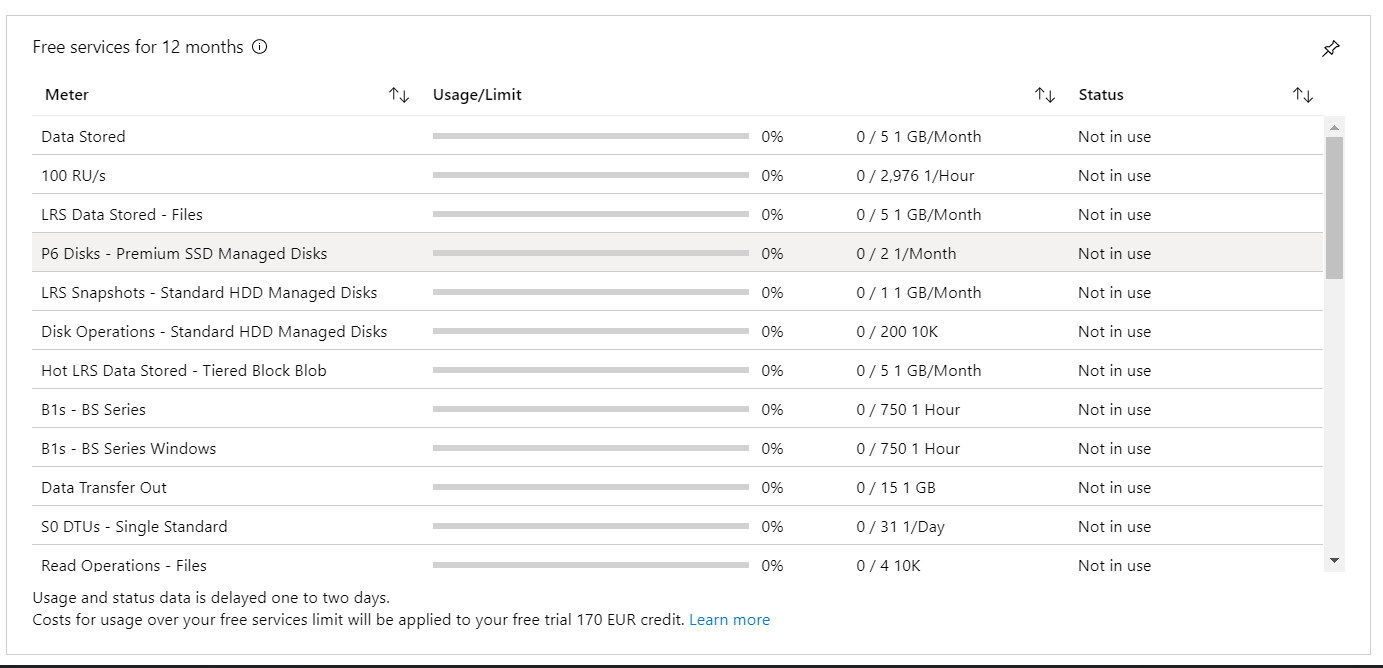
Usage / limits


You can now deploy your free services, directly from PowerShell, CLI or the Portal:
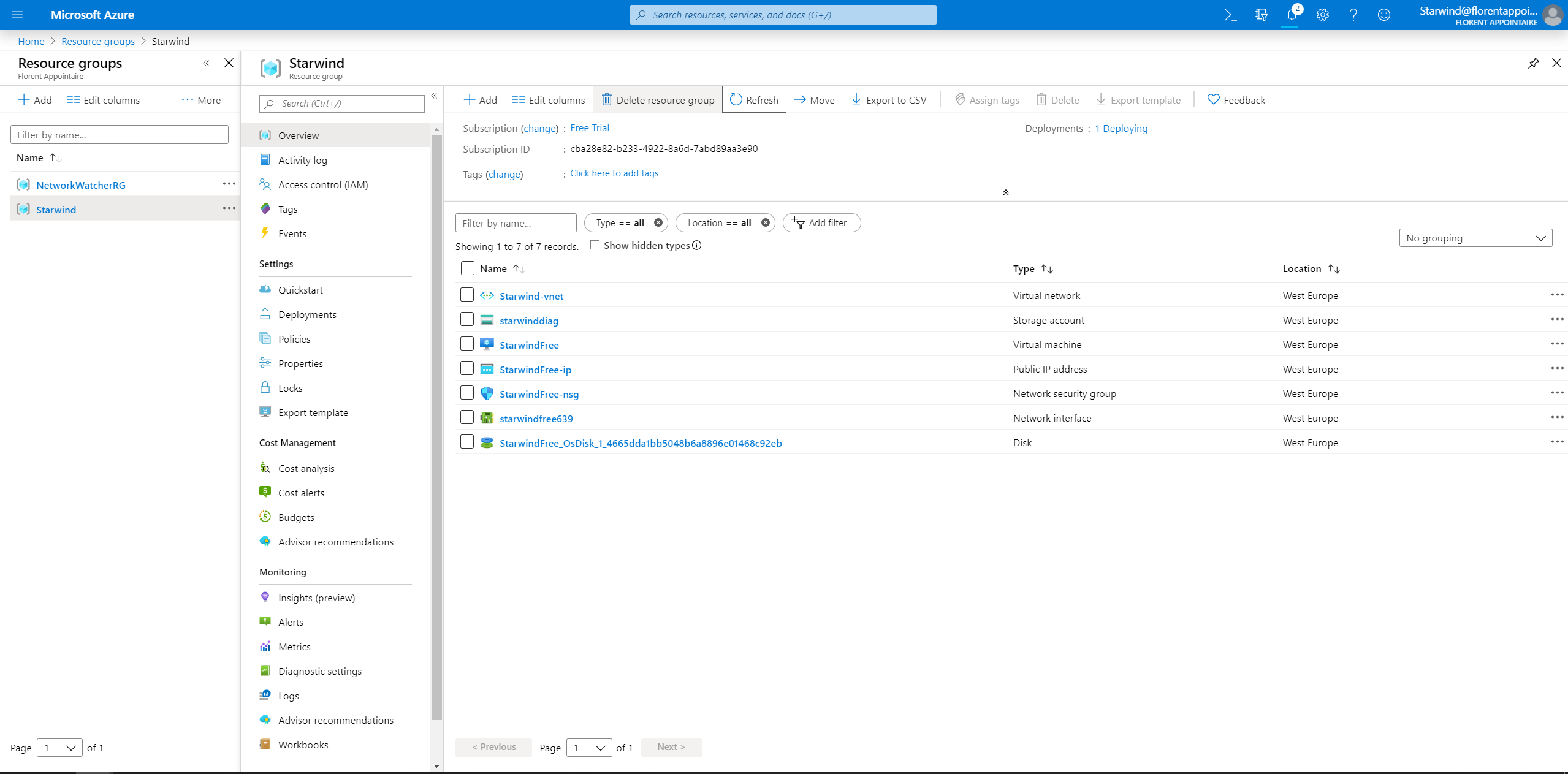
PowerShell, CLI or the portal

You now have a good way to start learning about Azure and its features for free 😊

Found Florent’s article helpful? Looking for a reliable, high-performance, and cost-effective shared storage solution for your production cluster?
Dmytro Malynka
Dmytro Malynka StarWind Virtual SAN Product Manager
We’ve got you covered! StarWind Virtual SAN (VSAN) is specifically designed to provide highly-available shared storage for Hyper-V, vSphere, and KVM clusters. With StarWind VSAN, simplicity is key: utilize the local disks of your hypervisor hosts and create shared HA storage for your VMs. Interested in learning more? Book a short StarWind VSAN demo now and see it in action!