


Windows Defender ATP will help you to secure your servers and your workstations, and manage them directly from the Cloud.
To start, be sure to have the right licenses: https://docs.microsoft.com/en-us/windows/security/threat-protection/microsoft-defender-atp/minimum-requirements#licensing-requirements
When you have the requirement, go to https://securitycenter.windows.com and create your Windows Defender ATP tenant:
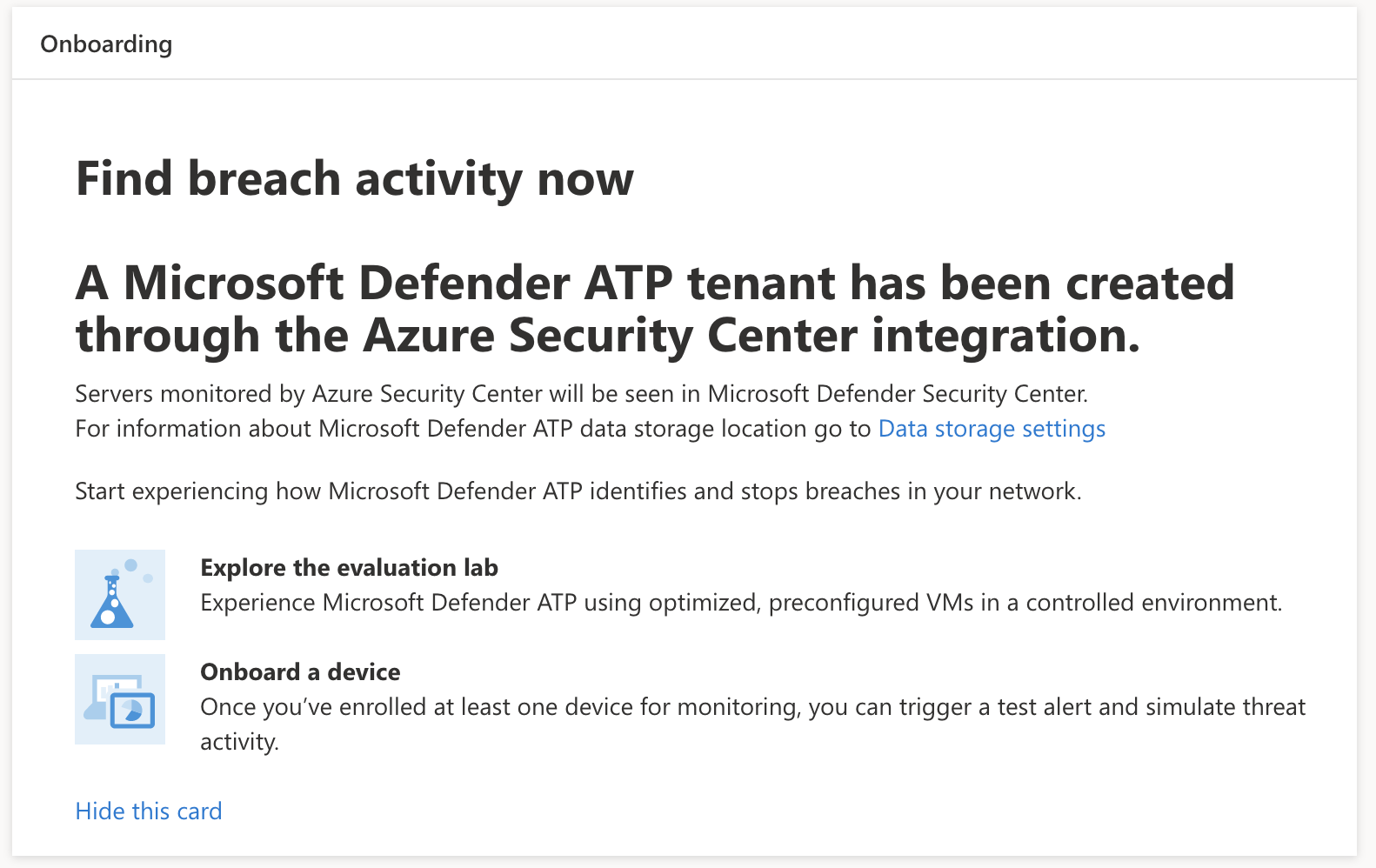
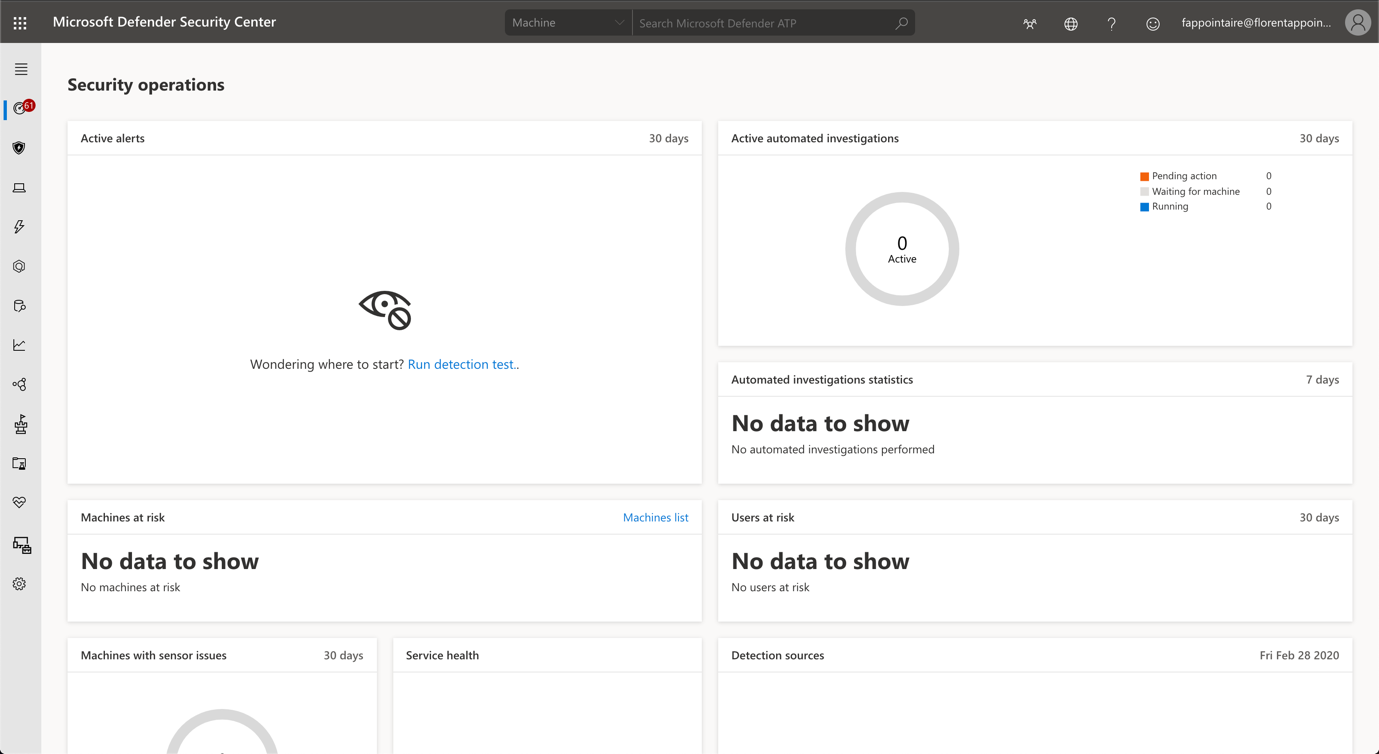
You now have access to the portal:
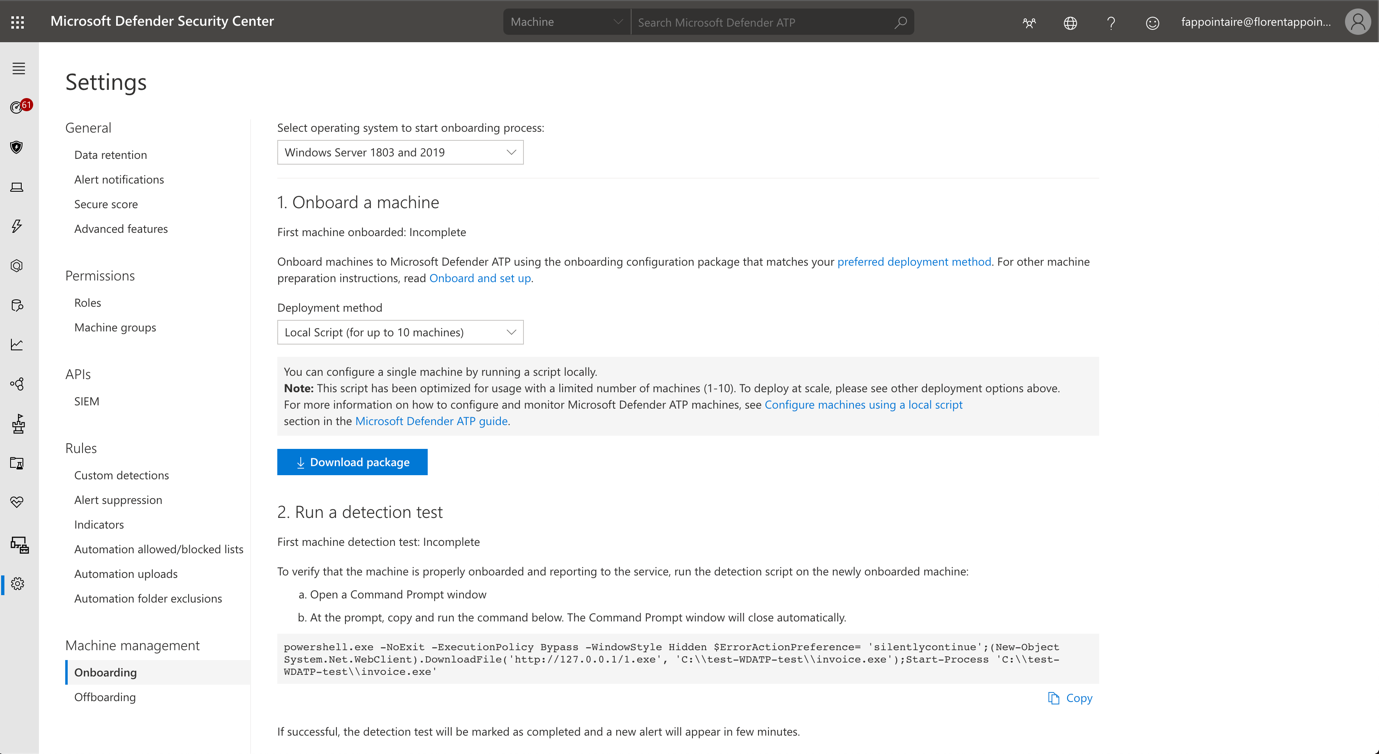
If you go in Settings > Onboarding, you will have information to deploy WDATP agent, depending of your operating system:
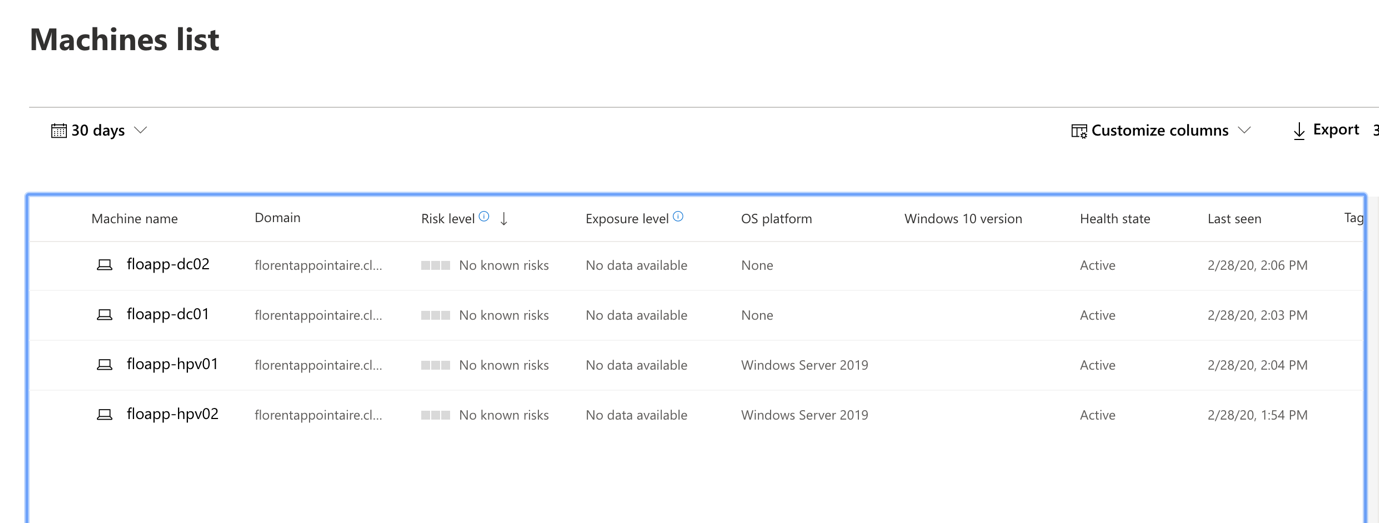
Execute the procedure. After few minutes, you will be able to see your servers:
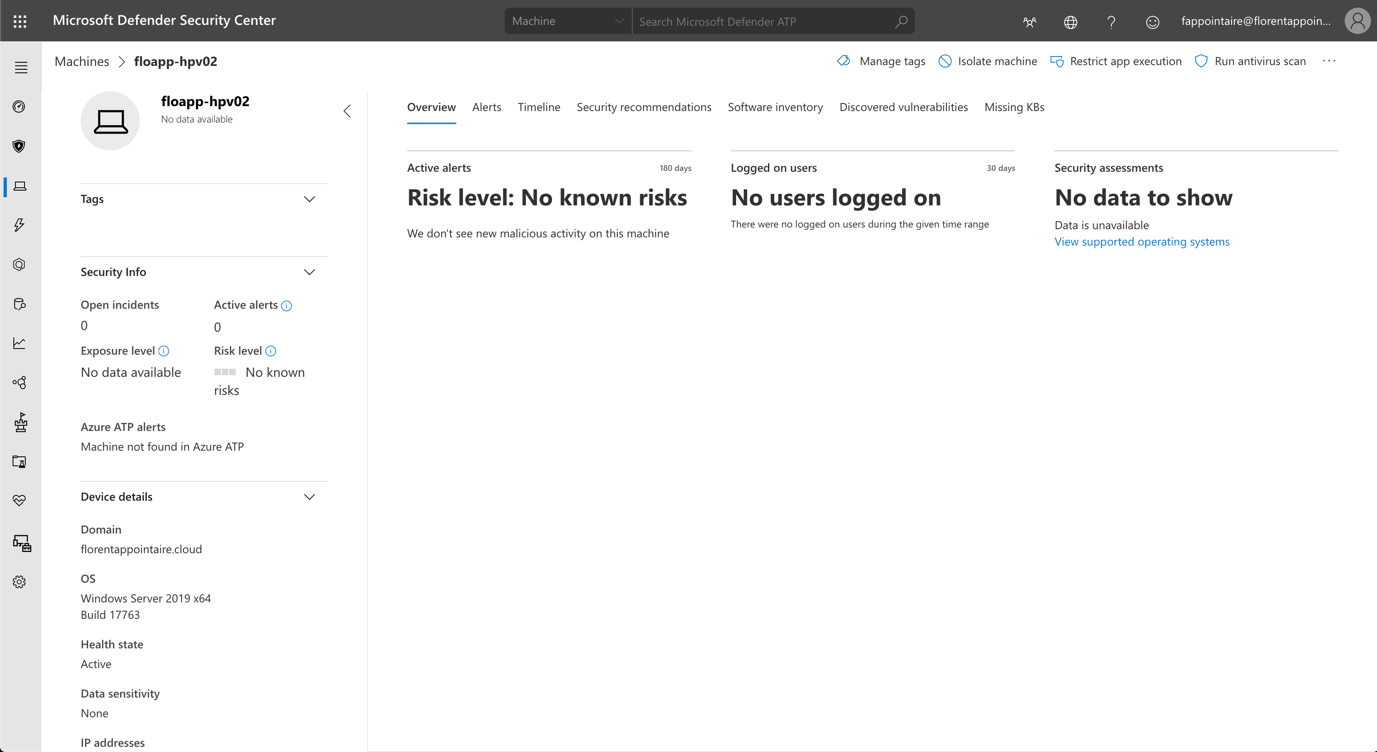
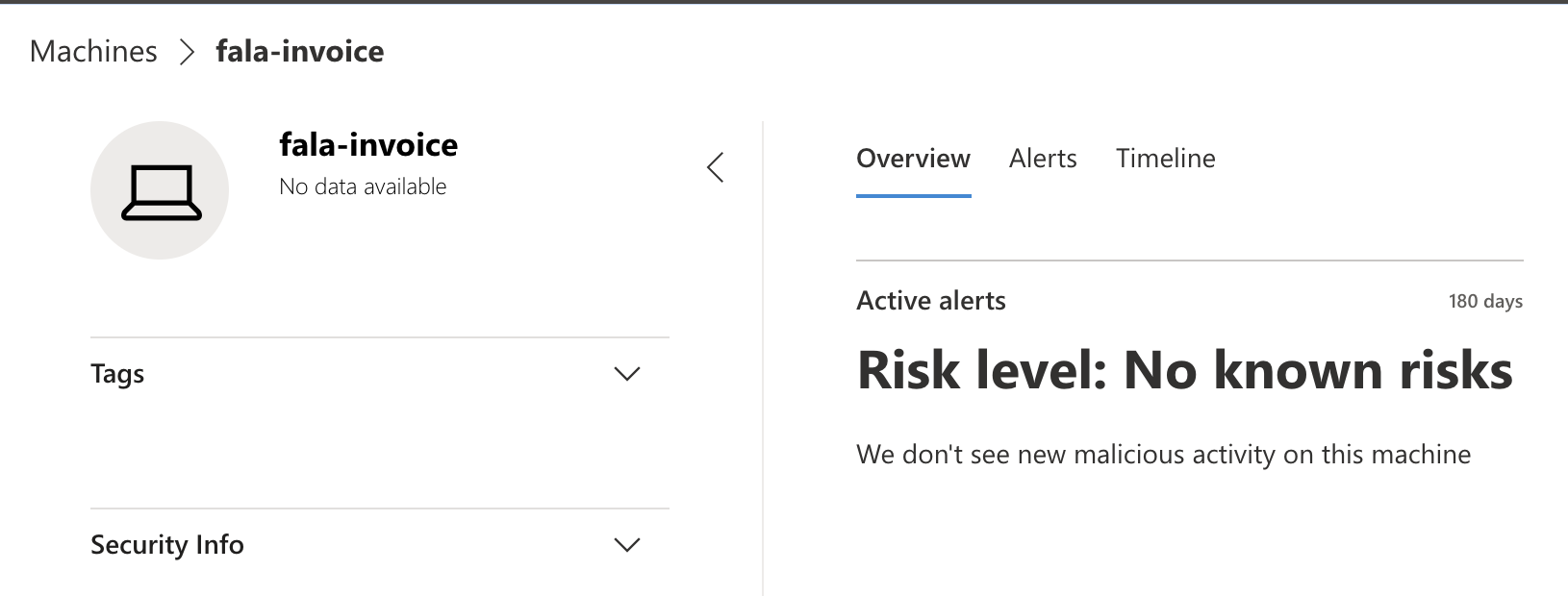
On the detailed view of the server, you have some actions:
To generate an alert, execute the following command:
powershell.exe -NoExit -ExecutionPolicy Bypass -WindowStyle Hidden $ErrorActionPreference= 'silentlycontinue';(New-Object System.Net.WebClient).DownloadFile('http://127.0.0.1/1.exe', 'C:\\test-WDATP-test\\invoice.exe');Start-Process 'C:\\test-WDATP-test\\invoice.exe'
|
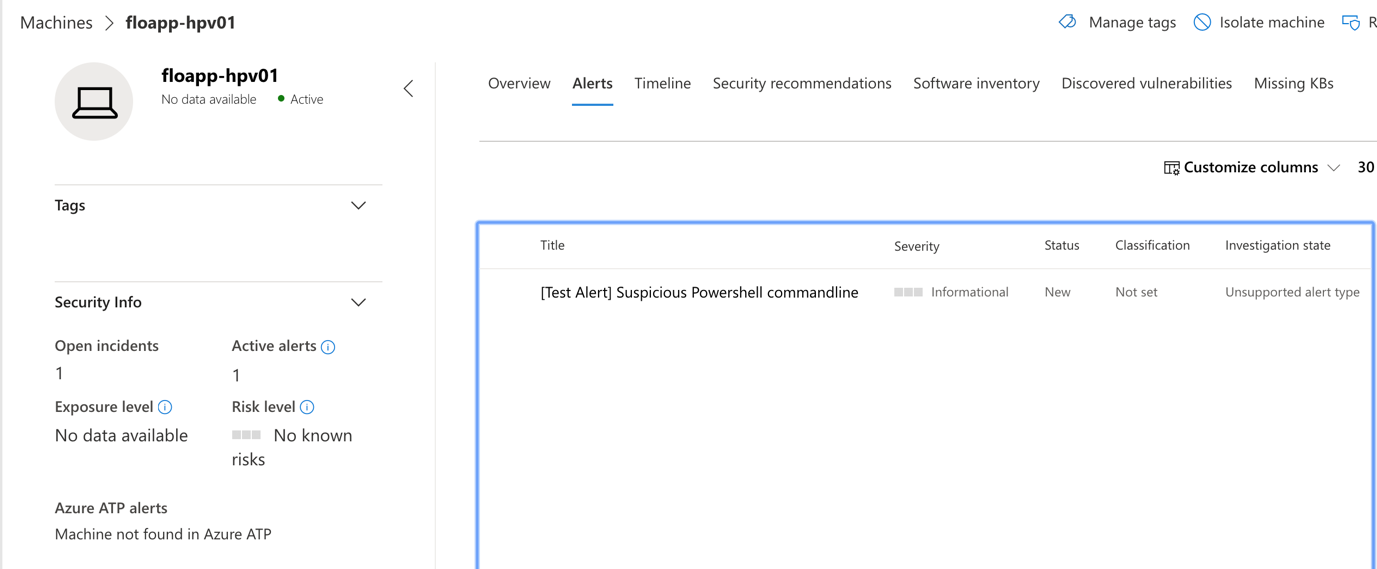
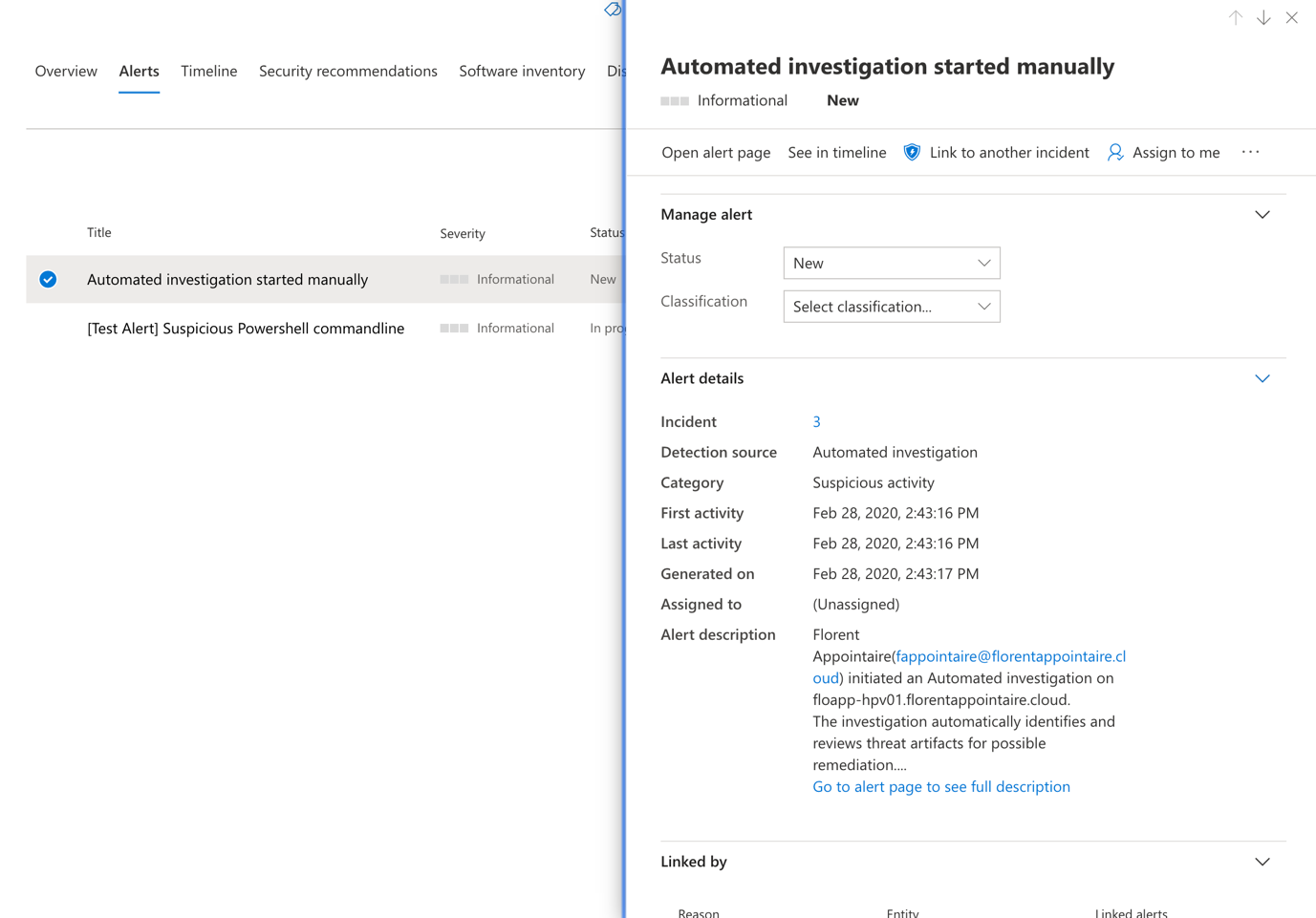
An alert appears in the MDATP portal:
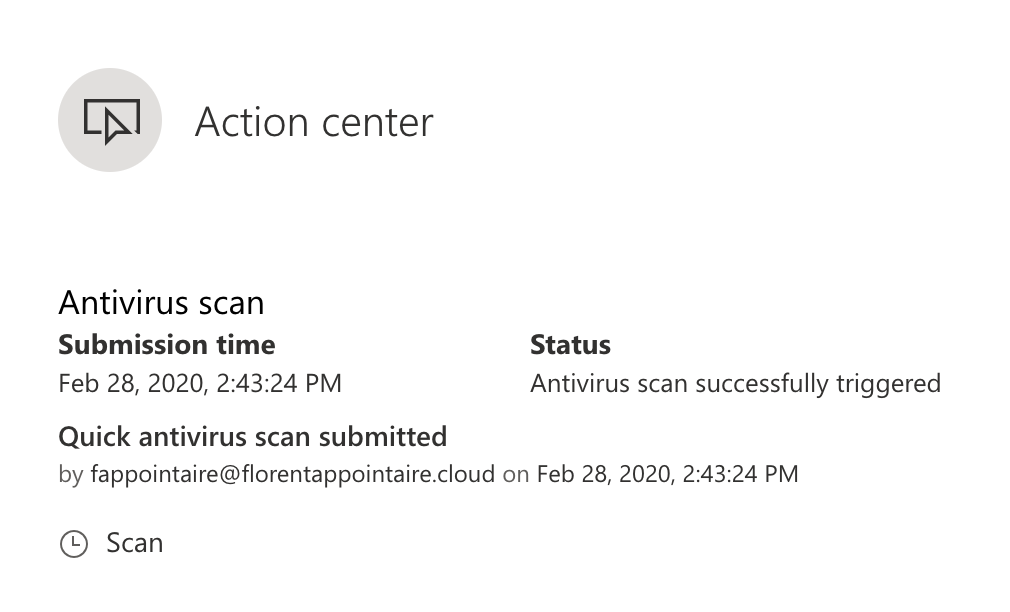
You can launch some actions from the ATP portal, on a selected server:
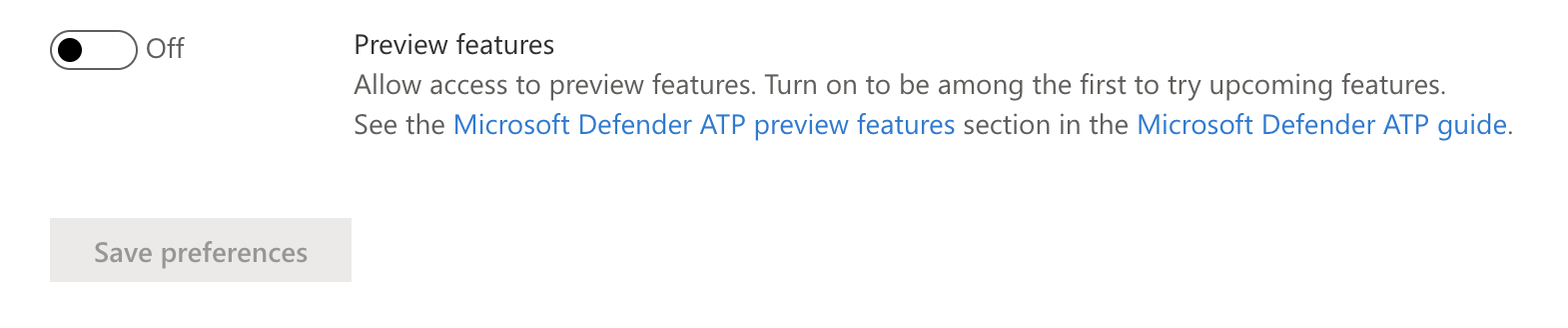
From some days now, WDATP for Linux is available in preview. You need to go in Settings > Advanced features and activate preview features:
Logoff and log on again. If you go back to Onboarding, you have now Linux Server:
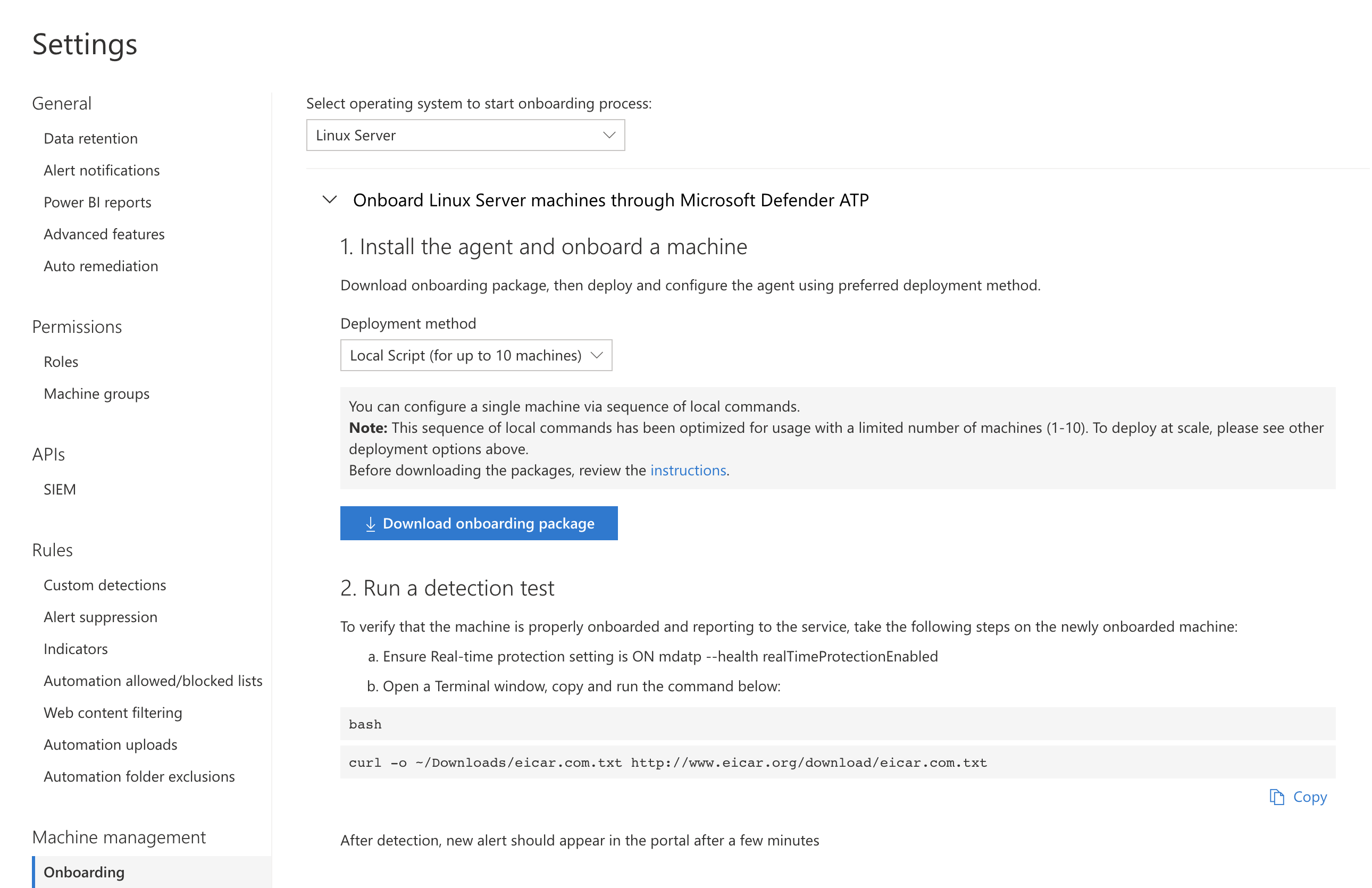
The full documentation to install on a Linux is available here: https://docs.microsoft.com/en-us/windows/security/threat-protection/microsoft-defender-atp/linux-install-manually#prerequisites-and-system-requirements
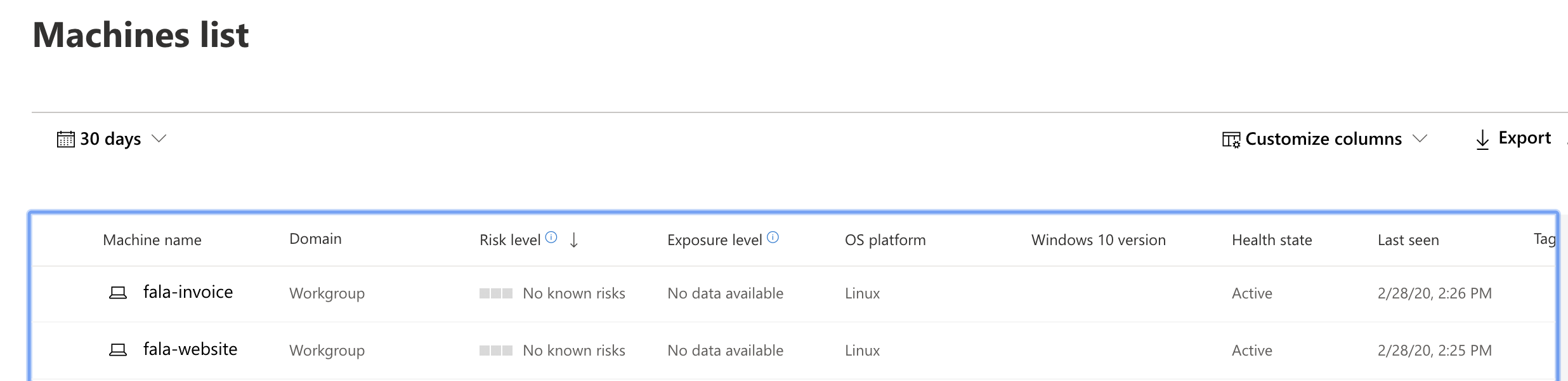
After a few minutes, servers are in the console:
I used the following command, to create an alert on my ATP console:
curl -o eicar.com.txt http://www.eicar.org/download/eicar.com.txt |
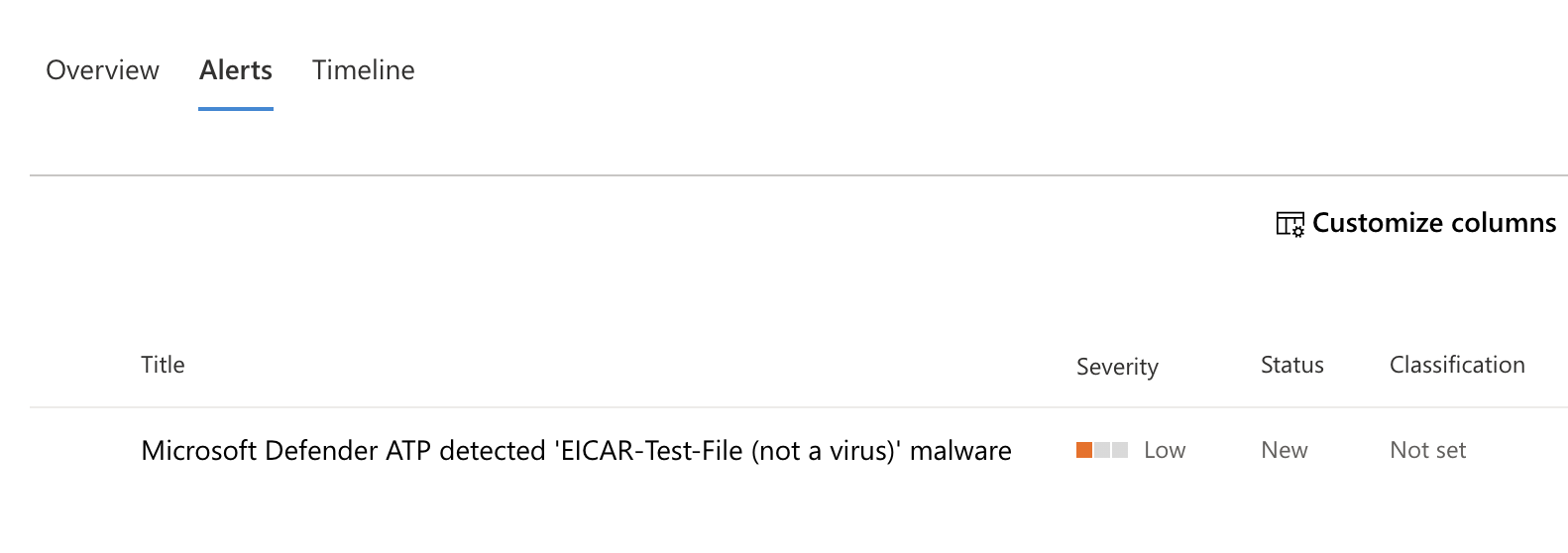
After a few seconds, I had the alert in my console:

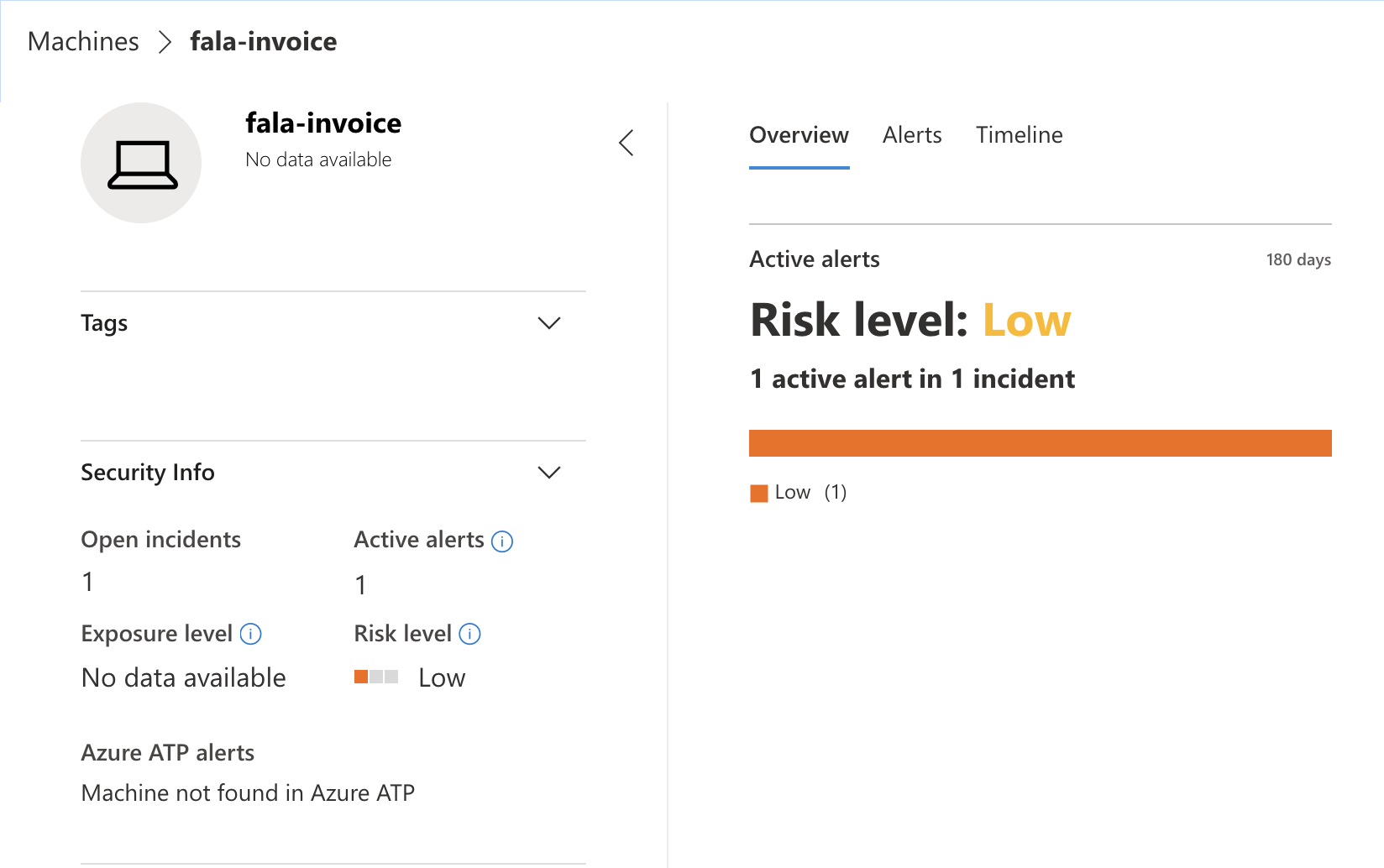
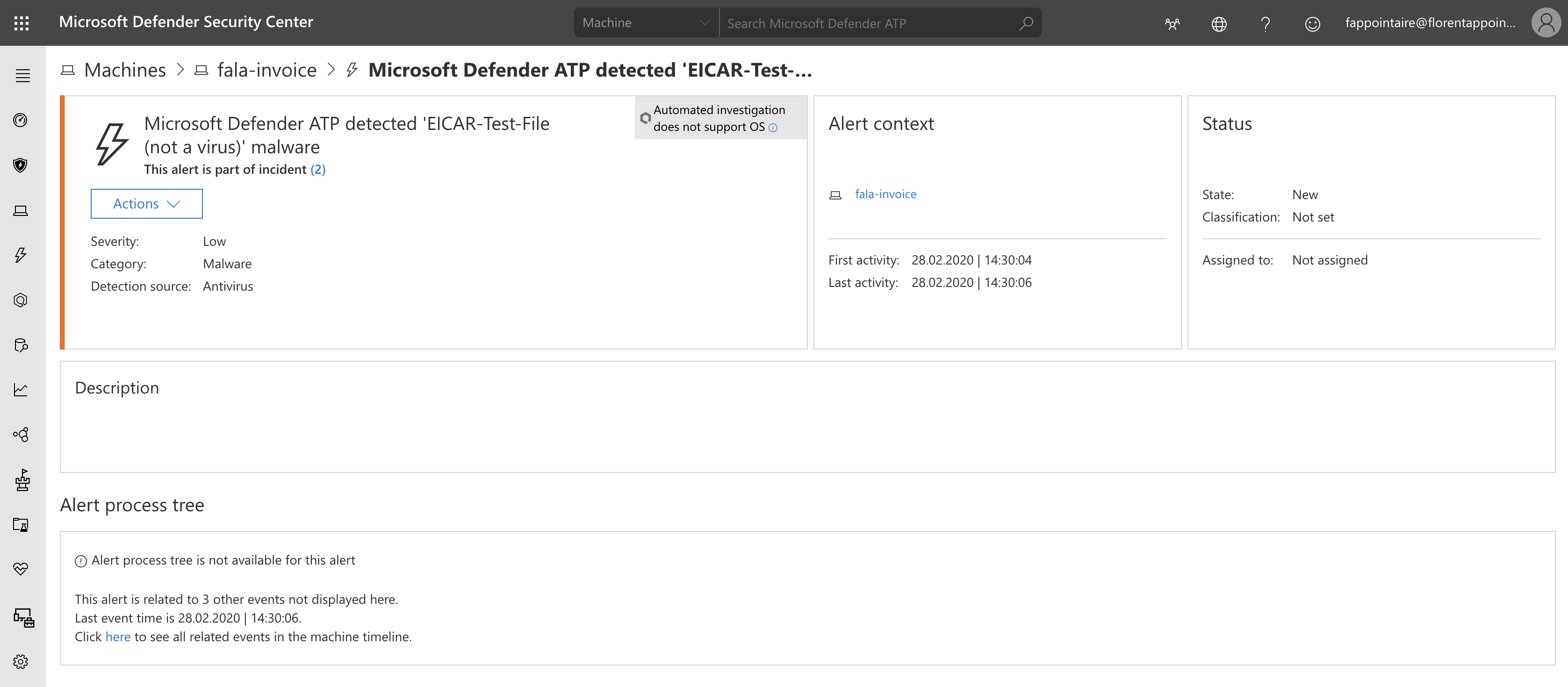
With the detail:
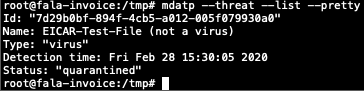
And on the Linux itself, the file has been moved to quarantine:
On the alert, you have some options available:
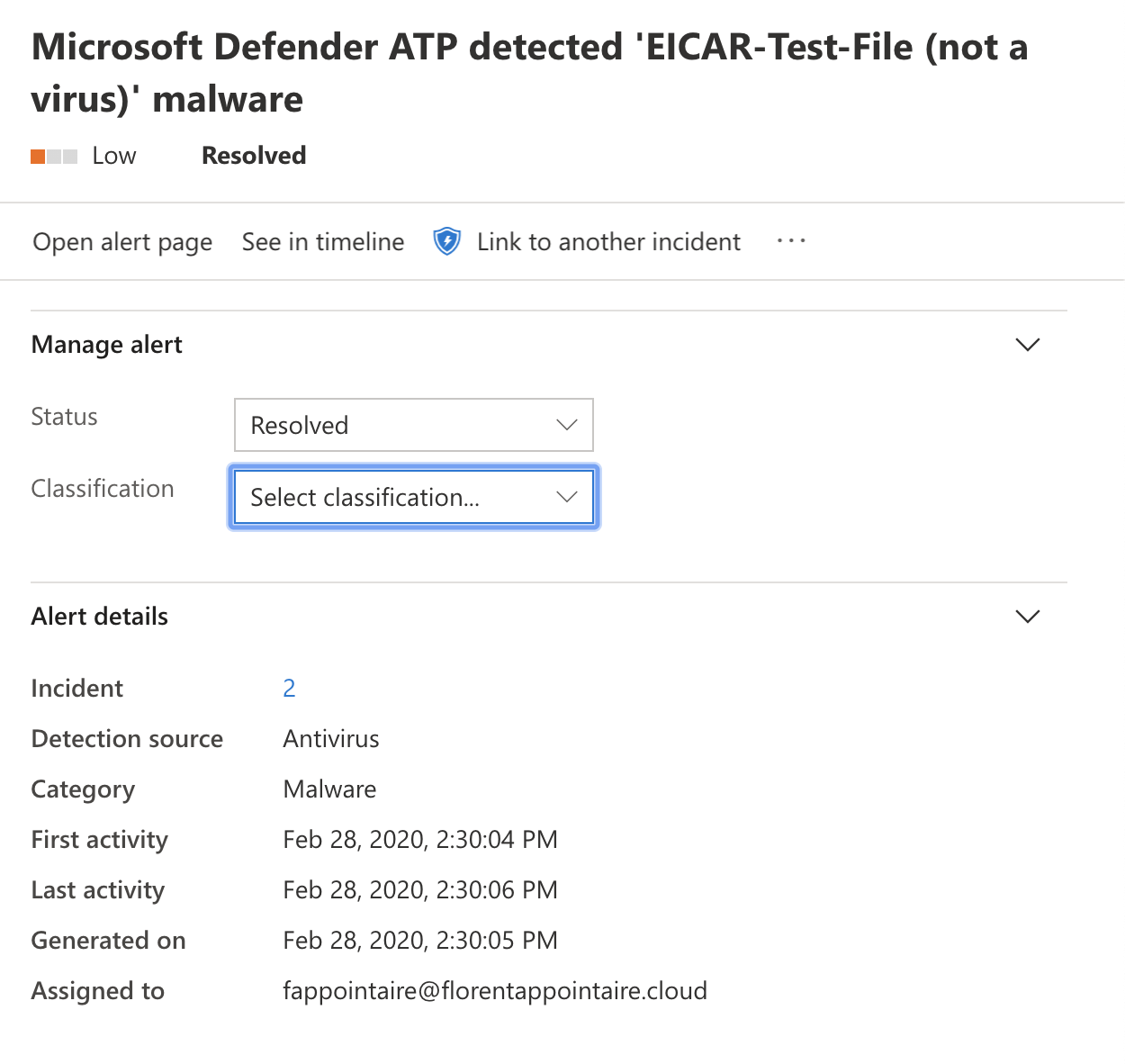
And the alert disappears:
Windows Defender ATP is a very good product, to monitor/protect your servers, with a small effort. As you can see, it’s a quick overview of the product, but you can do a lot of things with it.
