
If you’re new to Proxmox VE or just starting to use external storage with it, you’ll quickly discover that connecting a storage system like TrueNAS usually involves quite a few manual steps. You create a dataset on TrueNAS, turn on the iSCSI service, set up portals, targets and extents by hand, then hope Proxmox can see the storage correctly. Taking snapshots or managing disks often means switching back and forth between the Proxmox interface and the TrueNAS web UI. It works, but it never feels fully integrated.
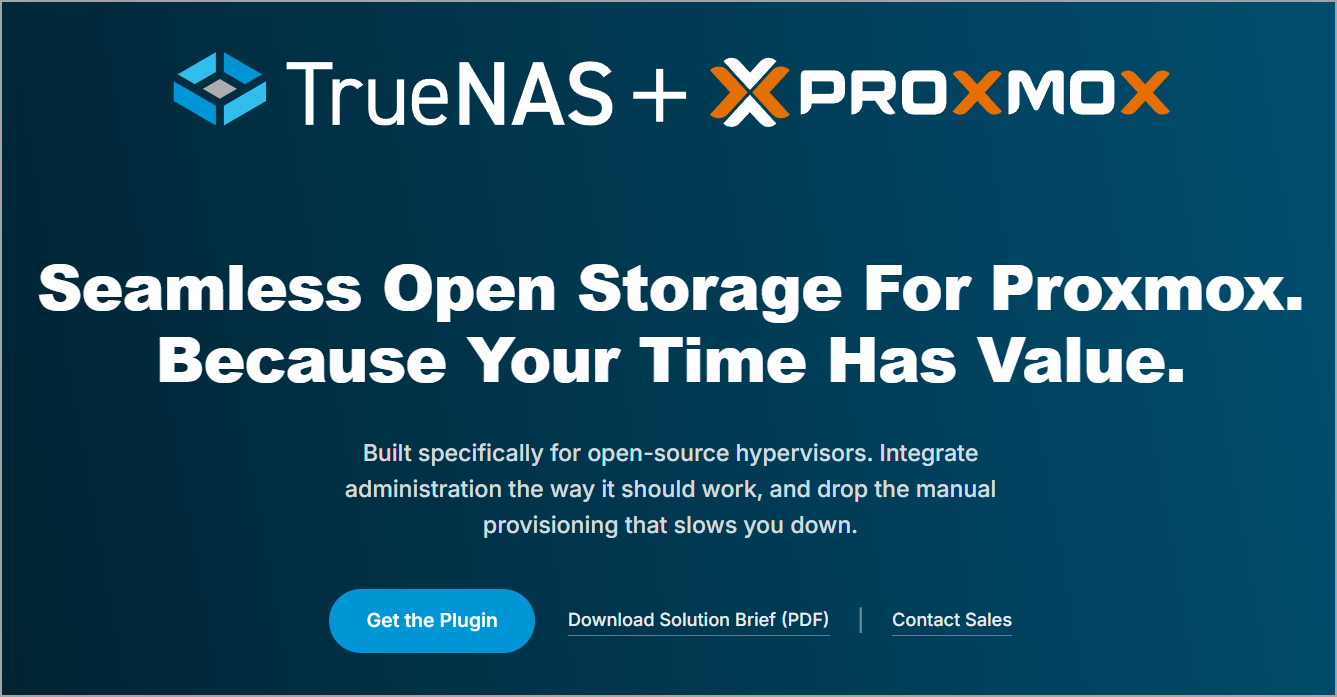
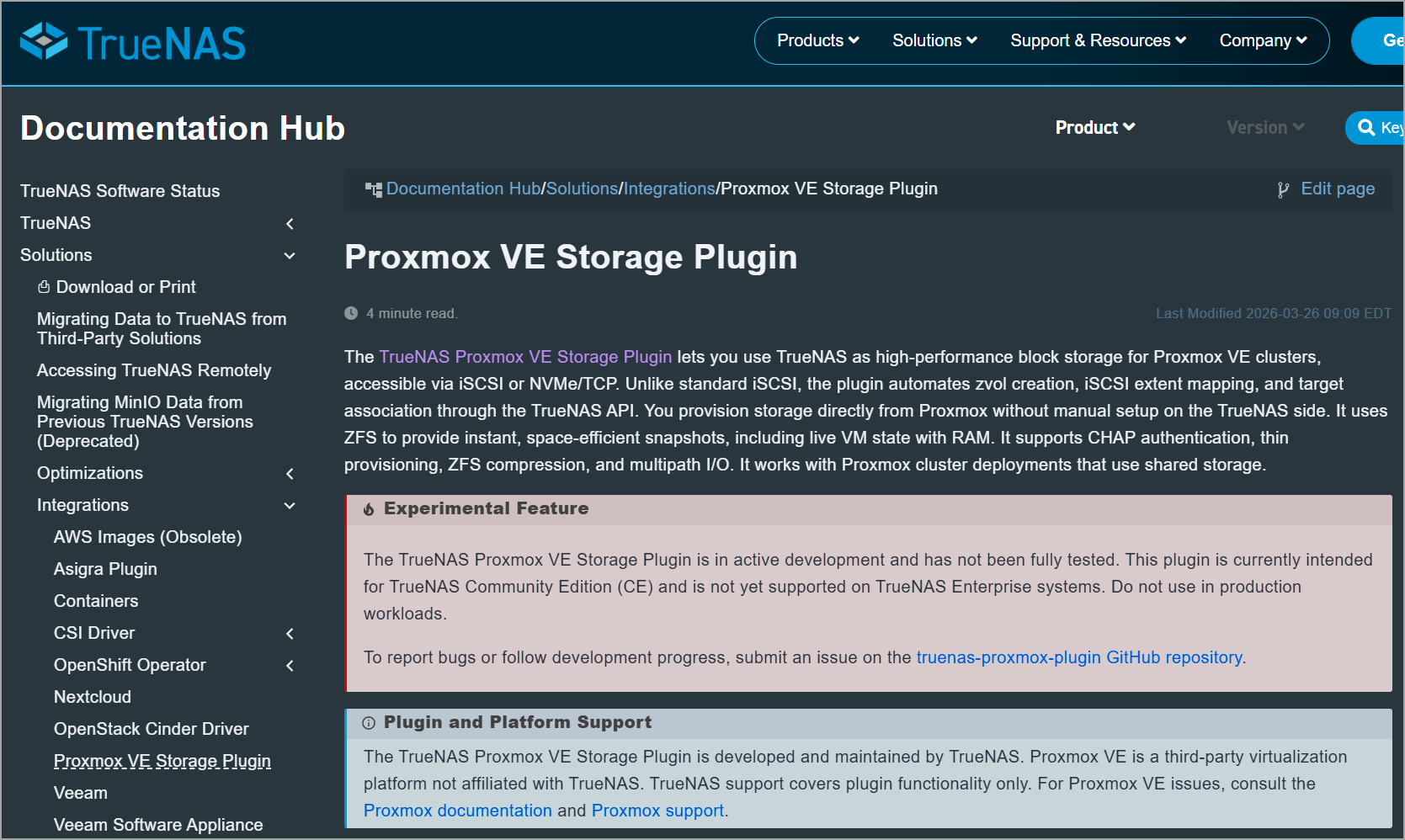
The official TrueNAS Proxmox VE Storage Plugin changes that. It is developed and maintained by TrueNAS (iXsystems) and available on GitHub: https://github.com/truenas/truenas-proxmox-plugin. Official documentation lives here: https://www.truenas.com/docs/solutions/integrations/proxmoxplugin/. There is also a dedicated landing page: https://www.truenas.com/open-storage-for-proxmox/.
The plugin talks to TrueNAS via the modern WebSocket API. When you create a disk in Proxmox, the plugin automatically creates the zvol, the iSCSI extent, and maps it to the target. No more manual clicks on the storage side for every new VM disk. It supports both classic iSCSI and NVMe/TCP, ZFS snapshots (including live VM state with RAM), thin provisioning, compression, multipath, and full cluster shared storage. LXC containers can also use it as block-backed rootfs.
ZFS Snapshot Cloning Benefits
ZFS (and its modern OpenZFS implementation used by TrueNAS) provides two closely related features that stand out for efficiency and flexibility: snapshots and clones.
Quick definitions
A snapshot is a read-only, point-in-time copy of a dataset (filesystem or ZVOL). It is created almost instantaneously using copy-on-write (COW). Initially it consumes virtually no extra space—only metadata. Space grows only as the original dataset changes (the snapshot retains the old blocks).
A clone is a writable copy created from a snapshot. It also starts with near-zero additional space because it shares all data blocks with the parent snapshot (and therefore with the original dataset). As you write to the clone, only the changed blocks are allocated new space.
Clones can only be created from snapshots, and a snapshot cannot be destroyed while any clones of it still exist.
Key benefits of ZFS snapshot cloning
1. Near-instant creation
Creating a snapshot or clone of a multi-terabyte volume typically takes less than a second, regardless of size. There is no data copying at creation time. This is dramatically faster than traditional full-copy methods (which can take minutes or hours) or even many hypervisor linked-clone mechanisms.
2. Extreme space efficiency
Because of COW and block sharing:
- Multiple clones of the same snapshot share the unchanged data blocks.
- Only the deltas (new or modified blocks) consume additional capacity.
- A laboratory with dozens of near-identical VMs or test databases can occupy only slightly more space than a single copy, plus the unique changes.
This is especially powerful for golden images, templates, and development/test environments.
3. Safe, isolated experimentation
You can clone a production snapshot and freely modify the clone (install updates, test schema changes, run destructive operations, etc.) without any risk to the original data or the snapshot. When finished, simply destroy the clone. The original remains untouched.
4. Fast provisioning of VMs and containers
In virtualization environments (Proxmox, other KVM setups, etc.):Clone a golden VM image or template in seconds.
- Spin up multiple test instances that initially share blocks.
- Roll back or create new branches quickly.
- Support for live snapshots (including RAM state in some integrations) further enhances this workflow.
5. Efficient backups, recovery, and replication foundations
Snapshots serve as excellent recovery points (ransomware protection, accidental deletion recovery, pre-upgrade checkpoints). Clones let you mount and inspect those points as writable filesystems if needed. Combined with zfs send/receive, incremental replication becomes highly efficient because only changed blocks are transferred.
6. Independence after creation
Unlike some fragile linked-clone chains in other systems, a ZFS clone is a first-class, independent dataset. You can snapshot the clone itself, promote it (make it independent of the original snapshot), or treat it as a normal volume.
Important requirements and caveats first:
The plugin requires TrueNAS SCALE 25.10 or later and Proxmox VE 8.x or later (9.x strongly recommended). NVMe/TCP needs Proxmox VE 9.x+. It is currently intended for TrueNAS Community Edition and is not yet supported on TrueNAS Enterprise.
TrueNAS themselves note that it is in active development and has not been fully tested for production workloads. Treat it as early access / lab-ready and test thoroughly before any critical use. Report issues on the GitHub repo.
Why this is useful
Compared with a plain iSCSI target or NFS export:
- Automatic volume management (zvol + extent + target association).
- Native ZFS snapshots and clones with space efficiency.
- Live snapshots that include VM RAM state (vmstate).
- Thin provisioning and ZFS compression without extra layers.
- Grow-only resize with pre-flight checks.
- Shared storage that works cleanly in a Proxmox cluster.
- Optional CHAP and multipath I/O.
You still get raw block performance (better than qcow2 on NFS for most workloads) while keeping the snapshot and management advantages that pure iSCSI usually forces you to reinvent with LVM-thin or volume chains.
You keep raw block performance while gaining the snapshot and management features that pure iSCSI usually forces you to handle with additional layers (LVM-thin, volume chains, etc.).
High-level outline of the process
On the TrueNAS side:
You prepare a suitable ZFS dataset, enable the necessary services (iSCSI and, if desired, NVMe-oF), create the required portal / target / initiator configuration, and generate an API key. The official documentation walks through these preparation steps in detail.
On the Proxmox side:
The plugin is installed on every node in the cluster (an official installer script and APT repository are provided). After installation, a storage entry is added so that Proxmox can talk to TrueNAS through the plugin. Once the storage is registered, you can create and manage virtual disks, take snapshots, and perform the usual storage operations directly from the Proxmox interface or CLI.
The interactive installer can also help with cluster-wide deployment and basic validation. Full step-by-step instructions, configuration parameters and troubleshooting guidance are available in the official TrueNAS documentation and the project’s GitHub wiki.
Practical observations
Because the integration is API-driven, keeping the API key secure and following least-privilege principles is important. A dedicated high-speed network for storage traffic is recommended, as with any iSCSI or NVMe/TCP setup. The plugin focuses primarily on VM disk images (and LXC block storage); it is not intended as a general ISO or backup repository.
Community reports so far describe relatively straightforward lab deployments once the version requirements are met, but because the software is still maturing you should always test thoroughly in your own environment before considering any production use.
Useful links:
- TrueNAS Proxmox plugin documentation: https://www.truenas.com/docs/solutions/integrations/proxmoxplugin/
- GitHub repository (source, installer, wiki, issues): https://github.com/truenas/truenas-proxmox-plugin
- TrueNAS Proxmox solution page: https://www.truenas.com/open-storage-for-proxmox/
- Proxmox VE official site and documentation: https://www.proxmox.com/en/proxmox-virtual-environment and https://pve.proxmox.com/wiki/Main_Page
- TrueNAS main site: https://www.truenas.com/
Final words
The TrueNAS Proxmox VE Storage Plugin finally offers the kind of tight integration that open-source stacks have needed for years. You keep the full power of ZFS on TrueNAS while managing disks, snapshots and clones directly from Proxmox. For homelabs, edge sites and smaller environments that already run both products, it removes a lot of repetitive work and reduces the chance of configuration drift.
Because it is still under active development, start in a lab, follow the official documentation closely, monitor the GitHub issues, and keep an eye on future updates. Once the plugin matures further and gains broader support, it looks set to become one of the more attractive storage options for Proxmox clusters.
FAQ
What is the TrueNAS Proxmox VE Storage Plugin?
The TrueNAS Proxmox VE Storage Plugin is an official integration developed and maintained by TrueNAS. It connects Proxmox VE with TrueNAS through the WebSocket API and lets administrators manage block storage directly from Proxmox.
What does the TrueNAS plugin automate in Proxmox VE?
When a new virtual disk is created in Proxmox, the plugin can automatically create the corresponding ZFS zvol, iSCSI extent, and target mapping on TrueNAS. This reduces the amount of manual storage configuration required for every VM disk.
Which storage protocols does the TrueNAS Proxmox plugin support?
The plugin supports traditional iSCSI and NVMe/TCP. NVMe/TCP requires Proxmox VE 9.x or later.
Does the plugin support ZFS snapshots and clones?
Yes. The integration supports ZFS snapshots and clones, including live snapshots with VM RAM state. ZFS clones use copy-on-write and initially share blocks with the source snapshot, which can make VM and test-environment provisioning fast and space-efficient.
Can the TrueNAS plugin be used with a Proxmox cluster?
Yes. The plugin supports shared storage across a Proxmox cluster. It is installed on every node, after which TrueNAS storage can be registered and managed from the Proxmox interface or CLI.
What versions of TrueNAS and Proxmox VE are required?
The article states that the plugin requires TrueNAS SCALE 25.10 or later and Proxmox VE 8.x or later, with Proxmox VE 9.x strongly recommended. NVMe/TCP requires Proxmox VE 9.x or newer.
Is the TrueNAS Proxmox plugin ready for production use?
The plugin is still in active development. TrueNAS notes that it has not been fully tested for production workloads, so the article recommends treating it as an early-access or lab-ready integration and testing it carefully before critical deployments.
Can the plugin be used for LXC containers?
Yes. LXC containers can use the integration for block-backed root filesystems. The plugin primarily targets VM disk images and LXC block storage rather than acting as a general ISO or backup repository.
What are the main benefits compared with standard iSCSI or NFS storage?
The article highlights automatic volume management, native ZFS snapshots and clones, live snapshots with VM state, thin provisioning, compression, grow-only resize, cluster shared storage, CHAP, and multipath I/O.