



If you are currently running a storage account, in GRS, you can now do a failover, manually, to switch from the primary region to the secondary. From the 17th of June, this feature is now generally available: https://azure.microsoft.com/en-us/updates/azure-storage-account-failover-ga/
To start, be sure to have a storage account, with one of the following SKU:
- Geo-redundant storage (GRS) or read-access geo-redundant storage (RA-GRS)
- Geo-zone-redundant storage (GZRS) or read-access geo-zone-redundant storage (RA-GZRS)
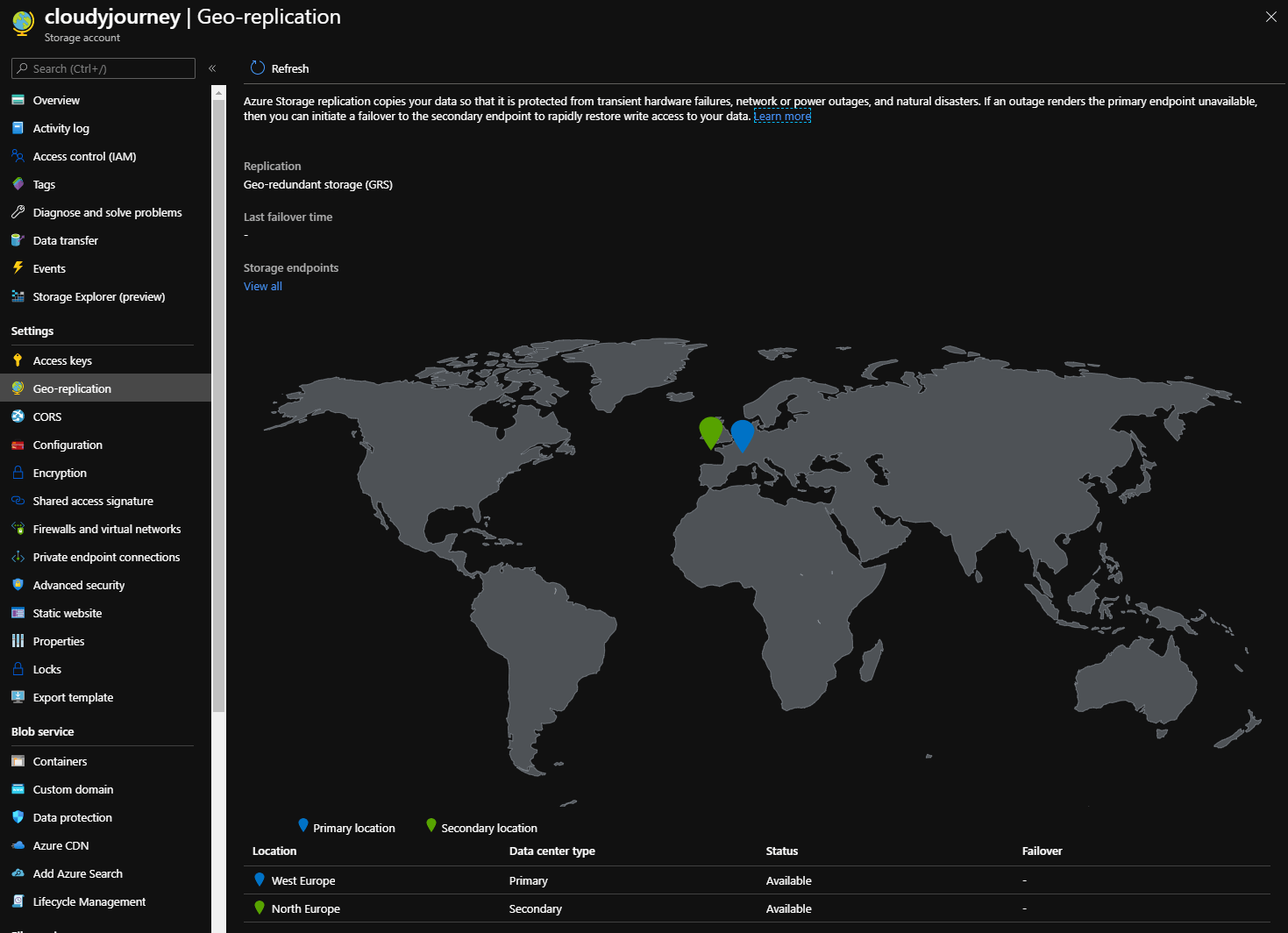
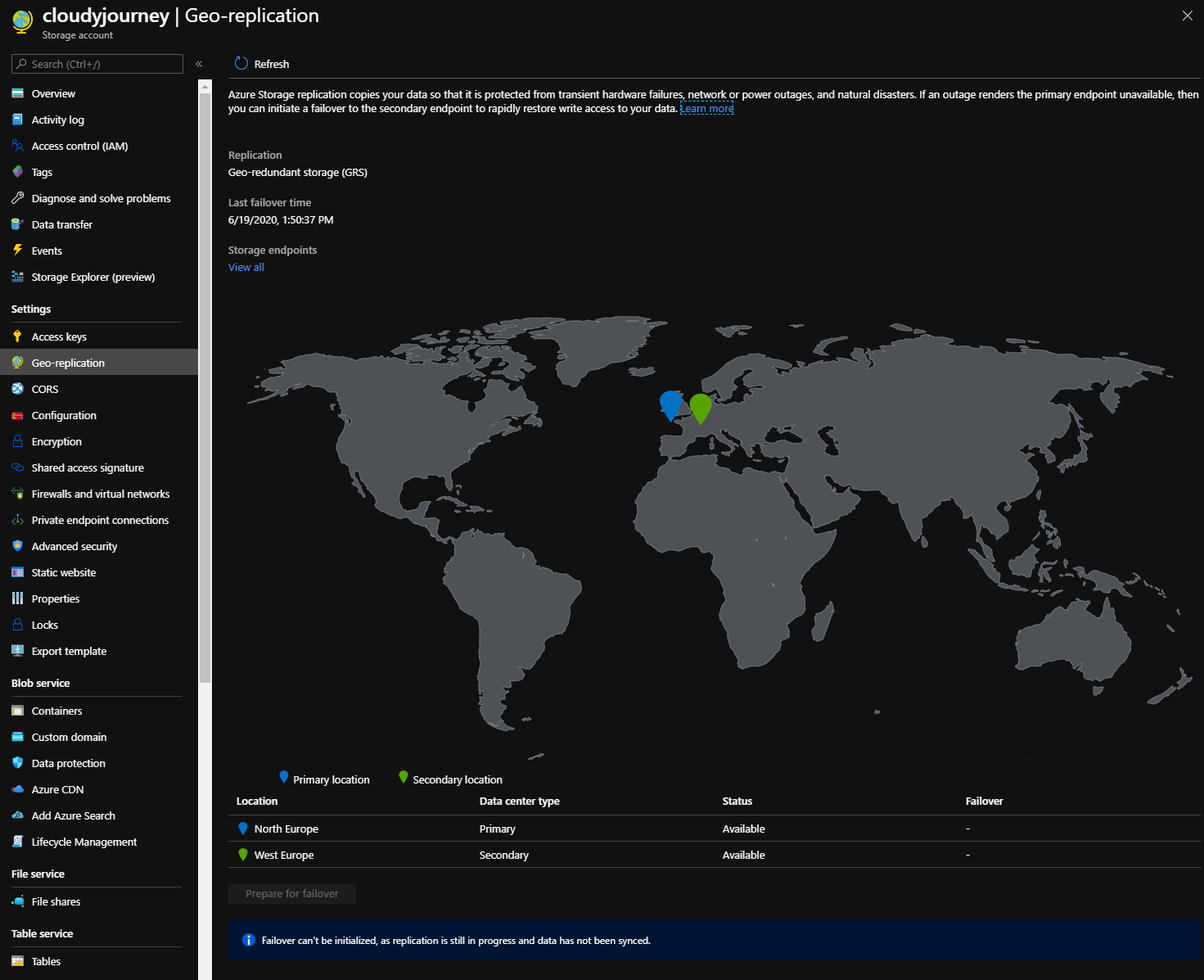
To verify this information, go into your storage account, and you will have the information directly here, or in the Geo-Replication part:
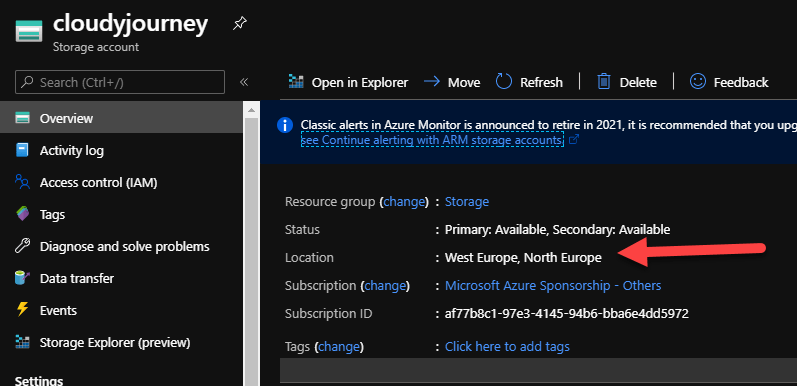
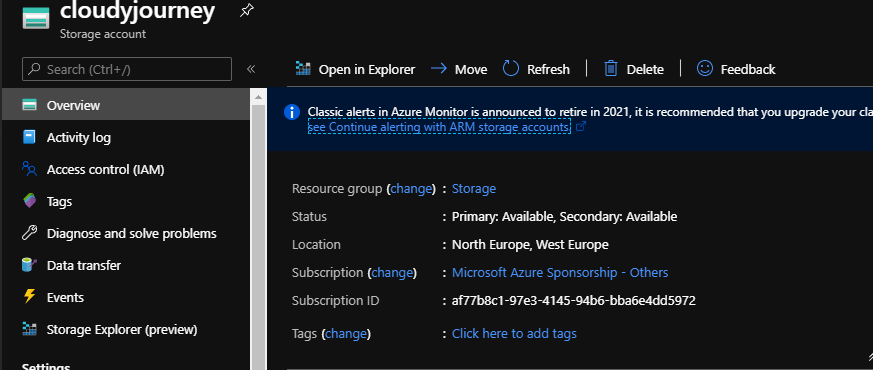
We can see available regions on the Overview panel:
To do the failover, it’s very simple, you have 3 possibilities:
- Through PowerShell:
Install-Module PowerShellGet –Repository PSGallery –Force

Install-Module Az –Repository PSGallery –AllowClobber

Install-Module Az.Storage –Repository PSGallery -RequiredVersion 1.1.1-preview –AllowPrerelease –AllowClobber –Force

Invoke-AzStorageAccountFailover -ResourceGroupName Storage -Name cloudyjourney
- Through Azure CLI:
az storage account show --name cloudyjourney--expand geoReplicationStats

az storage account failover --name accountName
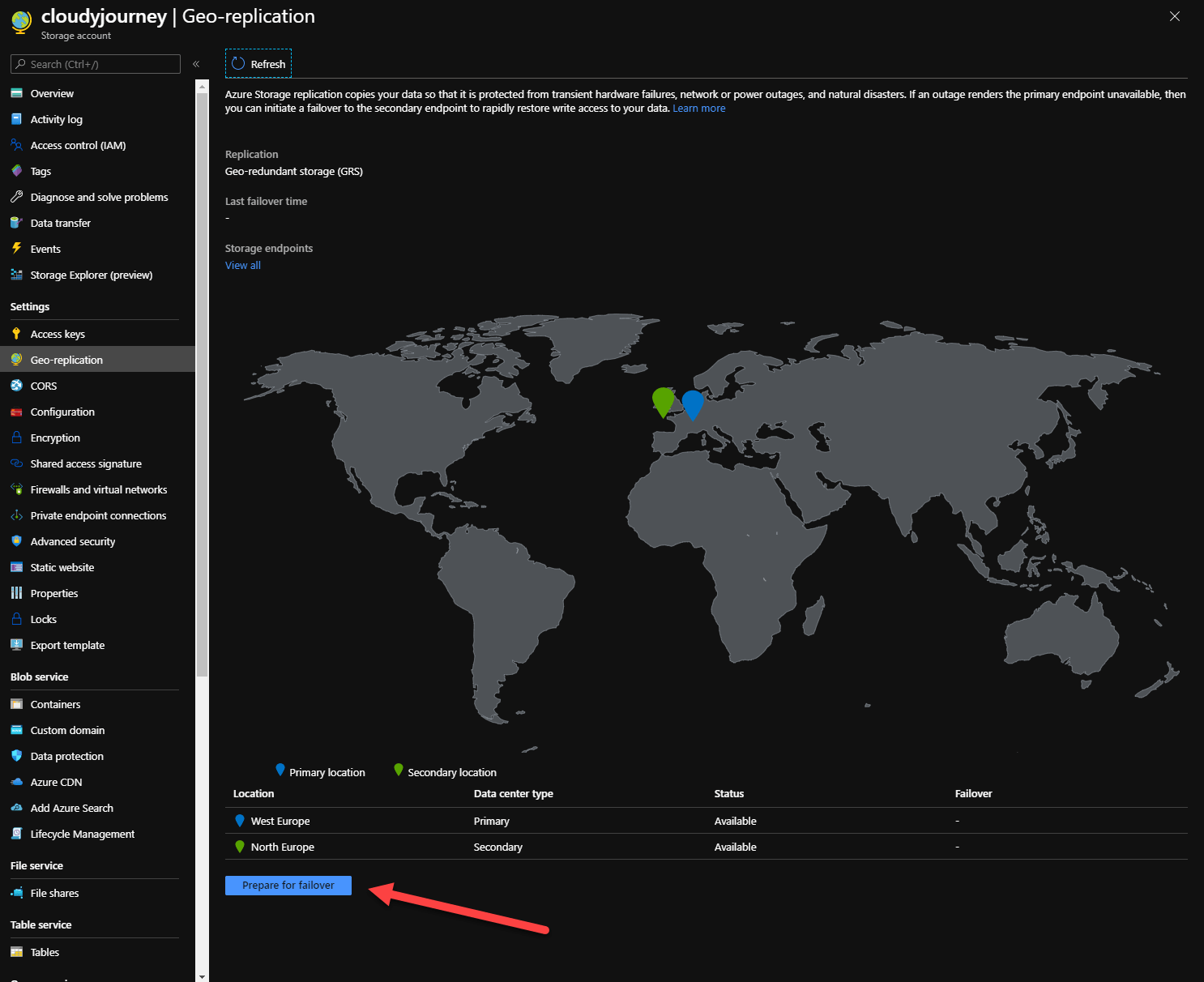
Through the portal, in your storage account, click on Geo-Replication and on Prepare for failover:
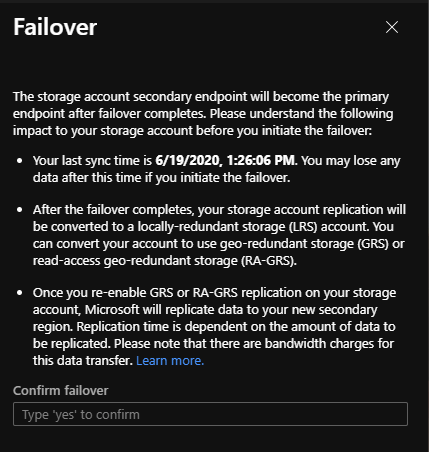
Here, we have some information regarding the failover. Write yes to start it:
Failover is in progress:
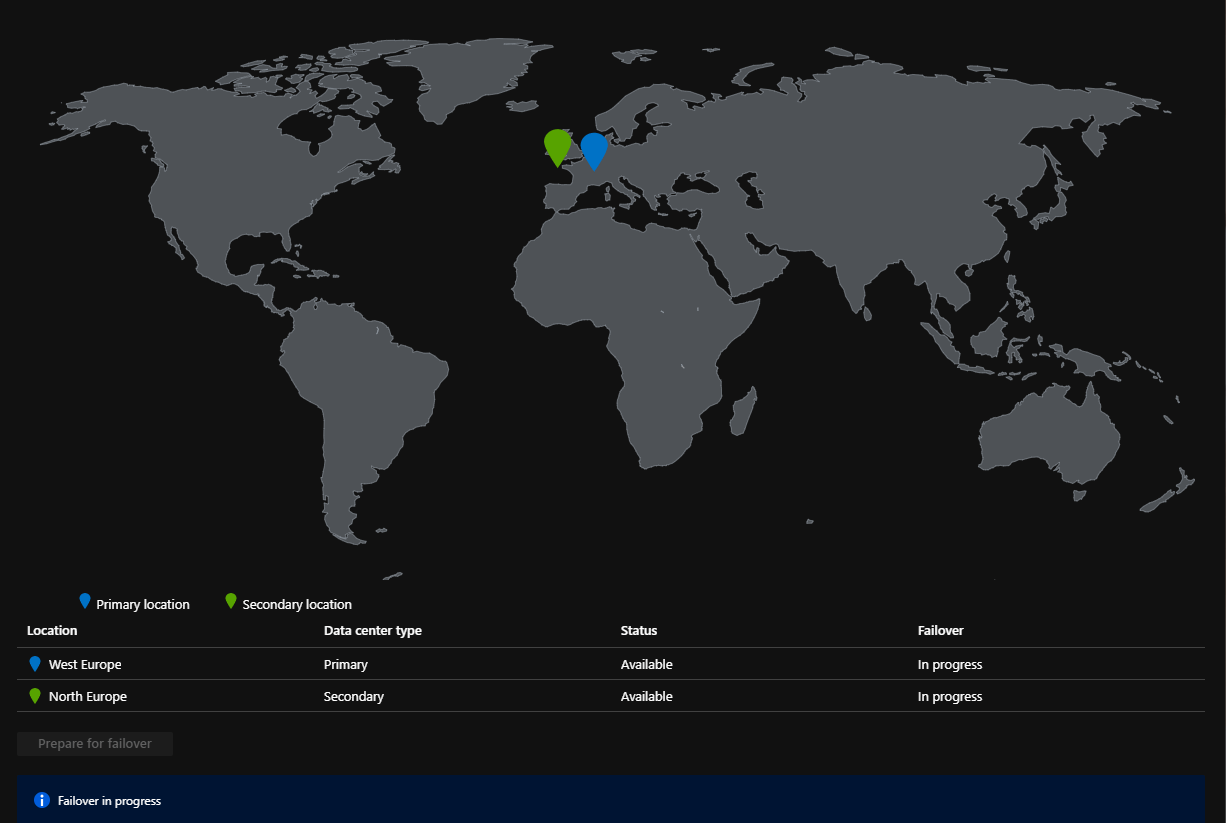
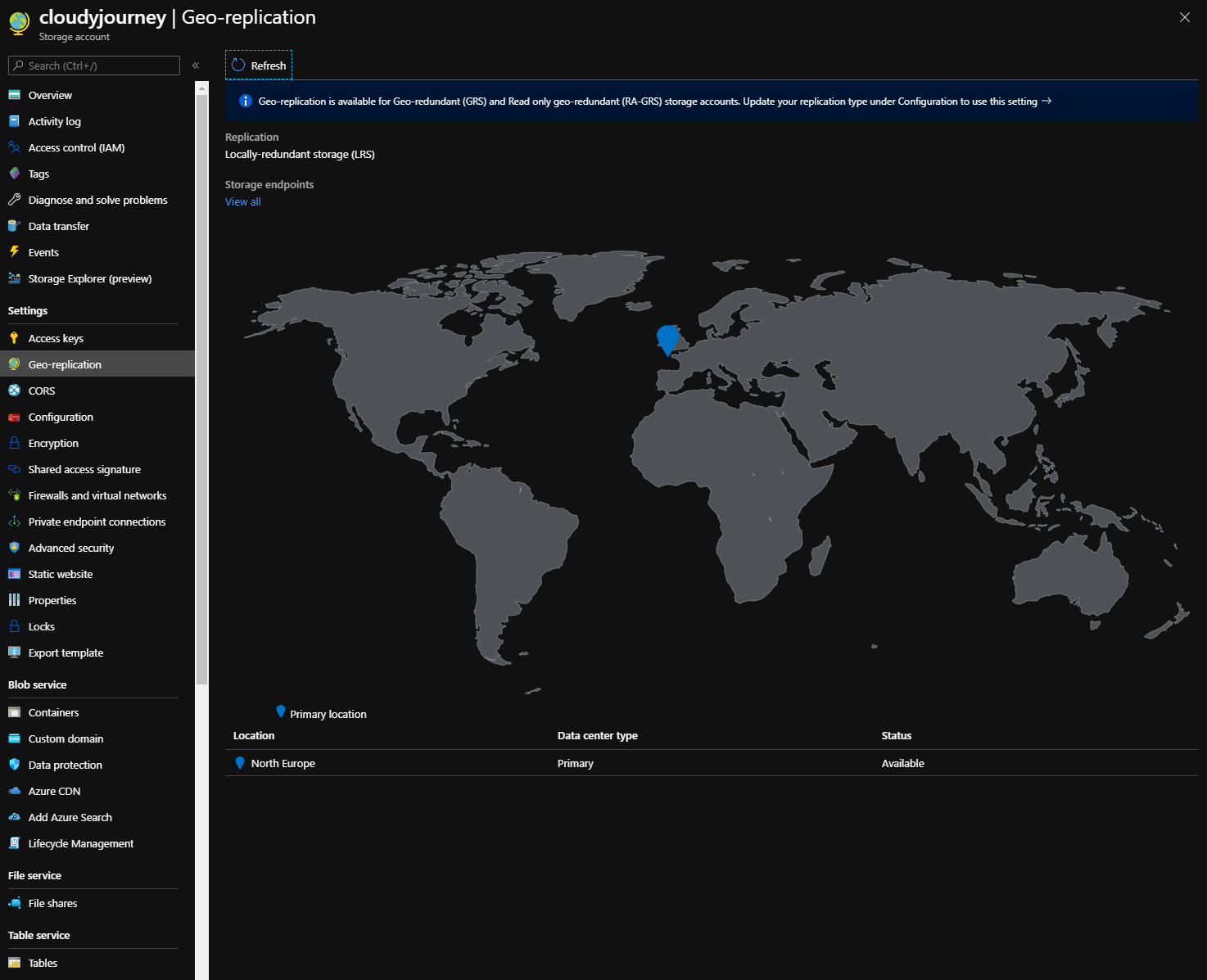
When the failover is finished after few minutes, the principal region is now North Europe:
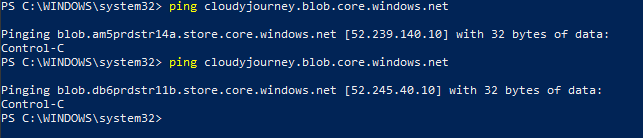
We can see that the DNS name to access this storage account is the same, but the IP changed:
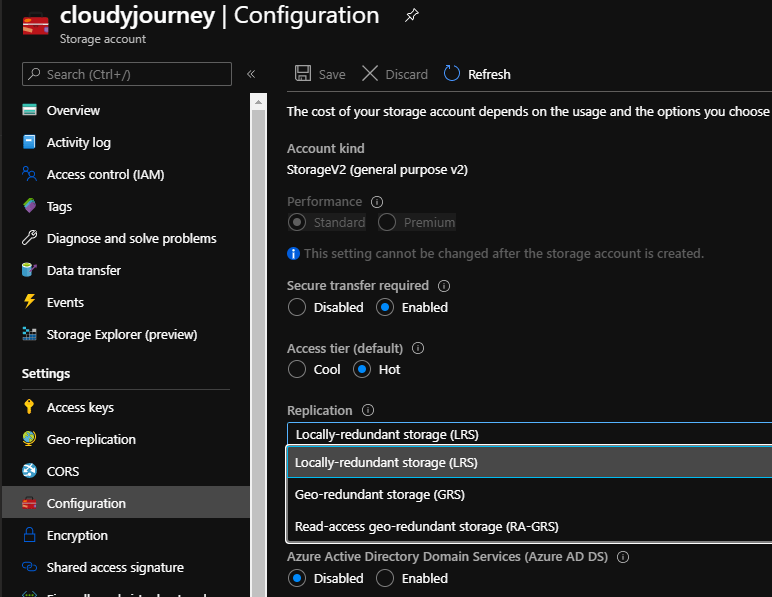
The storage account moved to LRS also. You can put it back to GRS, that we will re-replicate datas in West Europe:
When it’s done, you have your 2 regions:
If you want to go back to West Europe in Primary, do the failover again.
