


It’s always better and beautiful to have a secure website, with HTTPS access. To do this, we will use Let’s Encrypt, and the integration with AKS and Application Gateway.
To do this configuration, I have my DNS that are hosted on Azure DNS. So, I will give DNS Zone Contributor right, on the resource group where my DNS are hosted, to the Service Principal of the AKS. If it’s on another subscription, create a new Service principal, with same rights.
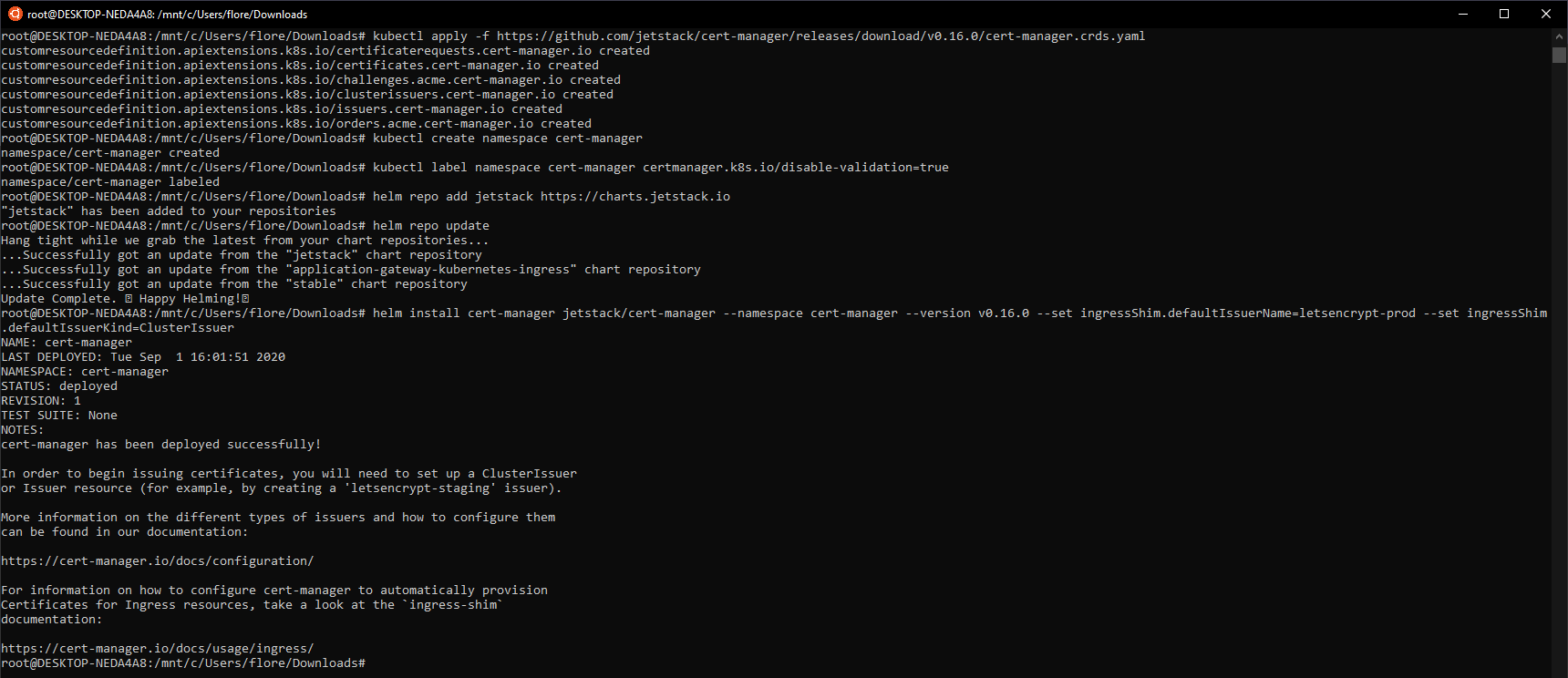
Deploy resources and pods, to your cluster:
kubectl apply -f https://github.com/jetstack/cert-manager/releases/download/v0.16.0/cert-manager.crds.yaml kubectl create namespace cert-manager kubectl label namespace cert-manager certmanager.k8s.io/disable-validation=true helm repo add jetstack https://charts.jetstack.io helm repo update helm install cert-manager jetstack/cert-manager --namespace cert-manager --version v0.16.0 --set ingressShim.defaultIssuerName=letsencrypt-prod --set ingressShim.defaultIssuerKind=ClusterIssuer |
Now, create a secret, for each subscription where are stored your DNS. In my case, my Azure DNS are stored on 2 different subscriptions, so, I will create 2 secrets, with the password of each service principal:
kubectl create secret generic azuredns-config-sponsorship --from-literal=client-secret=Password -n cert-manager kubectl create secret generic azuredns-config-fala --from-literal=client-secret=Password -n cert-manager |

Create a file, certmanager-prd.yaml, and paste the following code. Adapts it:
apiVersion: cert-manager.io/v1alpha2 kind: ClusterIssuer metadata: name: letsencrypt-prod spec: acme: email: youremail server: https://acme-v02.api.letsencrypt.org/directory privateKeySecretRef: name: issuer-account-key solvers: - selector: dnsZones: - florentappointaire.cloud dns01: azuredns: clientID: Client ID that has DNS Contributor right clientSecretSecretRef: name: azuredns-config-sponsorship key: client-secret subscriptionID: Subscription ID where the DNS is hosted tenantID: Tenant ID resourceGroupName: Resource Group Name hostedZoneName: florentappointaire.cloud # Azure Cloud Environment, default to AzurePublicCloud environment: AzurePublicCloud - selector: dnsZones: - falaconsulting.be dns01: azuredns: clientID: Client ID that has DNS Contributor right clientSecretSecretRef: # The following is the secret we created in Kubernetes. Issuer will use this to present challenge to Azure DNS. name: azuredns-config-fala key: client-secret subscriptionID: Subscription ID where the DNS is hosted tenantID: Tenant ID resourceGroupName: Resource Group Name hostedZoneName: falaconsulting.be # Azure Cloud Environment, default to AzurePublicCloud environment: AzurePublicCloud |
Apply this file:
kubectl apply -f cert-manager-prd.yaml |

We will now deploy an application, with HTTPS, with the following template:
apiVersion: apps/v1 kind: Deployment metadata: name: nginx-deployment-https spec: selector: matchLabels: app: nginxhttps replicas: 1 template: metadata: labels: app: nginxhttps spec: containers: - name: nginx image: nginx:1.16.1 ports: - containerPort: 80 --- apiVersion: v1 kind: Service metadata: name: nginx-https spec: ports: - name: nginx port: 80 protocol: TCP targetPort: 80 type: ClusterIP selector: app: nginxhttps --- apiVersion: extensions/v1beta1 kind: Ingress metadata: name: nginxhttps annotations: kubernetes.io/ingress.class: azure/application-gateway cert-manager.io/cluster-issuer: letsencrypt-prod spec: tls: - hosts: - starwindhttps.falaconsulting.be secretName: starwindhttps-letsencrypt rules: - host: starwindhttps.falaconsulting.be http: paths: - backend: serviceName: nginx-https servicePort: 80 |
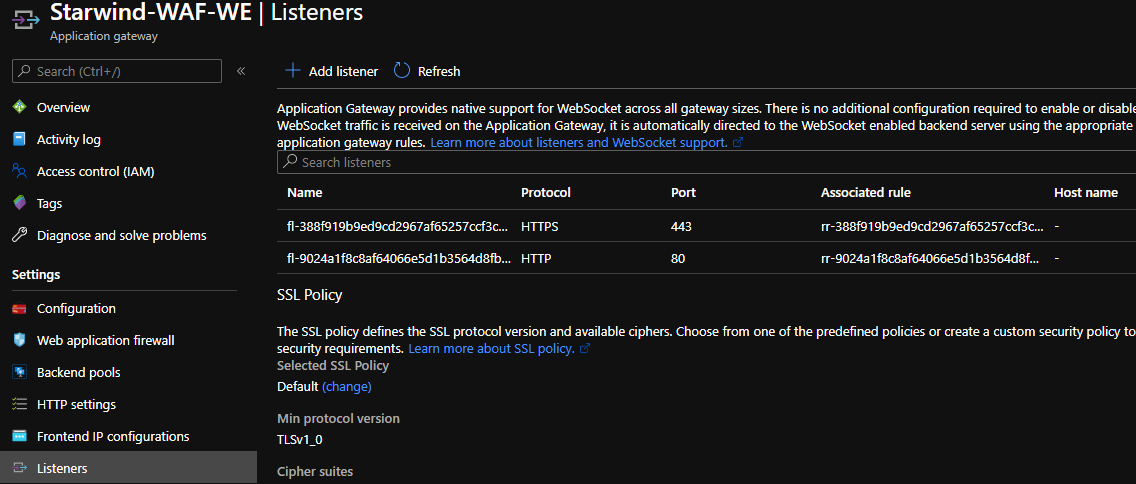
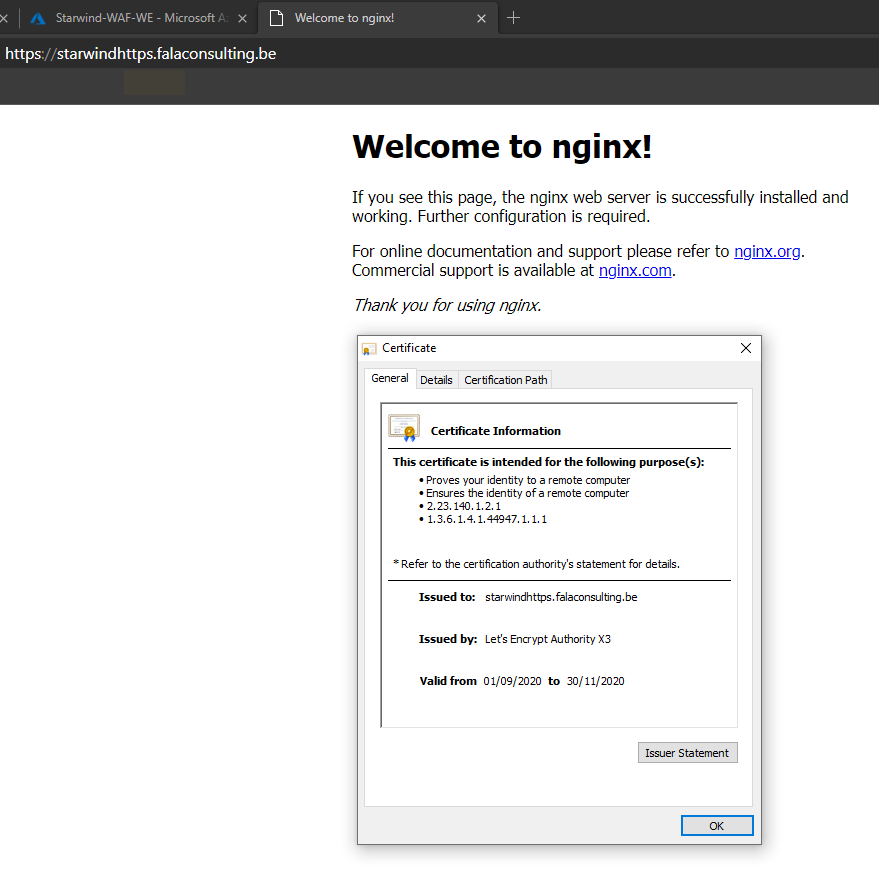
After some seconds, the certificate is requested, and deployed:
In the last part, we will see how to make this app, highly available 😊
