


4 years ago, I wrote an article about the creation of Azure RBAC custom roles, through PowerShell.
Now, Microsoft releases the possibility to create a custom role, directly from the portal.
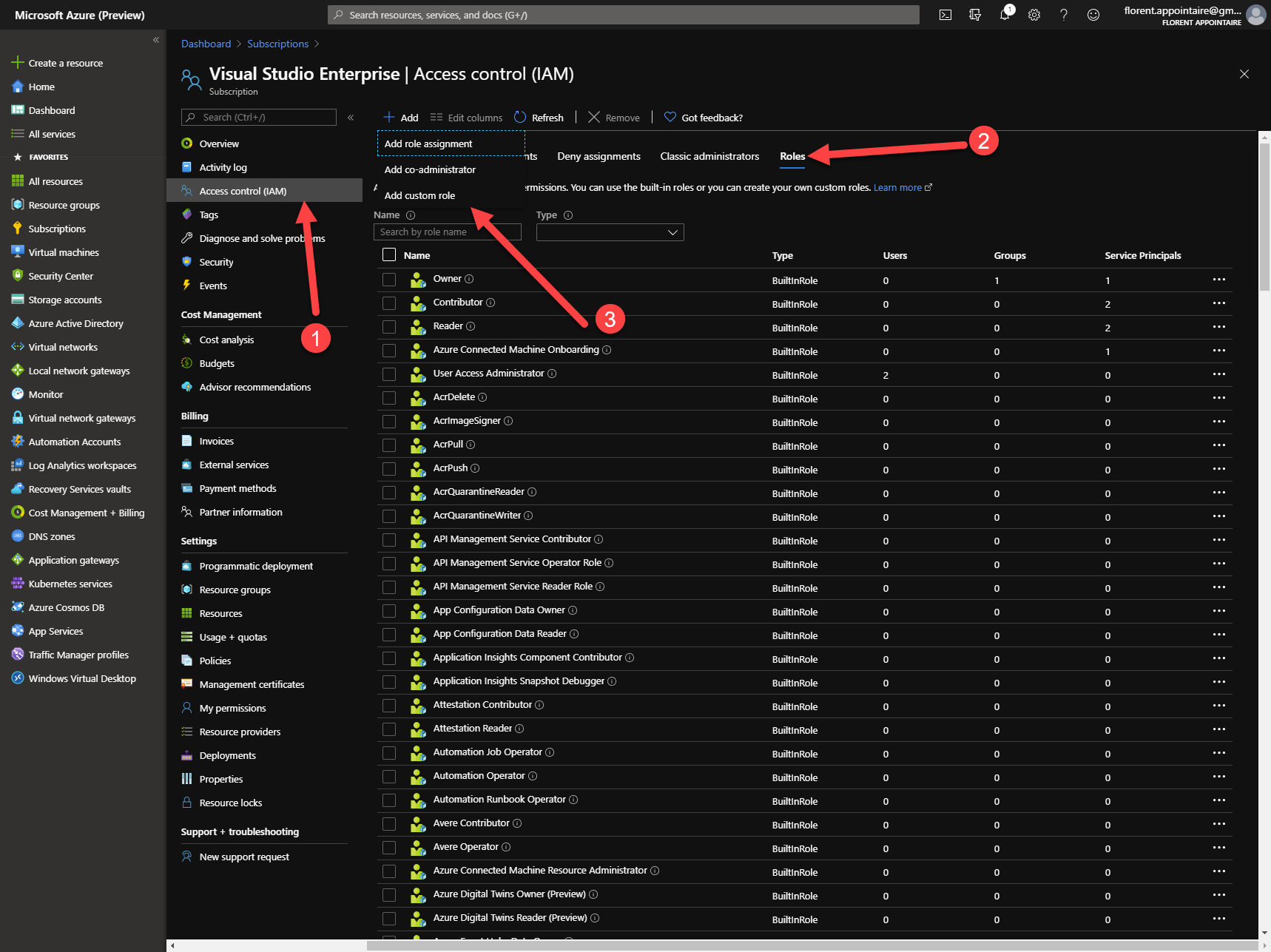
To start, go to a resource or a subscription in Access Control (IAM) and go to the Roles tab. Click on Add > Add custom role:
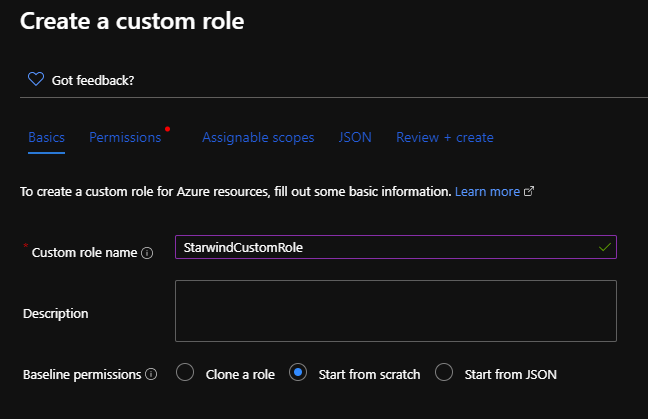
Provide the name, description, and choose from where you want to start your template:
- Clone a role
- Start from scratch (that I will use)
- Start from JSON
Now, you can add permissions:
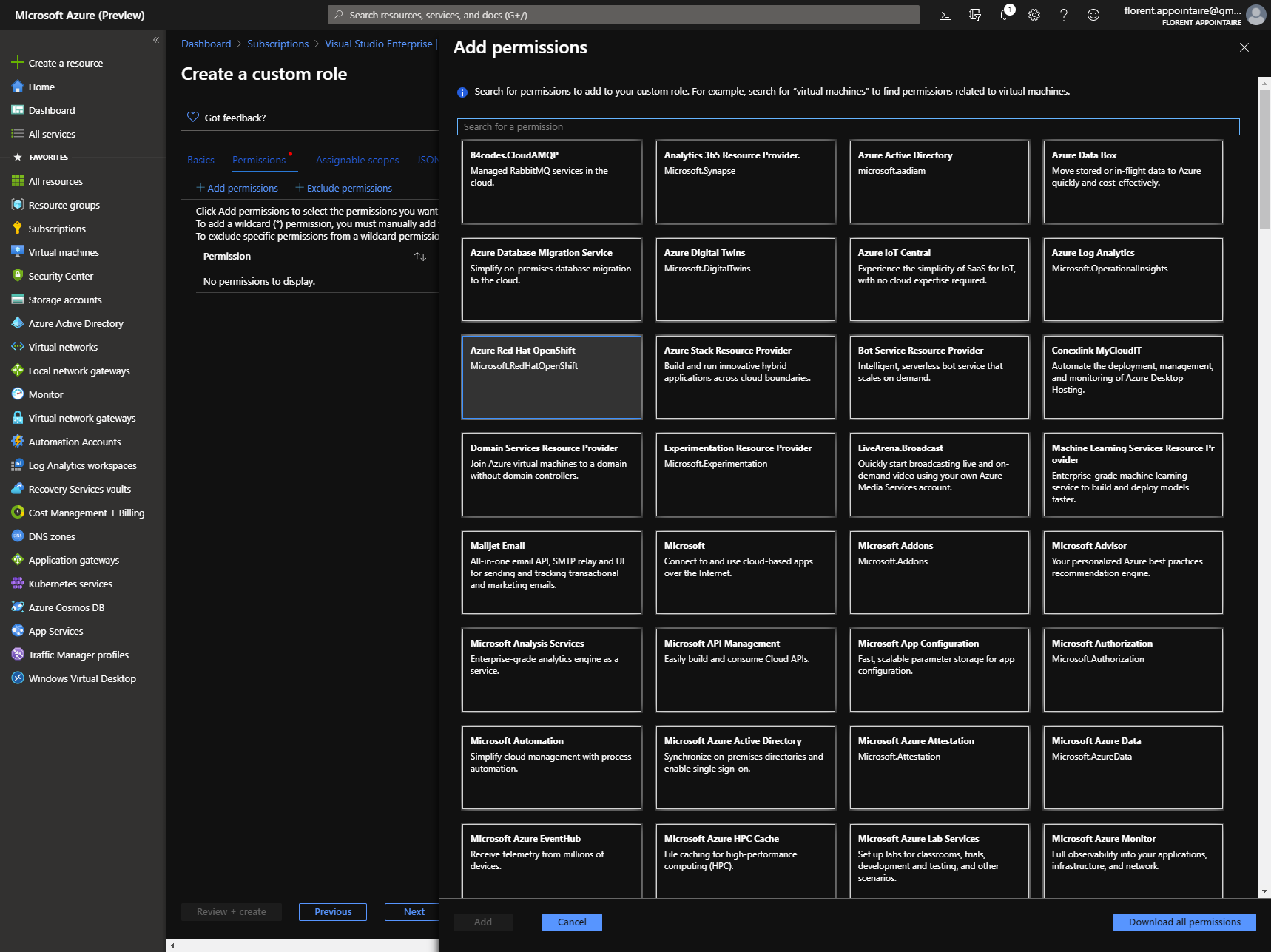
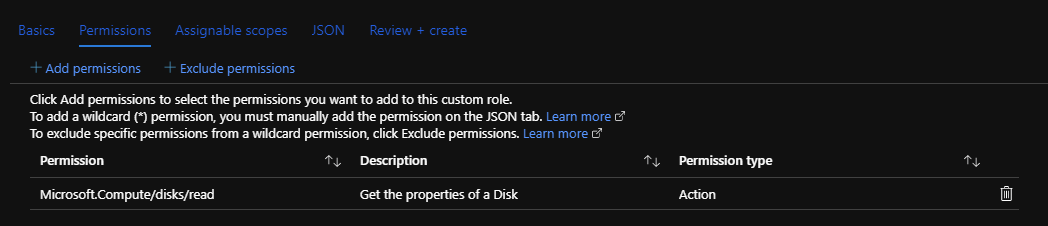
I’ll take Microsoft Compute for this example. When you chose it, you have two choices:
- Actions: Choose permissions that you want to give, depending of the category
- Data Actions: for others permissions
You can add this custom role to other subscriptions/resource groups:

In the JSON tab, you have the JSON, generated, and that you can reuse later:
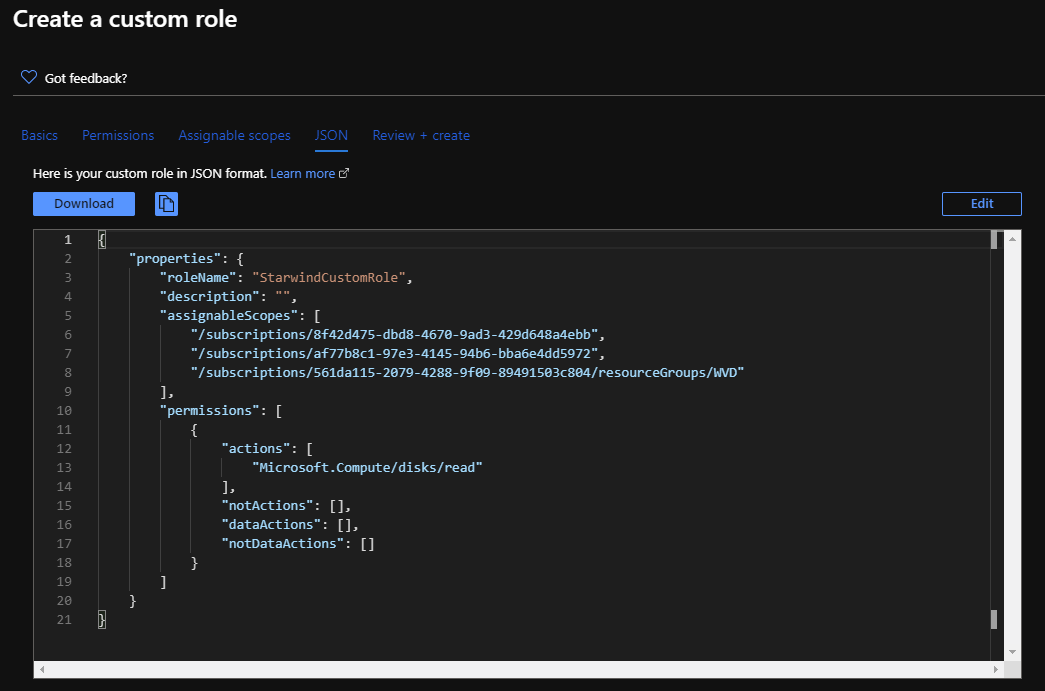
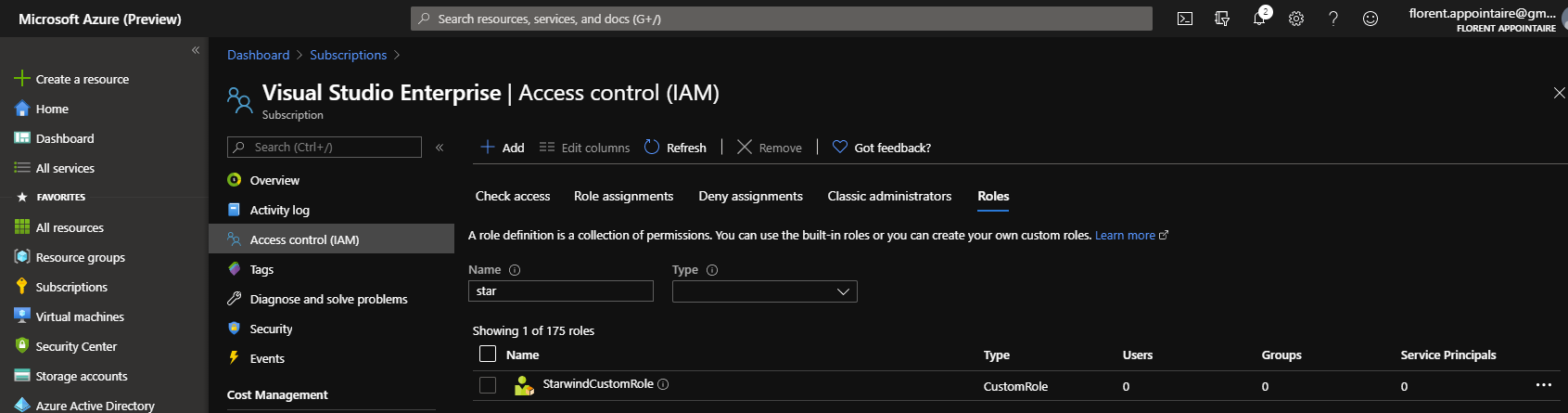
You can now click on Create to start the creation of the custom role and assign this role to subscription/resource groups.
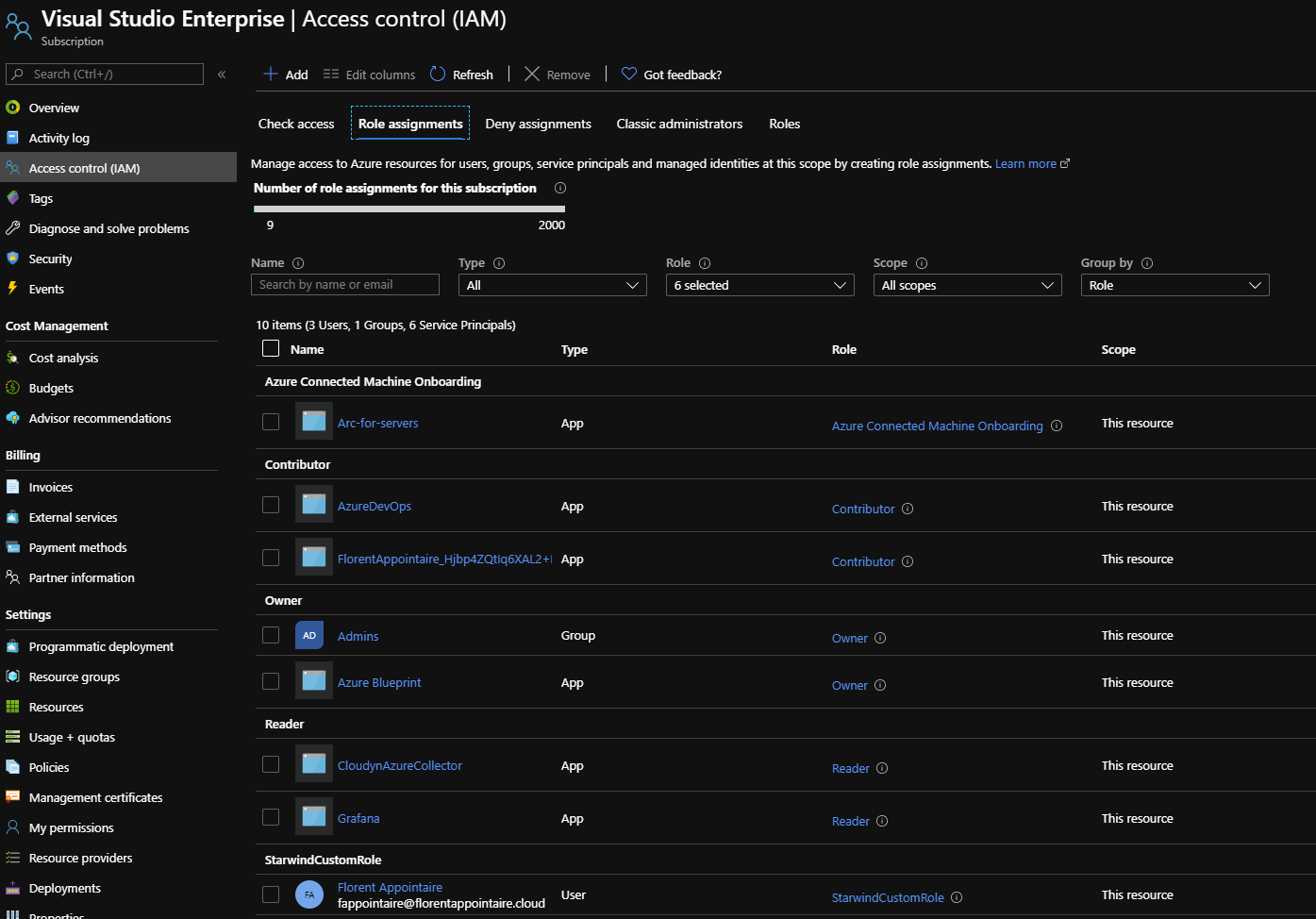
You can now add users, inside this custom role:
If you are not familiar with JSON, this new interface will save you a lot of time, and the export/import function is very helpful to do a backup of your roles, or to import them in another subscription.
