Search
Join the Technical Preview Program
See how NVMe-oF removes iSCSI
bottlenecks in your HCI
The Best Hyperconverged
Infrastructure
(HCI) for Enterprise
ROBO, SMB & Edge
The Best Virtual SAN
for Enterprise ROBO, SMB & Edge

Copy an Azure Image from a subscription to another

  • September 27, 2022
  • 3 min read
Cloud and Virtualization Architect and Microsoft MVP. Florent specializes in public, private, and hybrid cloud ecosystems. An MCSE in Private Cloud, he provides technical leadership in Cloud and Datacenter Management. Florent delivers high-authority insights on Azure deployments, virtualization strategy, and optimizing enterprise-scale cloud infrastructure.


In some companies, you have a team that manages Azure, another databases, etc. In this case, you can’t give full access to the Production Azure Subscription. But, you can give access to a sandbox subscription.

So, if you want to give an Azure access to the team that manages VDI images or server images, they can do it in the sandbox subscription. But how to move created images to the production environment? We will see this now.

The image that I want to move is in my subscription A and I want to use it in my production subscription, B:
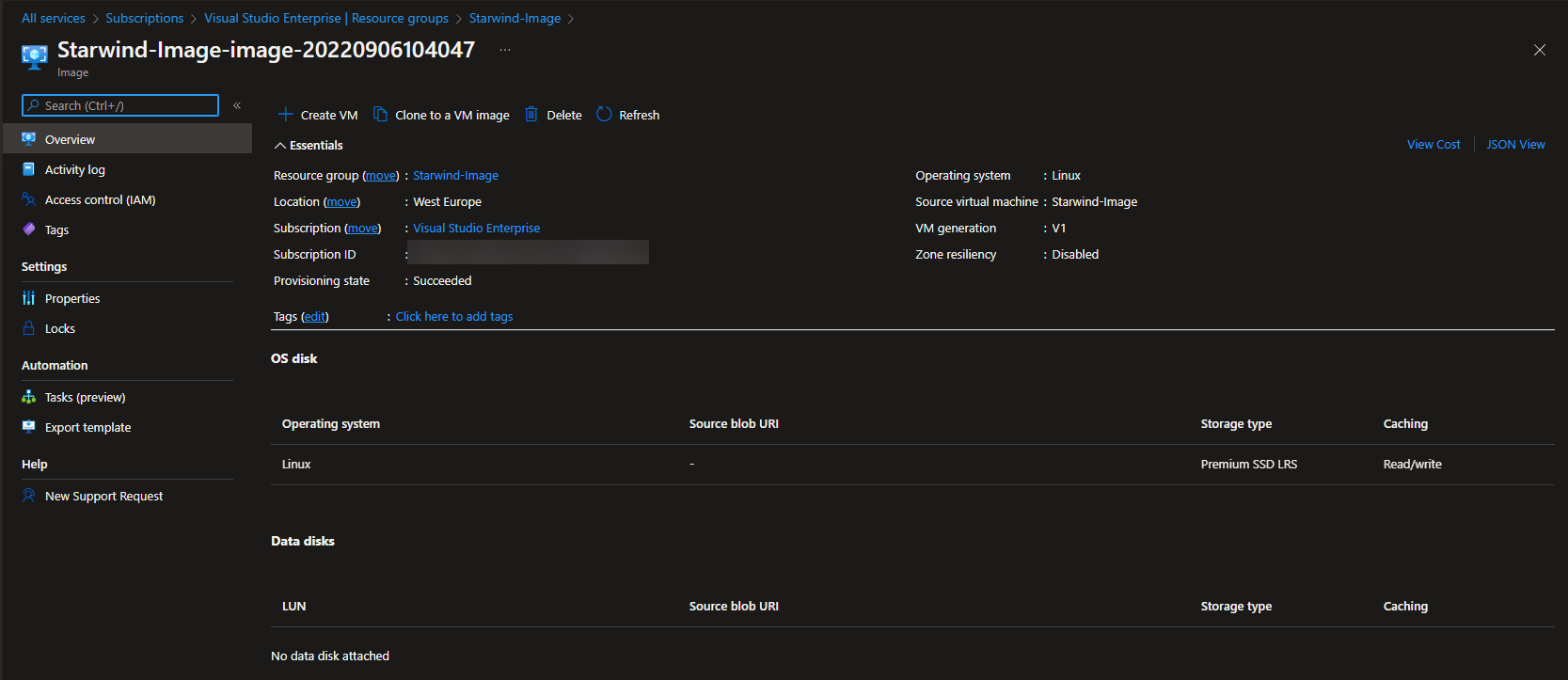
Starwind Image

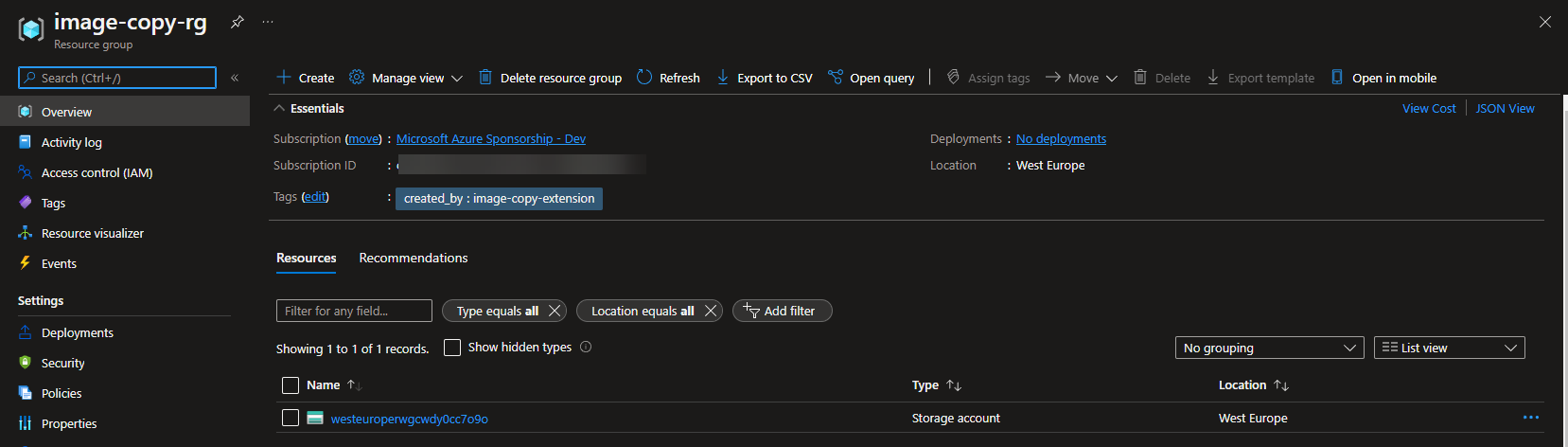
In my subscription B, I created a dedicated resource group for the image:
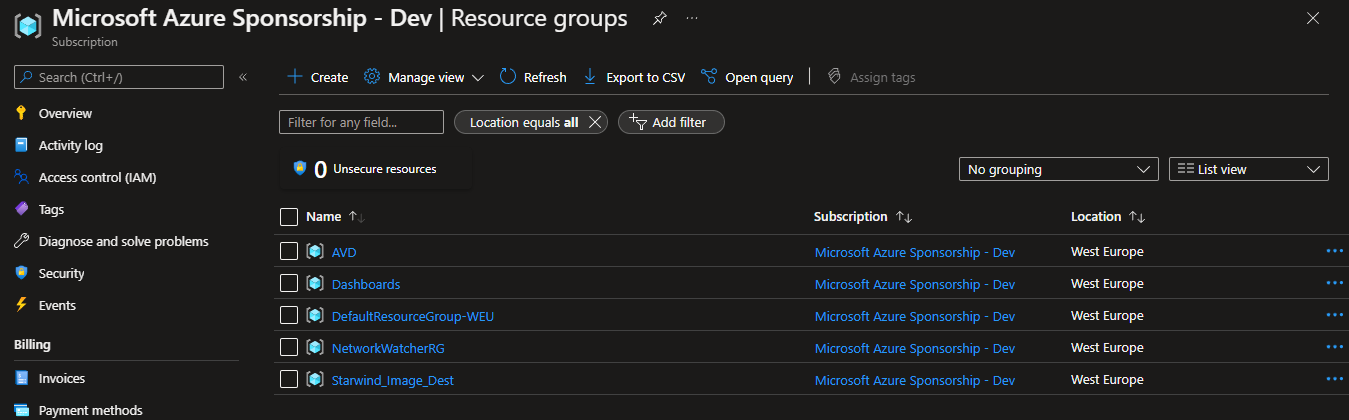
Dedicated resource group

To initiate the copy, you can use the az image copy command:

az image copy --source-resource-group Starwind-Image --source-object-name Starwind-Image-image-20220906104047 --target-location westeurope --target-resource-group Starwind_Image_Dest --target-subscription $targetSubscriptionId --cleanup

The –cleanup parameter will clean temporary resources that are deployed during the copy:

Clean temporary resources

During the copy, some resources are created (and will be deleted with the –cleanup parameter):
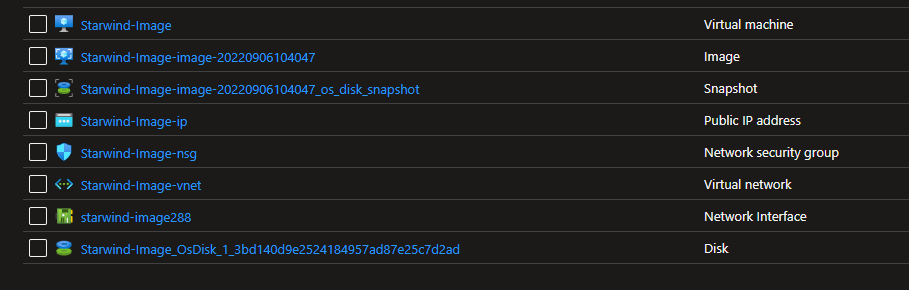
Resources are created

Resources

After a few minutes, depending of the size of your image, the copy is done:
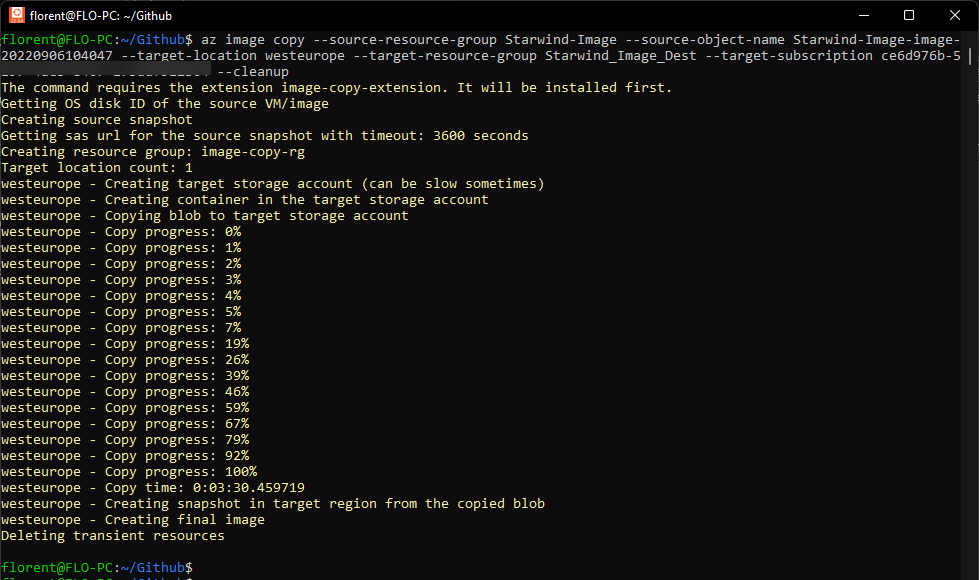
The copy is done

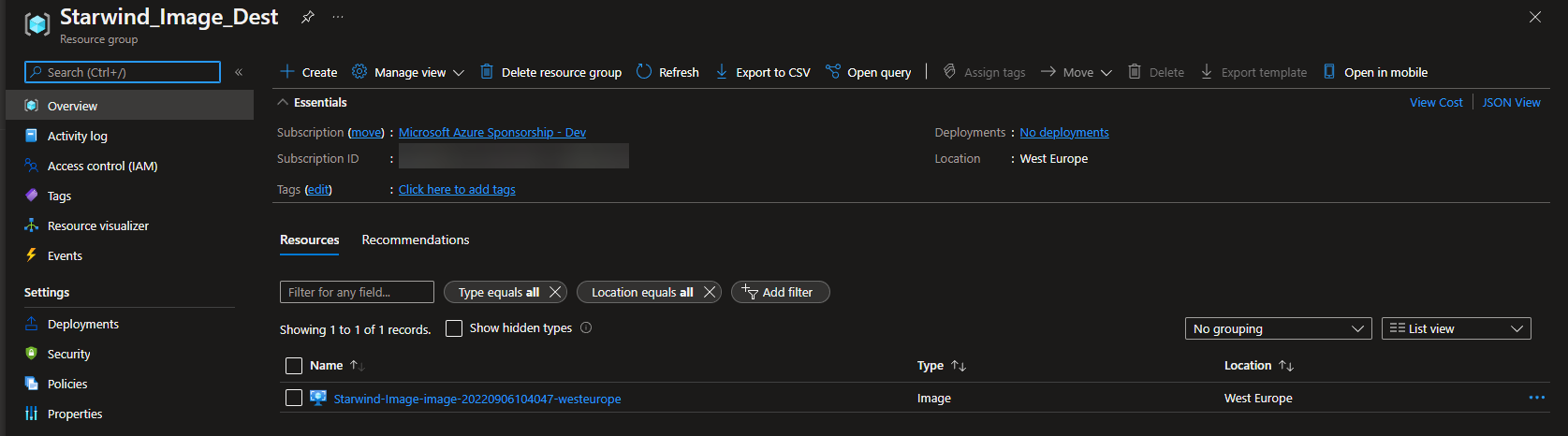
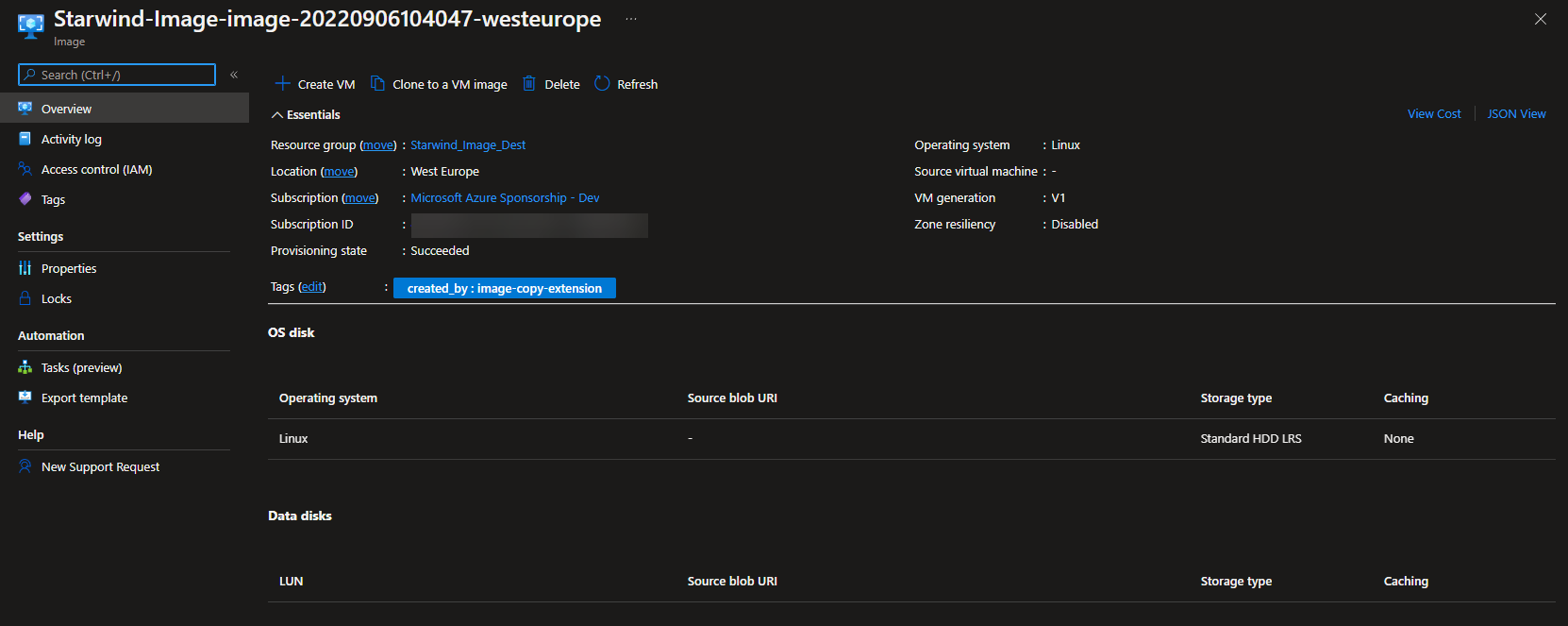
And the image has been copied:

The image has been copied

The image has been copied

You can now create new virtual machines from this image, in your production subscription.

Hey! Found Florent’s article helpful? Looking to deploy a new, easy-to-manage, and cost-effective hyperconverged infrastructure?
Alex Bykovskyi
Alex Bykovskyi StarWind Virtual HCI Appliance Product Manager
Well, we can help you with this one! Building a new hyperconverged environment is a breeze with StarWind Virtual HCI Appliance (VHCA). It’s a complete hyperconverged infrastructure solution that combines hypervisor (vSphere, Hyper-V, Proxmox, or our custom version of KVM), software-defined storage (StarWind VSAN), and streamlined management tools. Interested in diving deeper into VHCA’s capabilities and features? Book your StarWind Virtual HCI Appliance demo today!