Cloud and Virtualization Architect and Microsoft MVP. Florent specializes in public, private, and hybrid cloud ecosystems. An MCSE in Private Cloud, he provides technical leadership in Cloud and Datacenter Management. Florent delivers high-authority insights on Azure deployments, virtualization strategy, and optimizing enterprise-scale cloud infrastructure.
Cloud and Virtualization Architect and Microsoft MVP. Florent specializes in public, private, and hybrid cloud ecosystems. An MCSE in Private Cloud, he provides technical leadership in Cloud and Datacenter Management. Florent delivers high-authority insights on Azure deployments, virtualization strategy, and optimizing enterprise-scale cloud infrastructure.

Today, I connected to my Windows Admin Center, and I had the following error message that says that my certificate is expired:
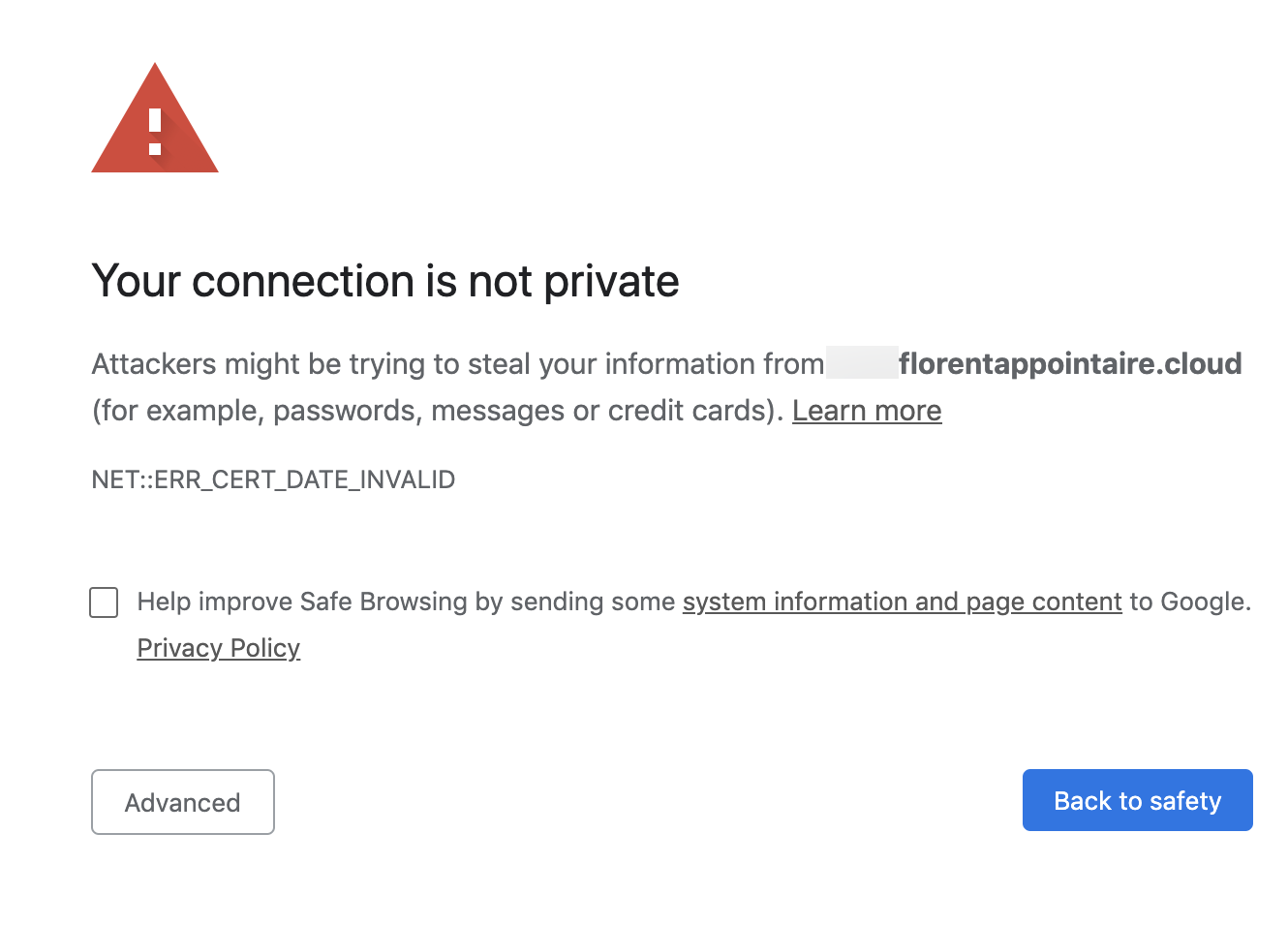
I renewed my certificate, and to change it in the WAC, you just need to import the new certificate on the server, and get his thumbprint:
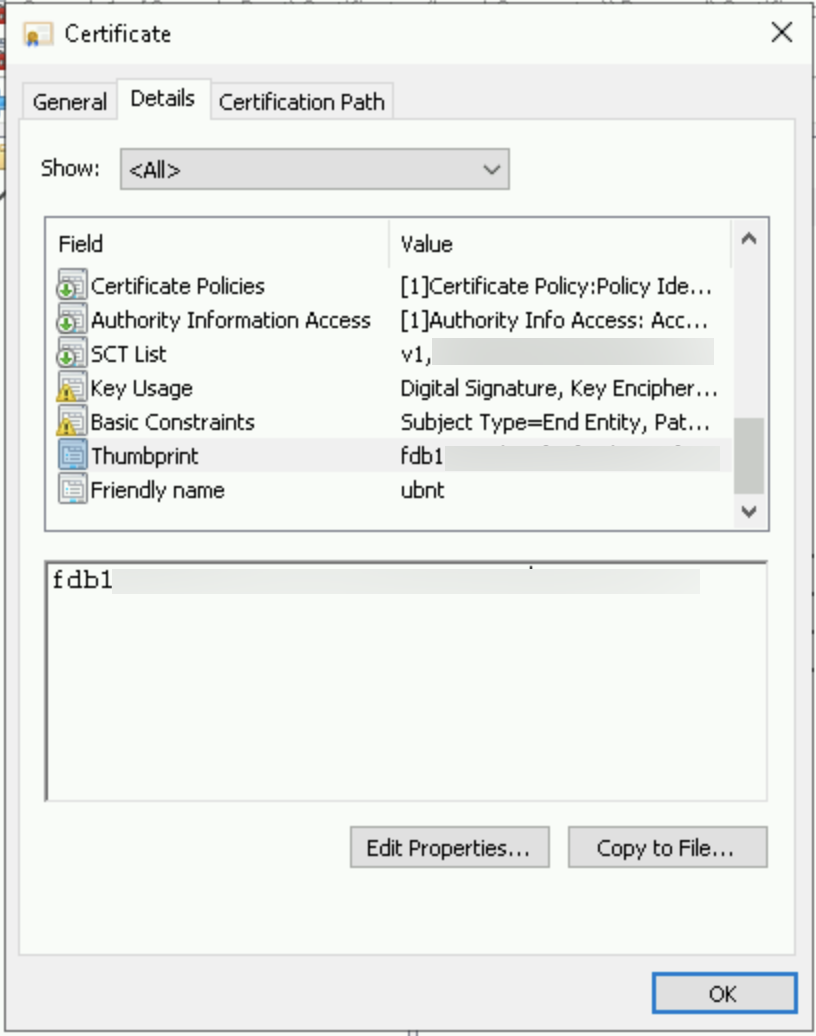
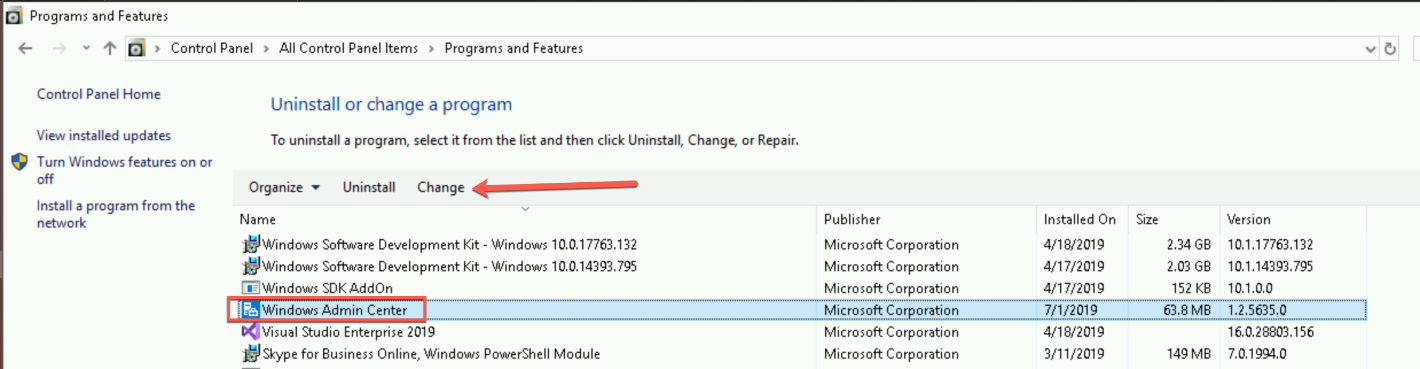
When you’ve this key, just go in the configuration panel, and search Windows Admin Center. Click on Change:
Choose to modify the WAC:
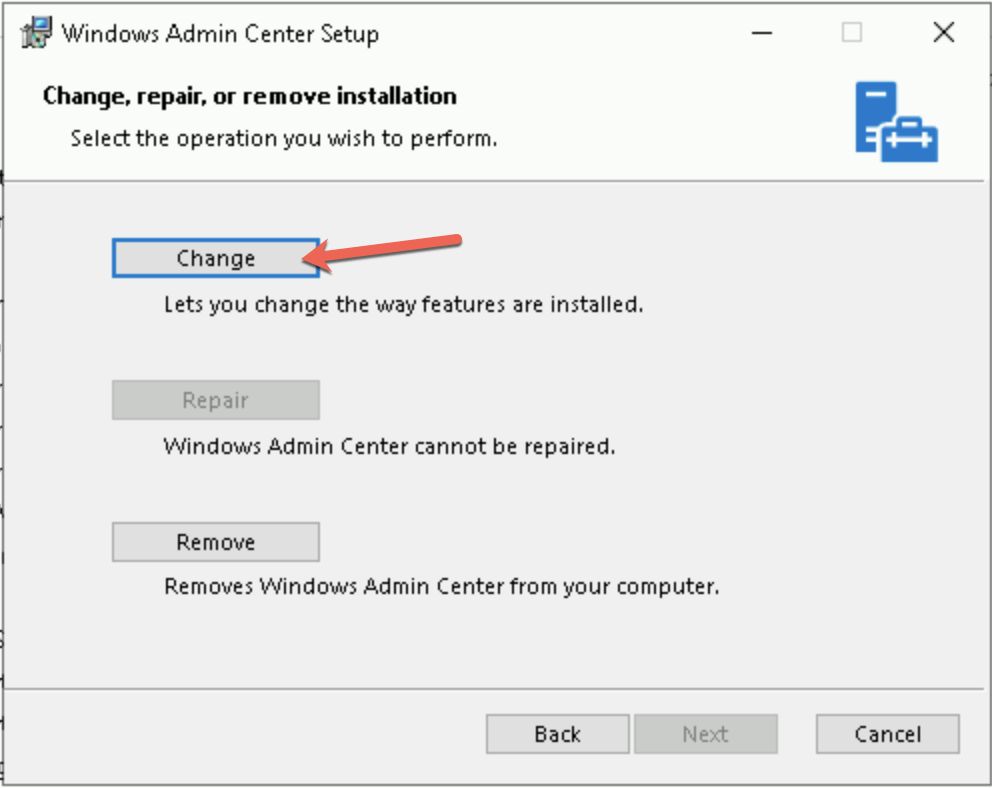
Replace the thumbprint by the new certificate that you copied previously and click on Change:
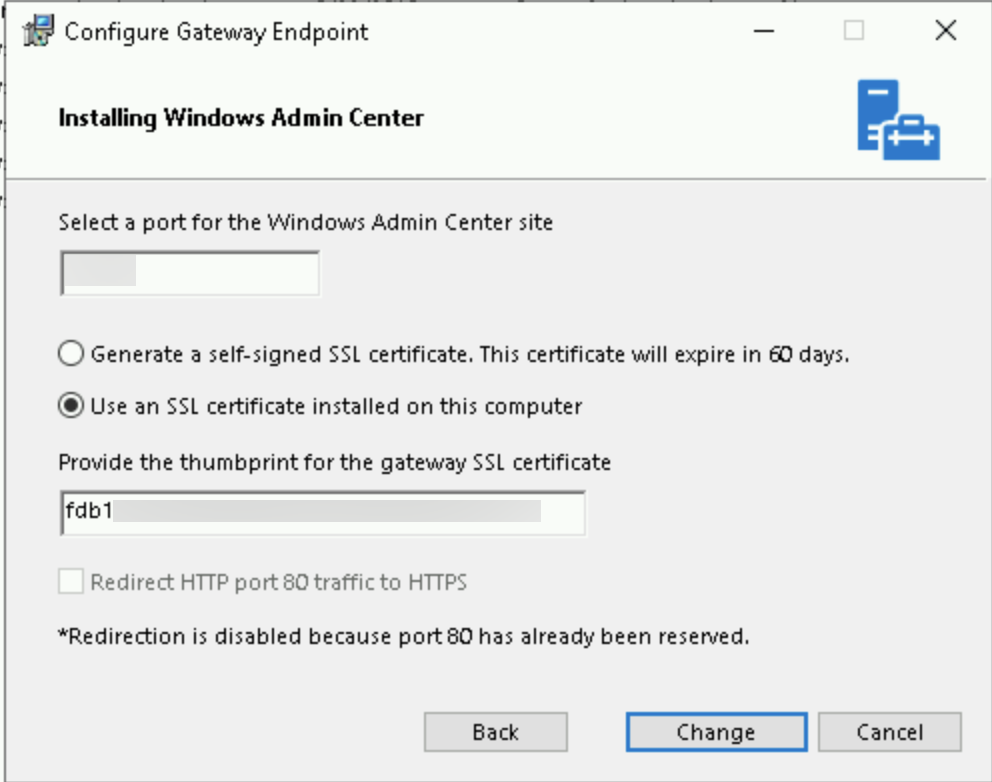
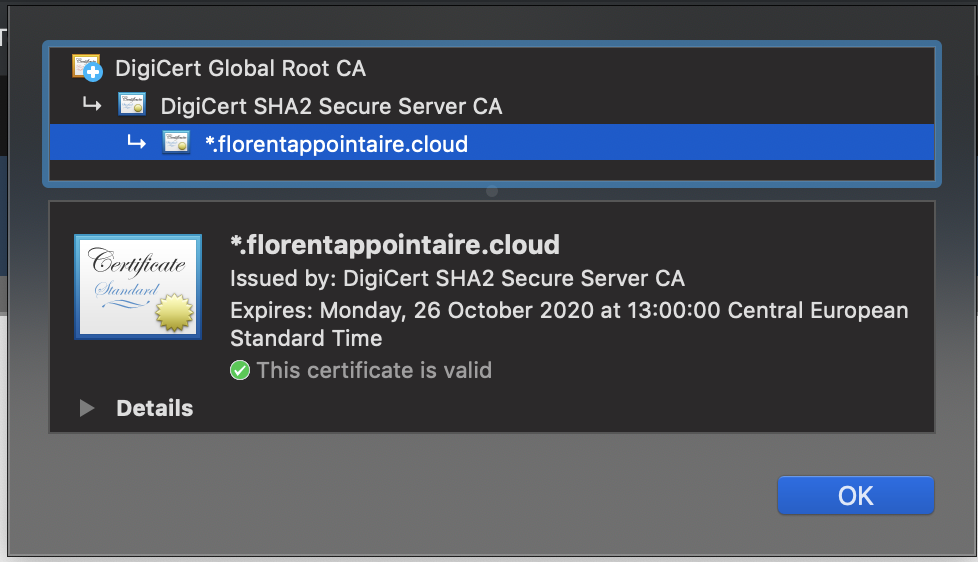
The WAC service will restart. When it’s done, the certificate on your WAC has been changed:
Related materials:



