Cloud and Virtualization Architect and Microsoft MVP. Florent specializes in public, private, and hybrid cloud ecosystems. An MCSE in Private Cloud, he provides technical leadership in Cloud and Datacenter Management. Florent delivers high-authority insights on Azure deployments, virtualization strategy, and optimizing enterprise-scale cloud infrastructure.
Cloud and Virtualization Architect and Microsoft MVP. Florent specializes in public, private, and hybrid cloud ecosystems. An MCSE in Private Cloud, he provides technical leadership in Cloud and Datacenter Management. Florent delivers high-authority insights on Azure deployments, virtualization strategy, and optimizing enterprise-scale cloud infrastructure.

Today, one of my clients made a modification of SELinux on a VM on Azure, with the result, the following message as an error in the Serial Console of Azure:
Failed to load SELinux policy. Freezing.
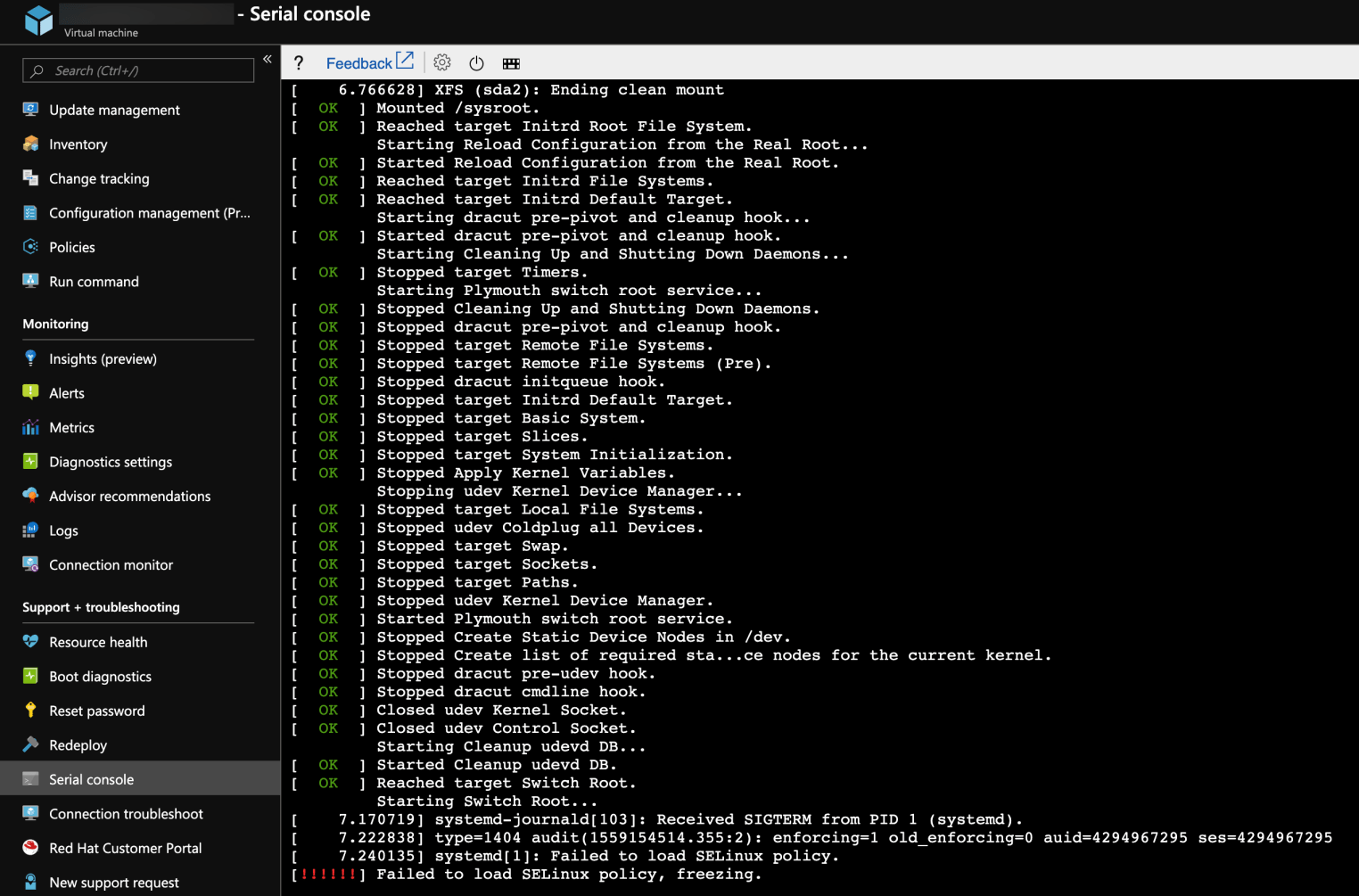
To correct this, click on the small power button and click Restart VM then press e on your keyboard to modify the boot:
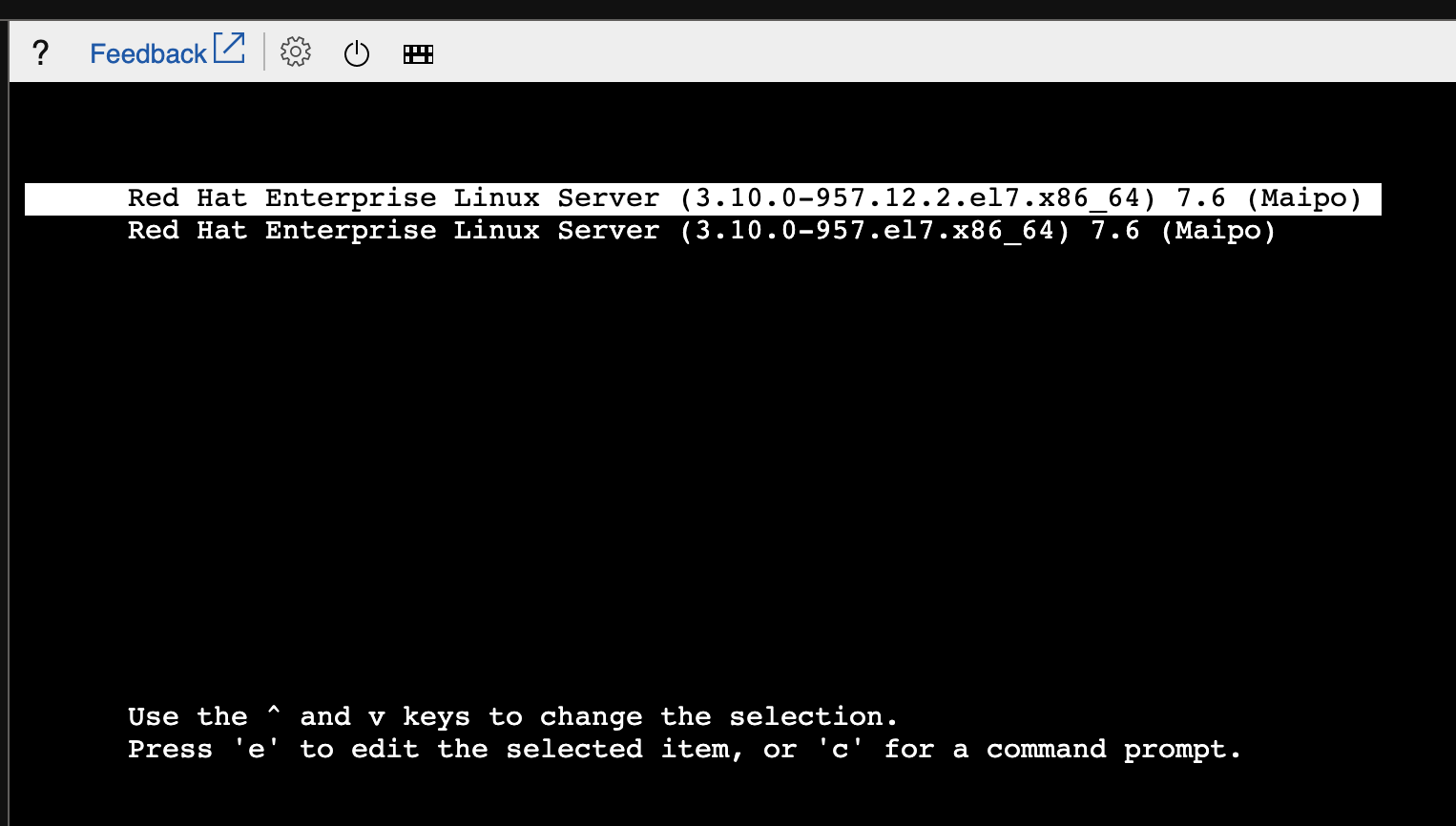
Choose the first line and go down to the bottom. Add in line linux16 after root = … this:
selinux = 0
This will make the SELinux go by the boot:
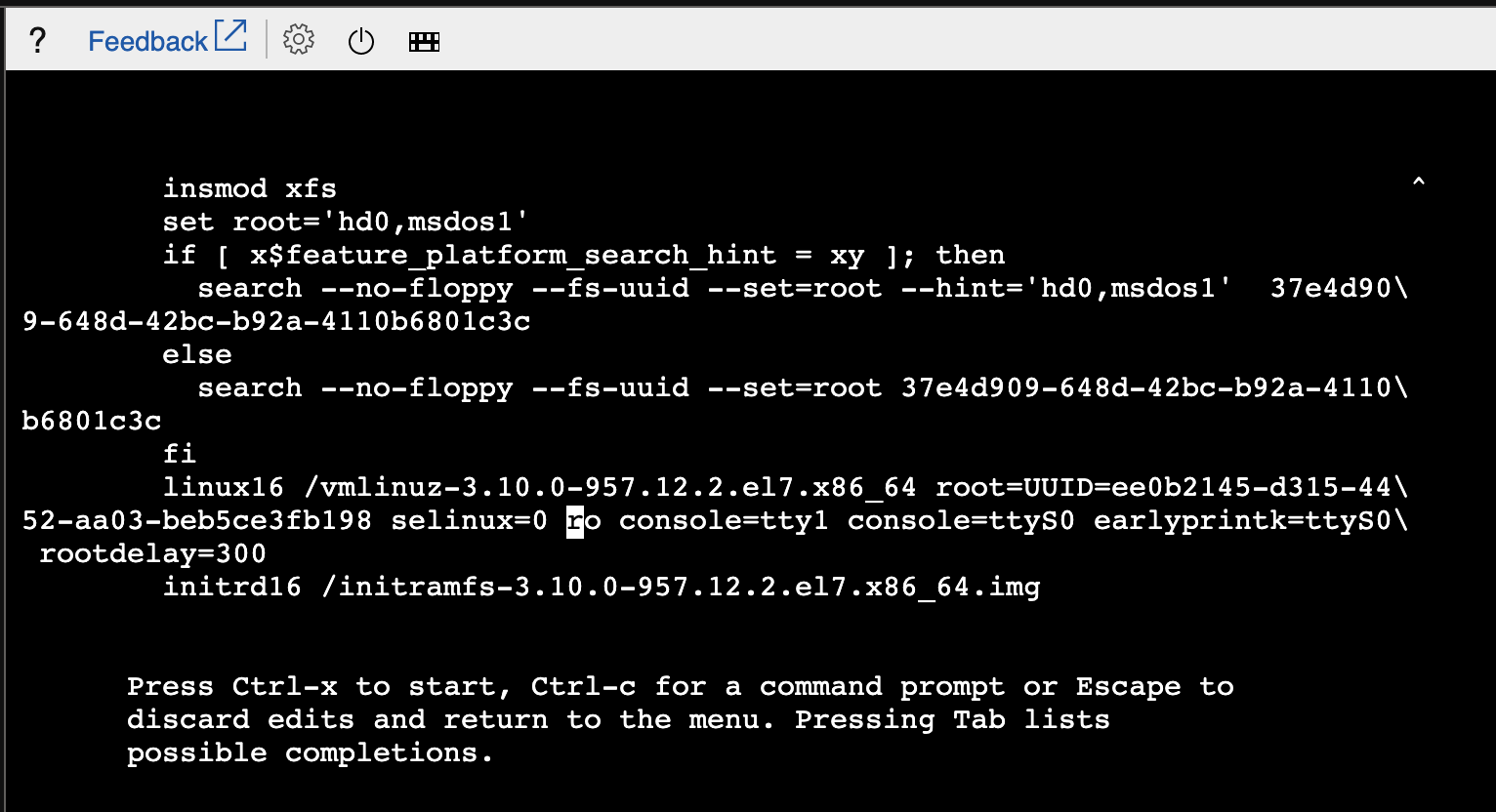
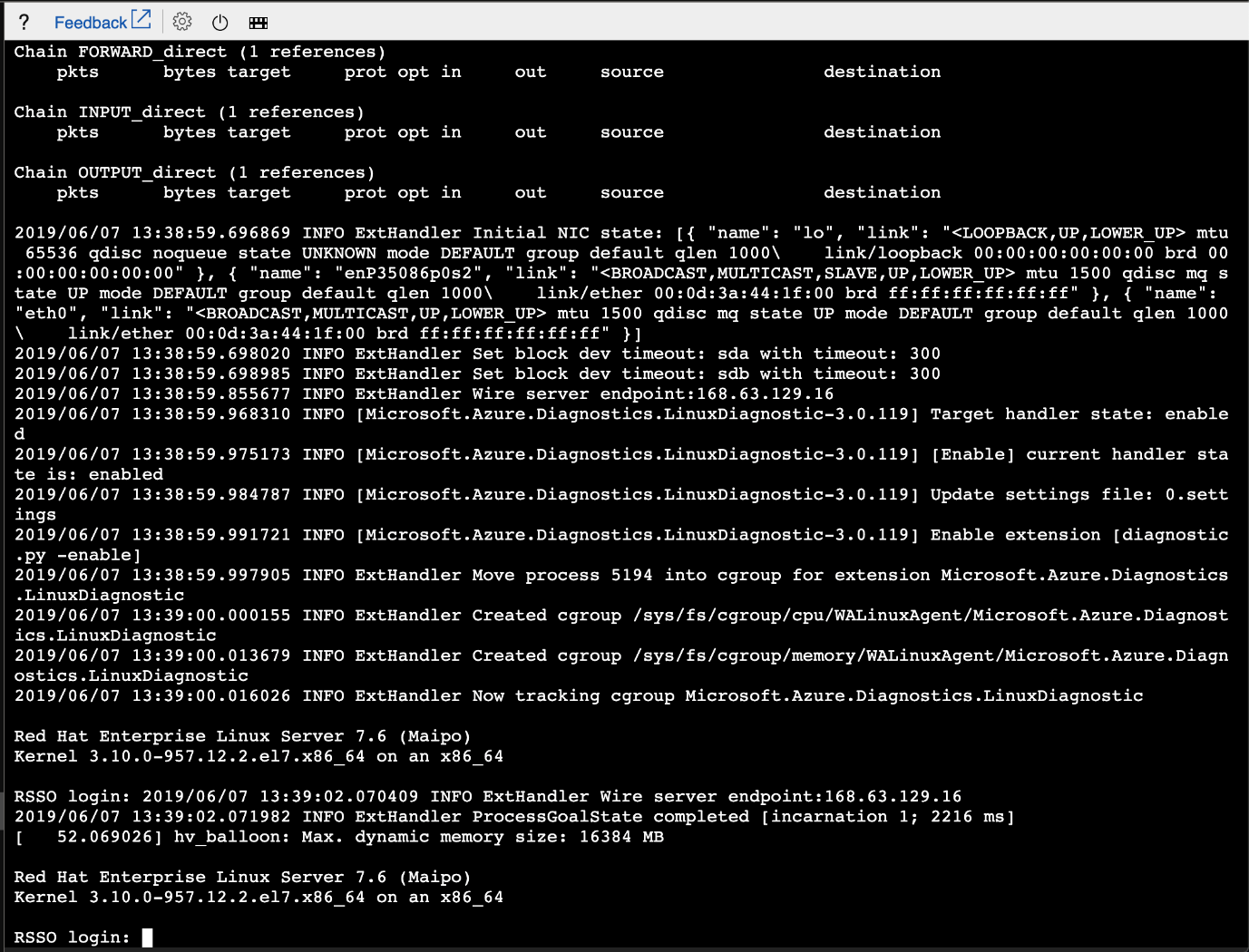
Do Ctrl + X and the server should start without worry: