To simplify operation with replicas, StarWind provides Replication Manager that allows:
To launch Replication Manager, right-click on the device and select Replication Manager from the shortcut menu.
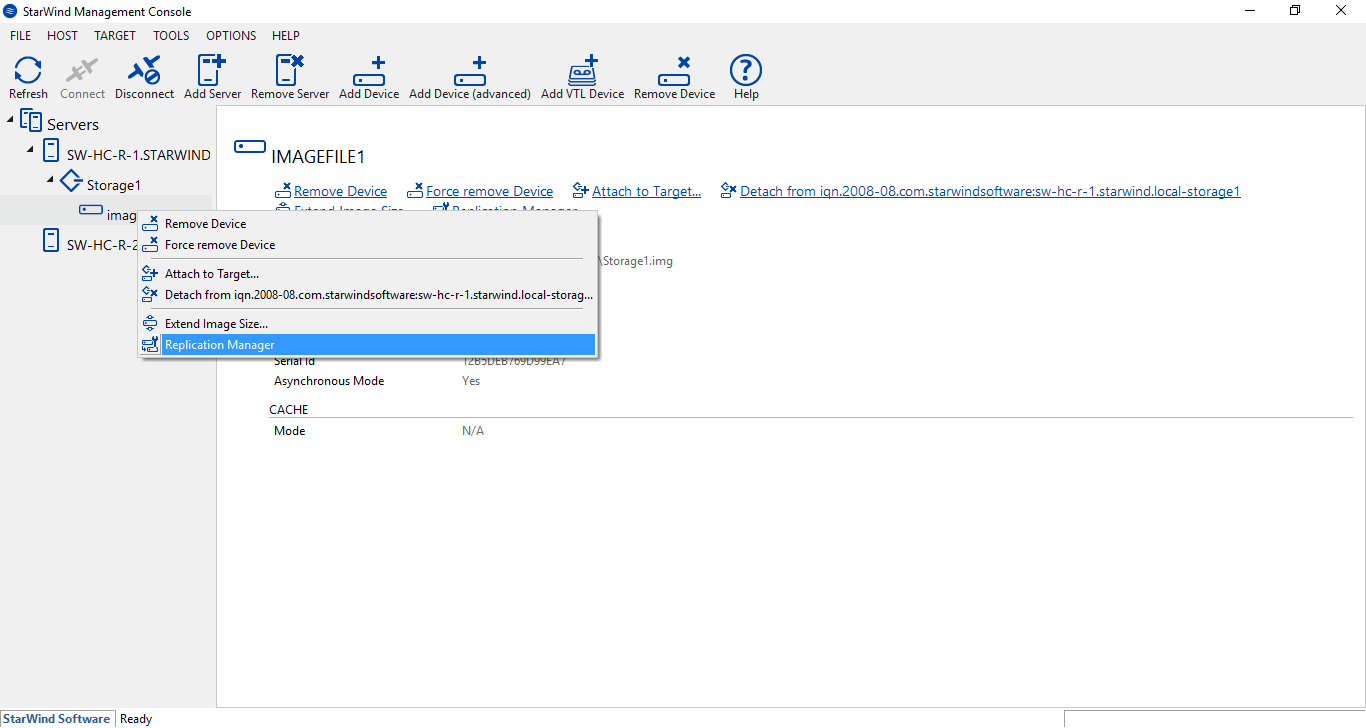
Replication Manager looks as it shown in a screenshot below.

To create a replica:
Right-click the needed device and select Replication Manager from the shortcut menu. Then, click Add Replica.